Series of 8
8 Free Multiplayer Browser Games to Play With Friends
Eight free multiplayer browser games for friends, with private-room setup, group fit, controls and the paid extras to check before playing.
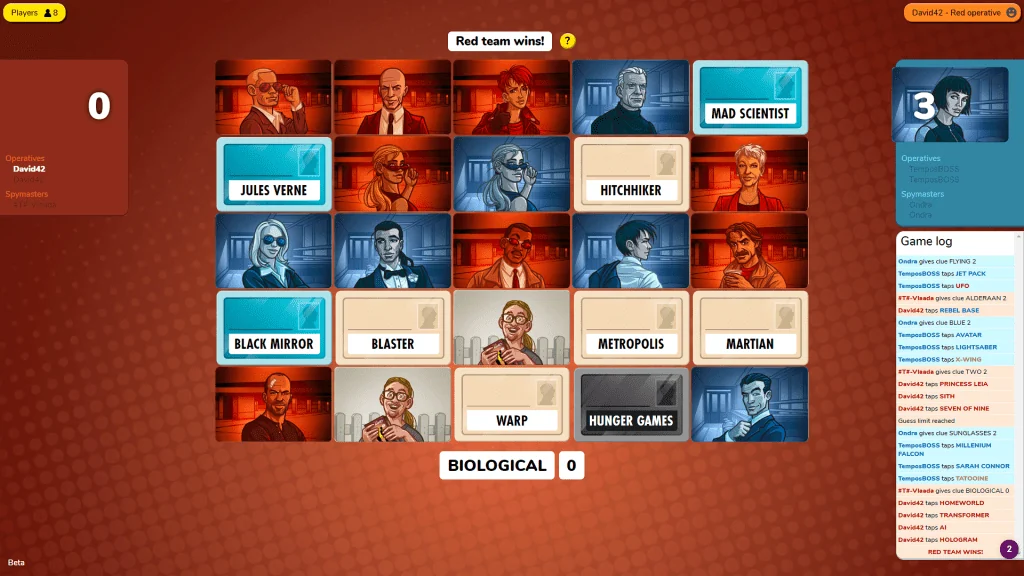
Start with Codenames for a team word game, Gartic Phone for a drawing party, or Lichess when there are just two of you. For something faster, Smash Karts has private kart battles and HaxBall strips soccer down to discs and a ball. All eight picks below have a free browser option, so everyone can join without installing a game.
Cinevva publishes this guide and operates Arcade.
A group already deep in conversation needs something different from four people itching to compete. Each entry explains what you'll do together, how to set up a session, and the catch to know before sending the invitation. For two players, Codenames Duet and Crazy Eights are good alternatives to chess.
Pick a game for your group
| Game | Best with |
|---|---|
| Codenames | 4+ for clues, or 2 for Duet |
| Gartic Phone | A drawing party on a voice call |
| skribbl.io | 2 to 20 racing to guess drawings |
| Lichess | Two chess players |
| Crazy Eights | 2 to 8 around a card table |
| Colonist | A group keen on board strategy |
| HaxBall | Teams of 3 or 4, with keyboards |
| Smash Karts | Kart battles for up to 24 |
Codenames Online: give your friends just enough information
A spymaster can see which words belong to their team. Everyone else sees a grid full of possibilities. The job is to find one clue that points toward several friendly cards without steering anyone into the wrong one. A confident guess can be wonderful to watch go wrong, especially when the person giving the clue has to sit through the explanation in silence.
Choose Classic for four or more, with a spymaster and guesser on each team. Duet supports two or more working together. Both appear in the browser room settings. The publisher's comparison explains that this free browser edition supports custom words. The separate mobile app is a paid product with different features.
Enter a nickname, open the room, and share the URL. Friends choose a team and role, then the host starts. Use your usual voice call for the discussion. Agree on clue rules before the first turn, and keep the spymaster's view off any shared screen.
Gartic Phone: let the drawing go wrong
Gartic Phone passes an idea through a chain of people. One writes a sentence, another draws it, and someone else describes the drawing. By the time the sequence comes back around, an ordinary prompt can have acquired a different subject.
It suits a mixed group because a clumsy drawing gives the next person something to interpret. The reveal is the point of the game. Leave time to look through the results together before starting another round.
The official site offers an Anonymous entry mode with a nickname. Use that entry point to host a game and send your friends the invitation. The developer also documents room sharing in its February 2026 update video. Keep a voice call open for the reveal.
skribbl.io: the race to name a terrible drawing
In skribbl.io, one person draws a hidden word while everyone else types guesses. Everyone guesses at once, so even a recognizable drawing can create a small panic as several people reach for the answer together.
The private-room menu gives the host useful control over the pace. It allows 2 to 20 players, drawing timers from 15 to 240 seconds, and 2 to 10 rounds. Longer drawing time is a sensible starting choice when somebody is wrestling with a trackpad. Custom words can turn a round into a collection of shared jokes. The person who wrote them will have an advantage.
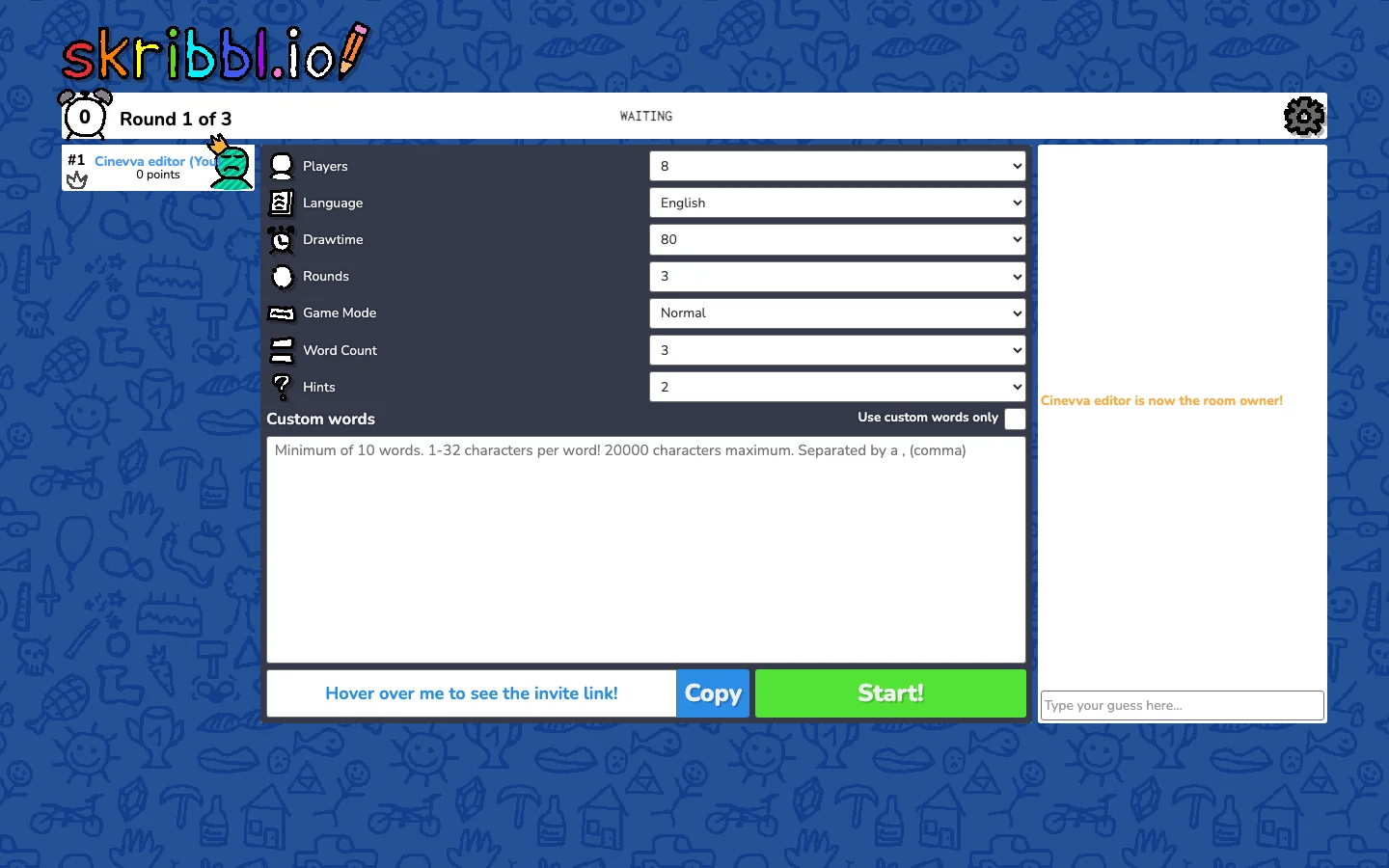
Type a name, choose Create Private Room, and copy the invitation beneath the settings. The official site lists mobile support, including a mobile keyboard setting. Drawing and typing share a small screen on a phone, so give that player time to get comfortable before shortening the timer.
Lichess: two players, one board, your choice of clock
Chess is a good excuse to call an old friend. A slow game leaves room to talk. A fast one can consume the entire conversation. Lichess makes the clock part of the choice, with a Challenge a friend button on its front page.
Create the challenge, choose the time control and color, then send the resulting link. The accessibility guide describes these settings and the Copy URL button. Casual play is available to anonymous players, and registration is optional. If one of you is learning, use a generous clock. A frantic time limit can hide the decisions that make a position interesting.
Lichess is free and ad-free. Its help pages cover mobile-browser controls.
Crazy Eights: a card table with room for your house rules
Crazy Eights on PlayingCards.io is a good choice when the group wants a familiar activity beneath the conversation. Match the suit or rank on the discard pile, use an eight to change the suit, and try to empty your hand before the others. The official template lists 2 to 8 players and a 10 to 20 minute play time.
PlayingCards.io supplies a shared table. The people around it handle the rules, turns and disagreements. Cards in your hand are private, and movements on the table synchronize between players. This freedom is useful if your family has spent years arguing over one particular house rule and intends to keep it.
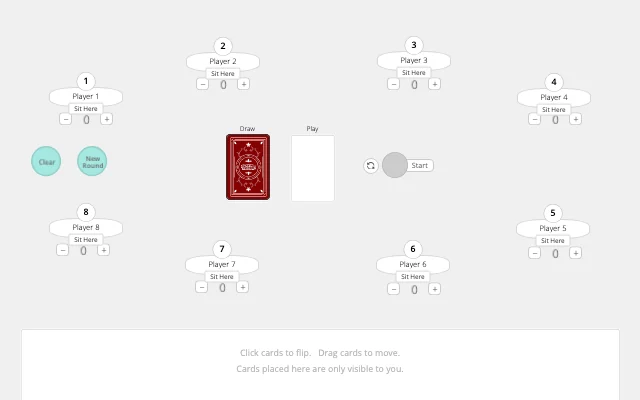
Open the template, create a room and send its code. The quick-start guide covers dragging, flipping and touch controls. Keep a separate call open because the tabletop has no built-in chat. For six or more players, follow the template's instructions to add a second deck before dealing.
The service's FAQ says free rooms save their state and expire after two weeks of inactivity. An account extends that period to 30 days. Paid subscriptions add features such as non-expiring rooms.
Colonist: build, trade and bargain over an island
Colonist builds a Catan-style game around resources, roads and settlements. The map determines what you can produce, while trading puts the missing materials in somebody else's hands. A useful resource can become a bargaining chip, and a promising stretch of coast can become a race.
Pick it when the group is willing to learn a few rules and stay for a longer game. Start with the base map. The free entry point includes the standard game, while expanded maps and modes have membership conditions. Only one eligible member needs to host an expansion for the group to use it.
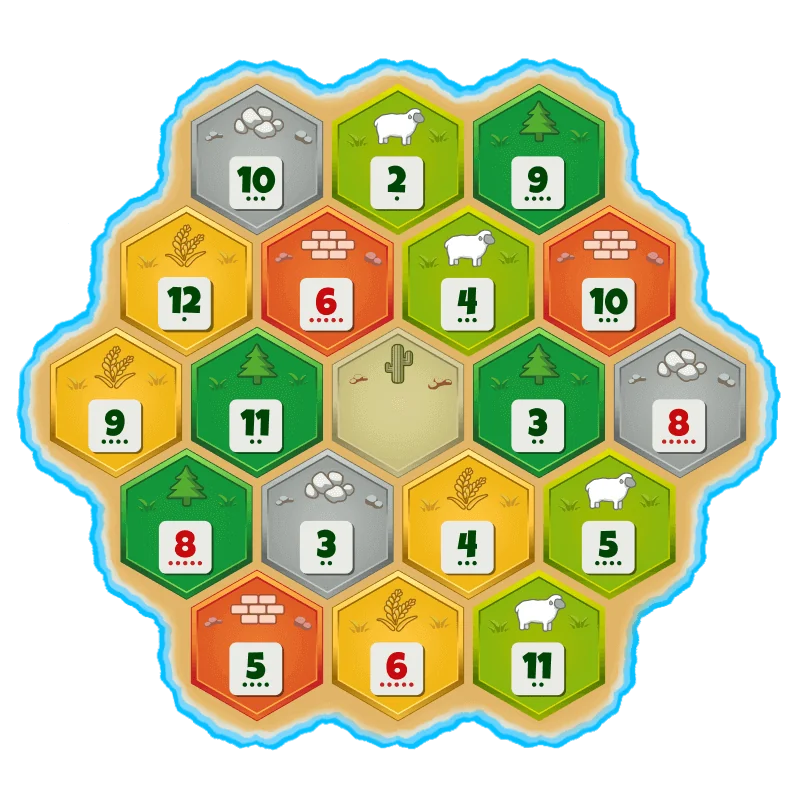
Use Play with Friends, then Create Room. We reached that menu during our check but didn't complete an invitation, so set up your room before gathering everyone. Check that the selected mode and map are free. The site has a guest entry path, with accounts and memberships governing additional features. Trading works better on a voice call.
HaxBall: soccer with nowhere to hide
HaxBall gives each player a small disc and puts a ball between two goals. The spare pitch makes positioning easy to read. Teammates have to leave useful space for one another, and everyone chasing the ball leaves the goal open.
Its creator recommends 3v3 and 4v4 for teamwork. The room-creation menu supports up to 20 players. Smaller teams give each player more time on the ball. Bring a keyboard for movement and kicking. A mouse-only setup is a poor fit.
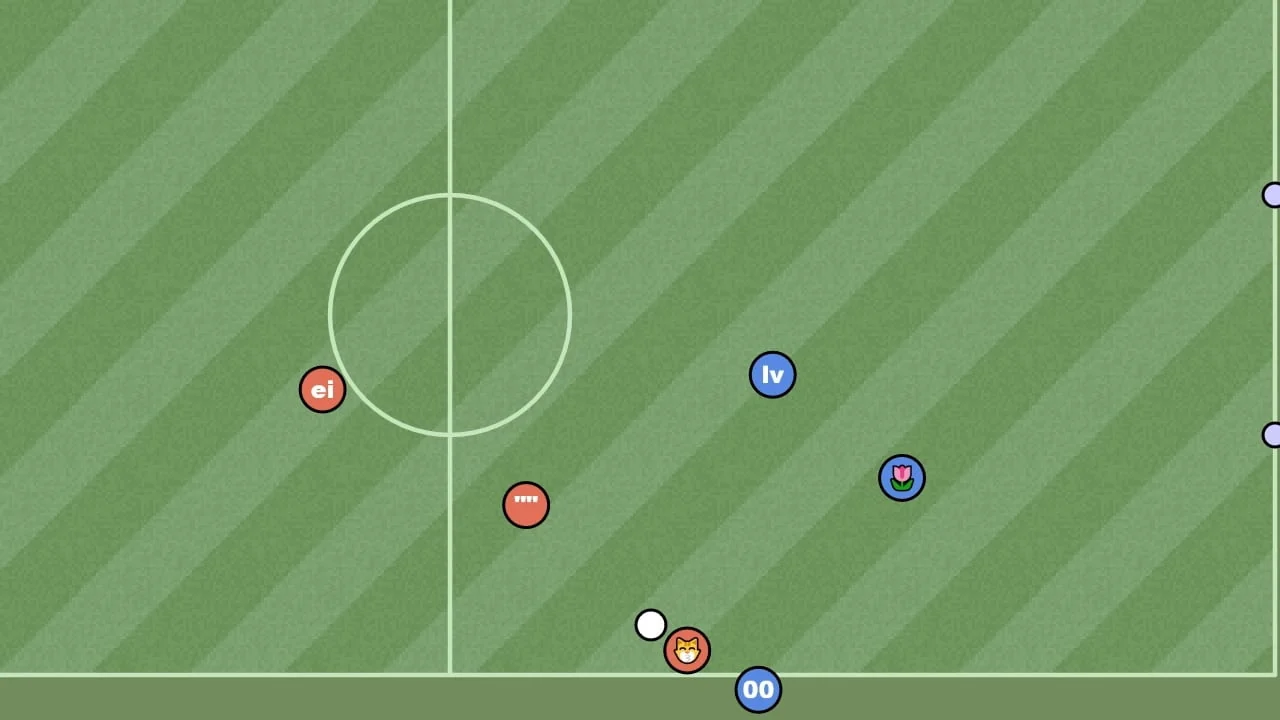
Choose a nickname, open Create room, set a password, and switch Show in room list to No. The creator's 2010 post on room links describes inviting friends by URL. We stopped at the settings screen, so confirm the link after creating your room. Send the password with it. HaxBall uses peer-to-peer connections, so the host's connection matters. If the match stutters, try a different host first.
Smash Karts: a three-minute grudge match
Smash Karts scatters weapons around a kart arena. Drive through a pickup, find out what you've collected, and try to line up a shot before someone reaches your rear bumper. The arenas give the group frequent reasons to blame one another for an explosion.
The private-game setup offers up to 24 players, a three-minute default timer, weapon choices, teams and bots. It also states that private games don't award XP. Choose this for the match itself, and use public play separately if account progression matters to you.
On desktop, use WASD or the arrow keys to drive and Space to fire. The game's CrazyGames page lists mobile-browser support. Test the touch controls before deciding that everyone should spend the evening here.
Select Create below the main Play button, set up a private game and start it. Friends can open the invitation link or use Join with the room name. The initial guest menu exposes these controls without an account. Expect advertising and a shop.
Getting everyone into the game
Send the specific room or challenge link. A link to the front page leaves each person at the beginning of the setup. Check that the first guest has arrived before starting, then let that person confirm that the board and controls are usable on their device.
For a group using mixed hardware, start with drawing, words or cards. HaxBall asks for keyboard control, and 3D kart battles put more demands on the device. Our Chromebook browser-game guide goes into keyboard and trackpad choices. The browser-game sites comparison is useful when you want a wider catalog.
For a solo game while the others arrive, browse the free browser-game selection or Cinevva Arcade.
Series of 8
Series of 8 is five Cinevva guides with eight picks in each. Explore the other four:
Sources and setup screens checked November 21, 2026. We inspected Codenames, skribbl.io, HaxBall, Smash Karts and Colonist in automated desktop Chromium sessions. Phone controls remain untested. The Gartic Phone and Lichess entries rely on developer documentation. Gameplay videos added November 22. The Crazy Eights clip uses two isolated browser seats controlled by Cinevva. External videos were sampled to check the game and playback.