Series of 8
8 Best Free Game Websites, Compared
Compare 8 free game websites, including Poki, CrazyGames and itch.io. Find starting games, gameplay videos, useful filters, and account and save details.
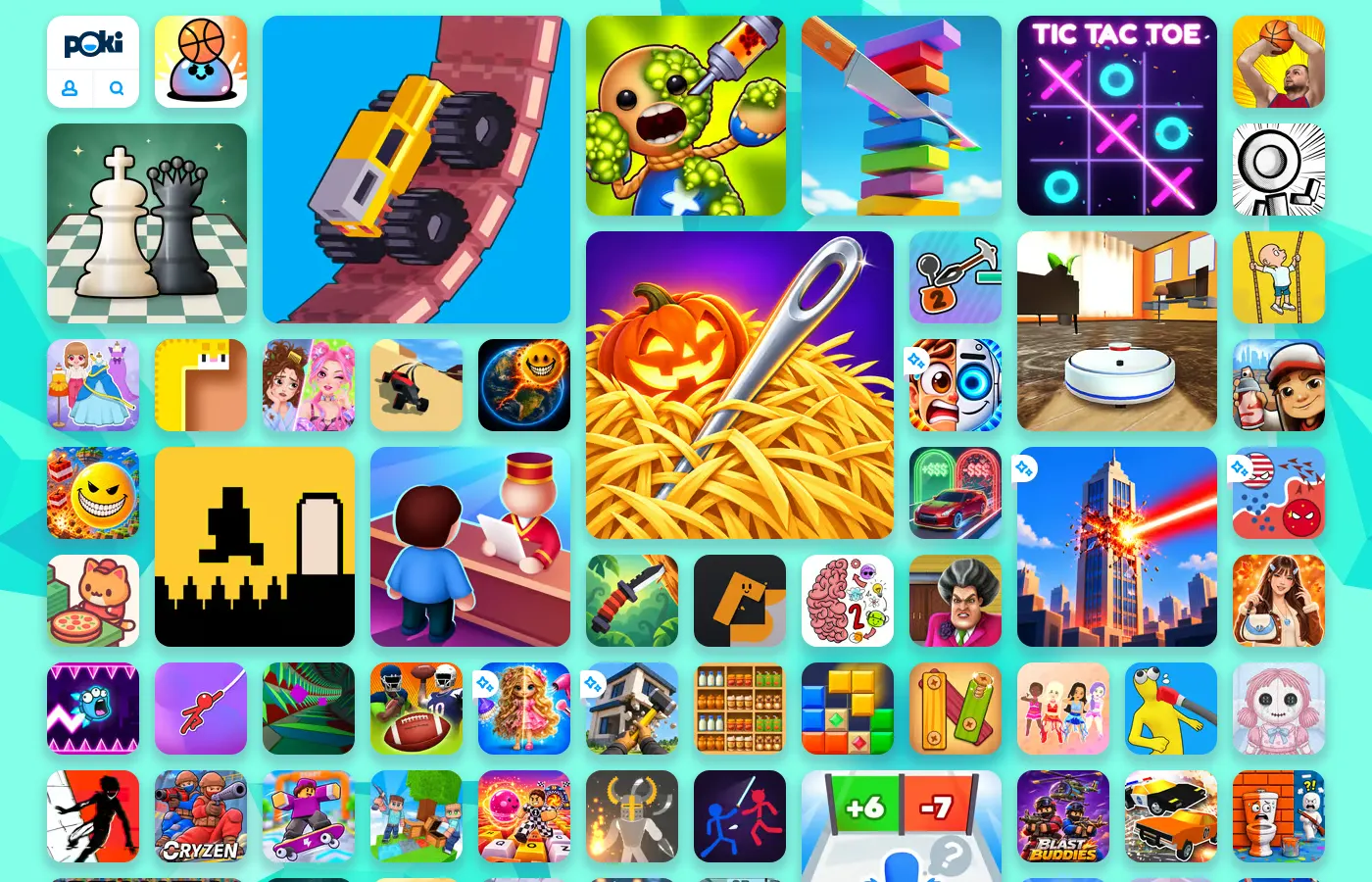
Poki is a good first stop for a quick game, CrazyGames lets you choose by activity, and itch.io rewards a little searching. For alternatives to Poki or CrazyGames, try Coolmath Games for puzzles, Newgrounds for creator discoveries, Armor Games for its genre collections, or CardGames.io for a familiar card table. Cinevva Arcade, which we operate, mixes studio releases with community games.
Cinevva publishes this guide and operates Arcade.
All eight offer free games you can play in a browser. Some help you find a five-minute diversion. Others are better at finding a particular kind of puzzle, keeping up with a creator, or making your progress available on another computer.
Choose a site by what you want to do
| Website | Choose it for |
|---|---|
| Poki | Quick casual browsing |
| CrazyGames | Activity and group filters |
| itch.io | Indie games and filters |
| Coolmath Games | Puzzles with instructions |
| Newgrounds | Following game creators |
| Armor Games | Genres and game features |
| CardGames.io | Familiar cards and boards |
| Cinevva Arcade | Studio and community games |
Poki: an easy first bookmark
Poki has a direct front page. On our visit, a car balanced on a wall, a stick figure hung from a rope, and a chess piece waited beside them. The grid invites you to try something before you've decided on a genre. Search finds a game by name. The category pages give the jumble some order.
Start with Drive Mad, Fancade's physics driving game. The right arrow moves forward and the left moves backward. The game's listing explains how acceleration and braking affect the car's balance, giving those two buttons plenty to do on a slope. The page also distinguishes its browser version from the mobile app.
Poki's FAQ says an account is optional and play is free. Ads fund the service, and the main site has no paid ad-free option. Expect interruptions, including game-specific offers such as watching an ad to skip a troublesome Drive Mad level.
The account earns its place once you get attached to a game. Poki documents browser-local progress for guests and online saves for account holders. Clearing site data can remove a guest's progress.
CrazyGames: choose an activity first
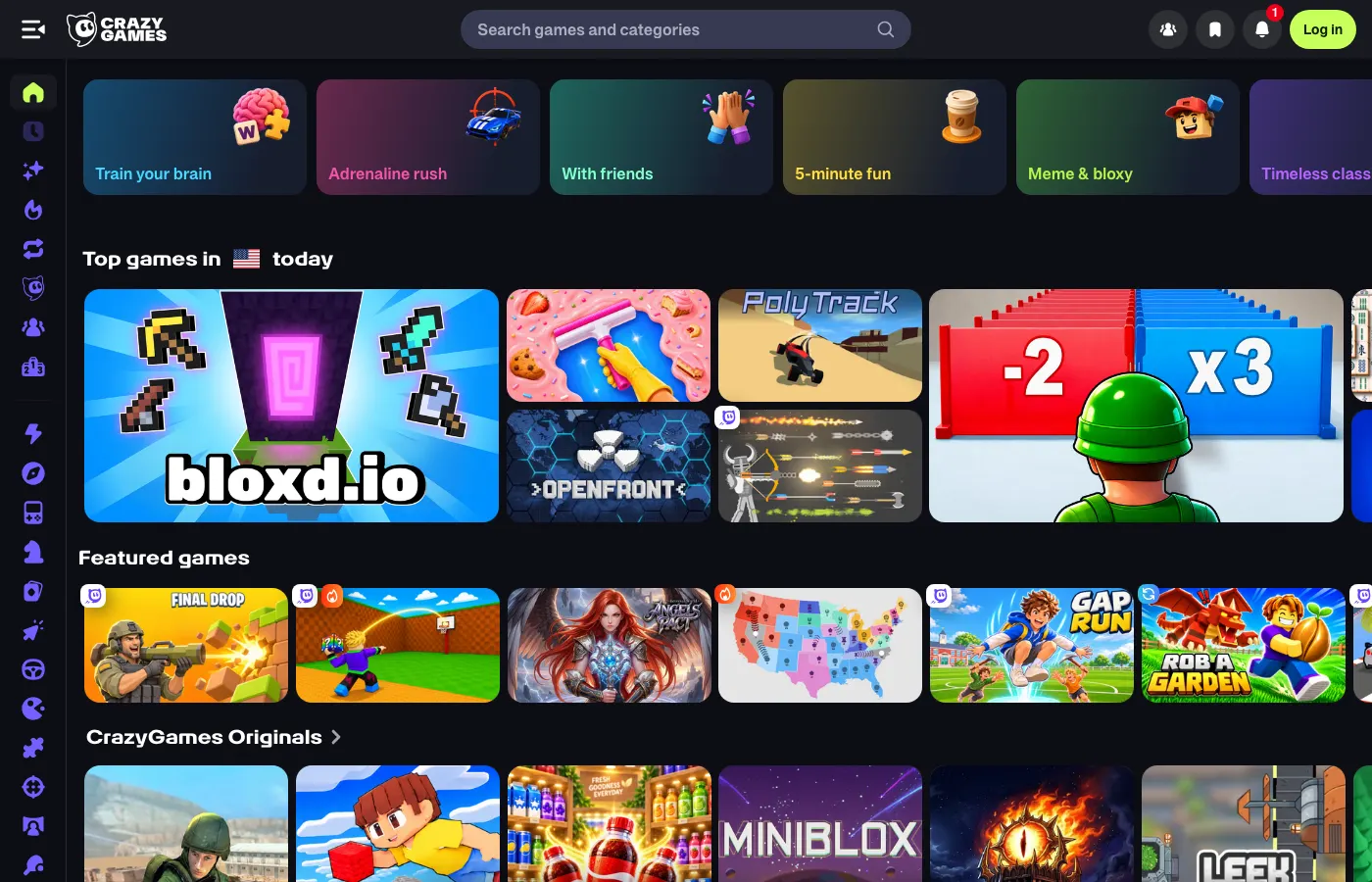
CrazyGames is useful when you can describe what you want without naming a game. Its current front page groups games under labels such as With friends, 5-minute fun, Just relax and Deep progress. Those are helpful starting points when “action” or “puzzle” still leaves too much to choose from.
Space Waves, by do.games, lists supported devices, controls and modes below the play area. It's a one-button game about steering an arrow past obstacles. The page's tags lead to more games with simple controls and short sessions if that particular challenge suits you.
Space Waves displays a sign-in reminder for saving progress. CrazyGames' developer documentation describes account-linked saves for games using its save systems, with local saves for guests. Which progress is saved online depends on the game.
The same documentation allows video ads, optional rewarded ads and banners, and some games sell extras. For a group, our multiplayer browser game guide narrows the choice to games with ways to invite friends.
itch.io: use the filters before the front page wears you out
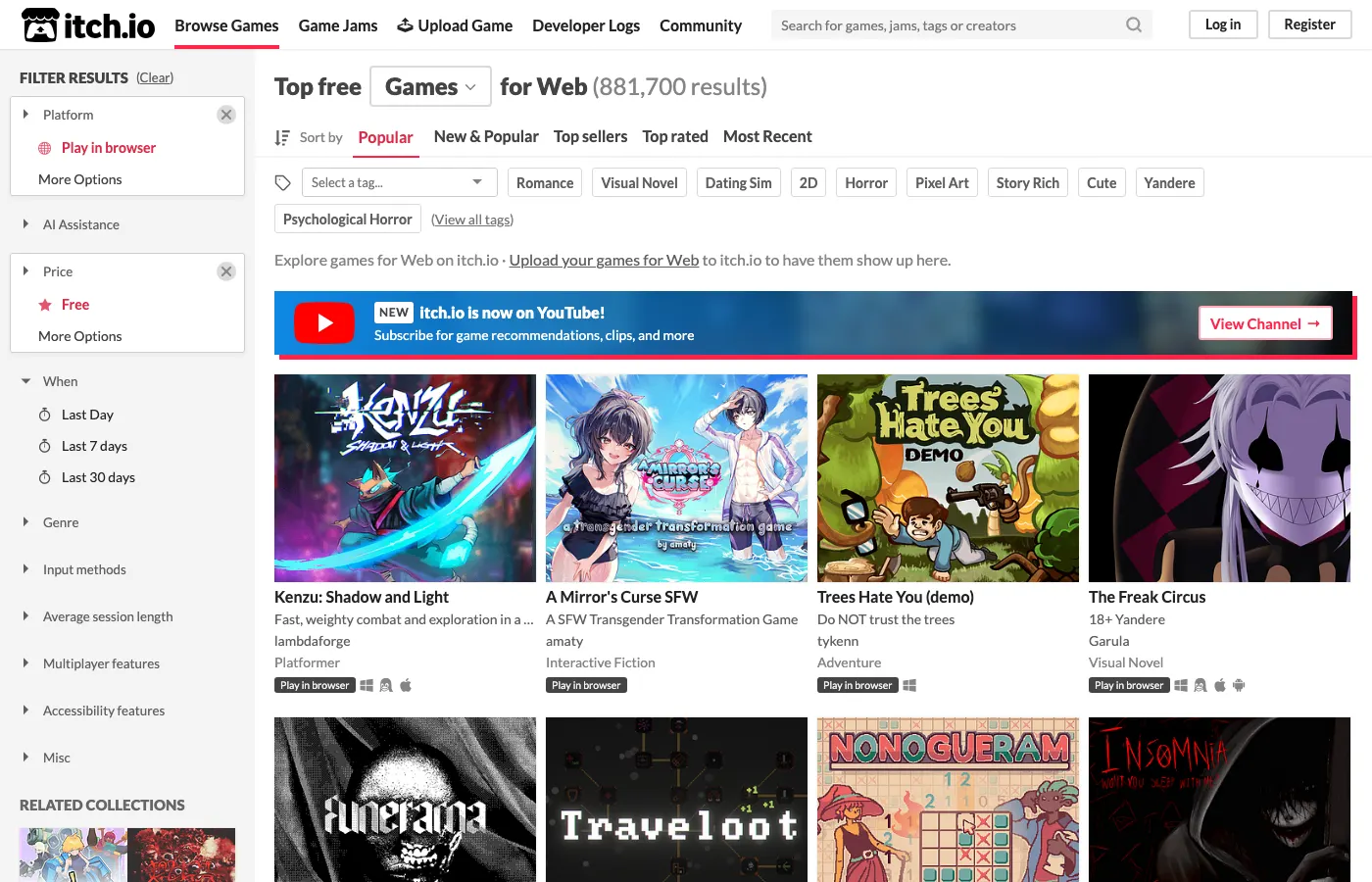
The most useful itch.io bookmark is its free browser games page. That address applies Free and Play in browser together. The wider store also carries paid releases, downloadable games and demos, so starting with both filters saves a lot of wrong turns.
Use the sidebar to narrow by input method, approximate session length, genre or accessibility features. Ask for mouse controls and a few minutes of play, and you get a different selection from keyboard games that run for hours. These descriptions come from the projects' listings, so read the creator's page before treating them as a guarantee.
Frog Corral is a good first visit. Radnyx's small puzzle asks you to click and drag a group of frogs back to water. Its page gives the controls, describes ten levels, and puts Run game above an optional support button. The playable game, a donation and a separate download can be different choices on the same page.
An itch.io account lets you follow creators and put games into collections. A collection is a bookmark list. Save files remain a matter for each game, so check for a local save, export option or documented cloud account when you find something longer. Read content notes too. The catalog serves many audiences, including adults.
Coolmath Games: find a puzzle with instructions underneath
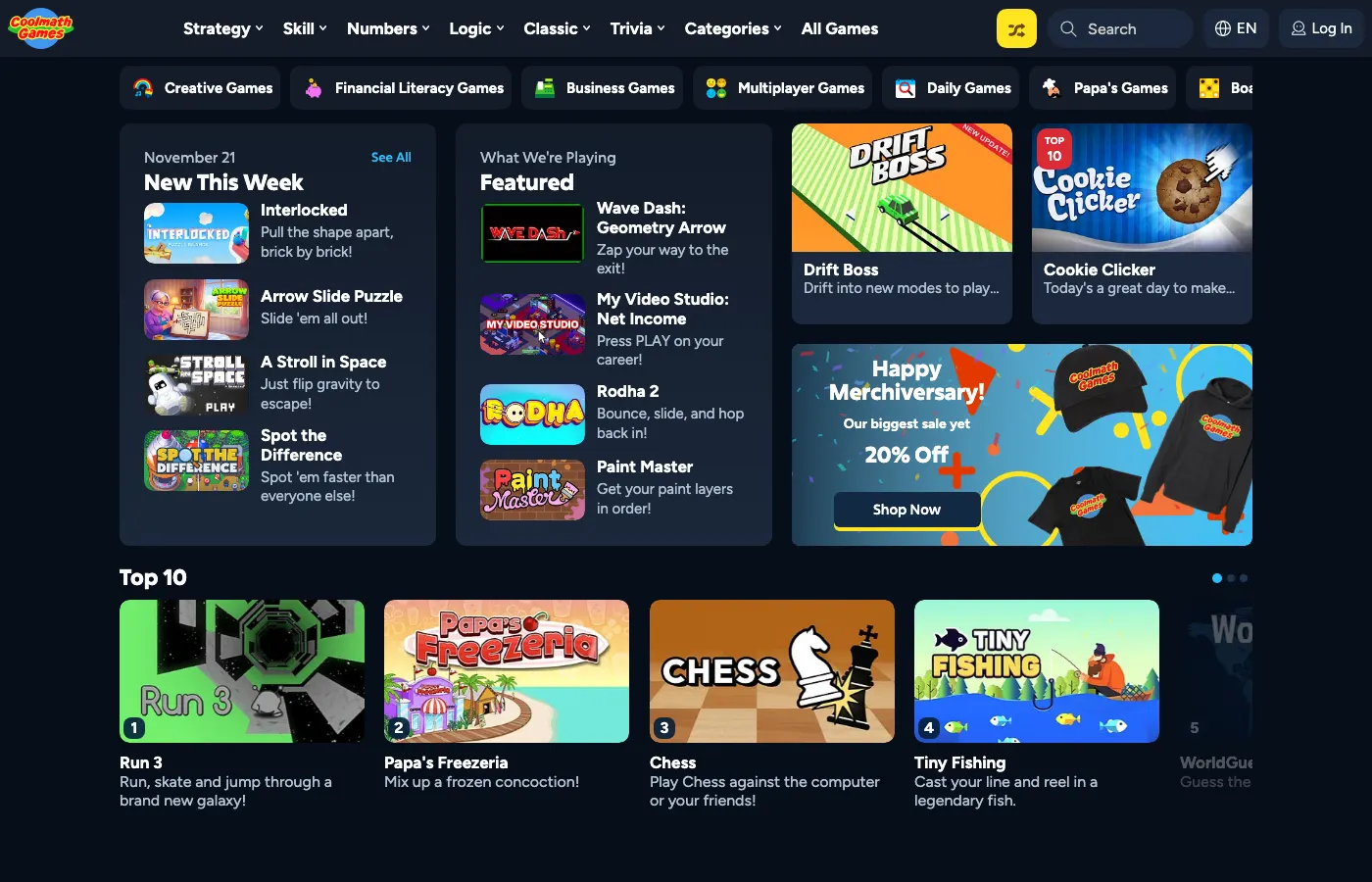
Coolmath Games organizes its catalog into small categories. Under Logic, you'll find sliding puzzles, physics puzzles and platforming puzzles. Skill includes timing, one-button games and hard controls. Those distinctions help when you know what you enjoy doing with your hands.
Try Bloxorz, by Damien Clarke. You roll a block across a narrow platform and try to drop it through a square hole. The arrow keys move the block, while switches and fragile tiles complicate the route. Its instructions explain those rules and the stage passcodes, which provide a way to resume a later puzzle.
Advertising is noticeable around the free games. Our Bloxorz page check included a timed wait and an offer to skip ads through Premium. The site's Premium Access FAQ describes an ad-free subscription with other account features. Those extras are separate from opening the free game.
Bloxorz's passcode is worth writing down because you can enter it on another computer. A Coolmath account or playlist doesn't establish the same portability for every game. For more games chosen around keyboard and trackpad use, see our Chromebook browser game guide.
Newgrounds: follow the people who made the game
Newgrounds' game page places creator names beneath each release. Open a game and you'll find author comments, credits and player reviews close to the play area. A game you like can lead to the author's other work or the musician's page.
Featured, Latest and Popular offer different routes, with date ranges, genre filters and content-rating buttons. Set the ratings before browsing if you want to exclude mature material. The site contains work for different audiences, and a familiar cartoon style tells you very little about the content of a particular game.

Friday Night Funkin' makes a good starting point. Its page credits PhantomArcade and EvilSk8er for art, ninjamuffin99 for programming, and Kawai Sprite for music. It explains the arrow-key or WASD controls and displays the medals you can earn. A free account records those Newgrounds medals. The game handles its own progress separately.
Newgrounds also keeps older Flash work available through Ruffle emulation. Tom Fulp's November 4, 2026 post says most Flash games on the site now run that way. Some older entries can still have different playback requirements. The paid Supporter upgrade removes site ads, including appeals to become a supporter.
Armor Games: browse by the feature you care about
Armor Games has a long list of categories that goes beyond genre. Keyboard Only, Mouse Only, Local Co-Op, Online Save and Demo are useful distinctions when you're deciding what fits the next half-hour. Open All Categories to find them.
For a straightforward route into its current browser catalog, start with HTML Games. You can sort by newest, highest rated, highest plays or name. Keep the categories separate in your mind: a popular old Flash entry and a recent web release can have different playback requirements.
Interlocked: Puzzle Islands, from Puzzle Dev, shows why the game page matters. The listing identifies it as a demo, gives mouse controls, and links its Steam page. You turn a three-dimensional puzzle and pull its pieces apart. Right-drag rotates the world. Left-drag handles the puzzle and its pieces. Its launch screen asks you to watch an ad before playing. The creator also hosts a free WebGL edition on itch.io, shown below.
Check a game's description for save support and optional purchases. Armor's developer documentation supports in-game purchases, so free access doesn't describe every possible transaction. Its Online Save category is a useful lead when persistence matters, followed by checking the selected game's own instructions.
CardGames.io: get straight to the table
CardGames.io puts Hearts, Spades, FreeCell, Cribbage, chess and backgammon in one menu. You can choose the game you already know and spend the break playing it.
Open Hearts and press Deal for a game against the computer. The table tells you when to select the three cards to pass. Rules sit below the board, and the Options menu covers sound, speed and the scorecard. The multiplayer menu also offers shared and private tables when you want human company.
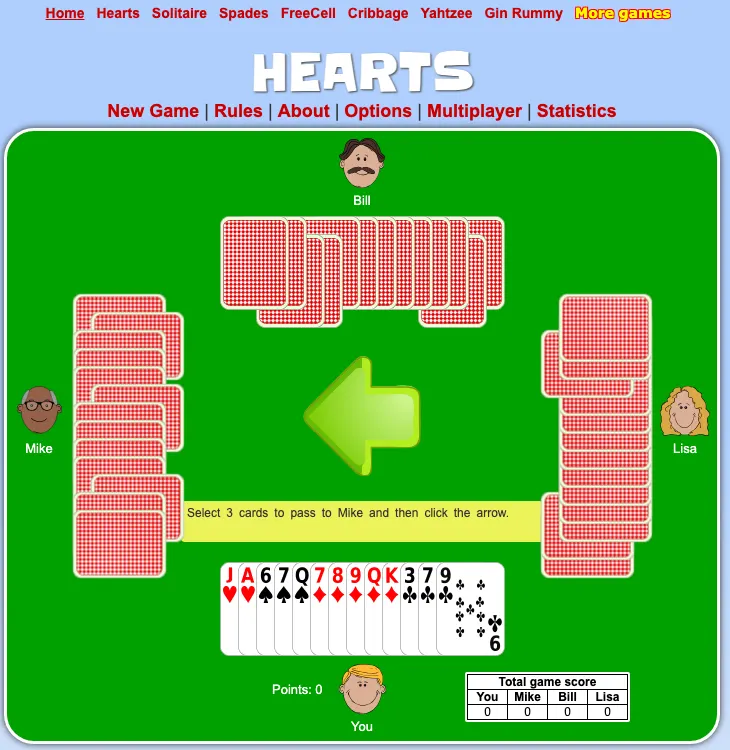
The site's FAQ explains its deliberately limited options. It avoids logins, keeps statistics in your browser and generally provides one set of rules for each game. That's convenient for an occasional hand. It also means your statistics won't follow you to a different browser, and a favorite house rule may be unavailable.
Ads support the website and appear around the play area. The game controls are easy to find above the table. Choose this site when you already know the game you'd like to play.
Cinevva Arcade: studio and community games in one catalog
Cinevva Arcade, which we operate, offers free browser games in Featured games and Community games views. You can sort by most loved, most played or recently added. The Discover view also groups games into shelves such as A little brainwork and Follow your reflexes. Games from other studios carry a Studio game label. Community submissions show their creator names.
Arcade's feed settings describe a More like this control and say your preferences and recently opened games stay in the browser. Those choices stay with that browser profile. For game progress, check the individual game's save controls.
Try Mirror Beam Lab, by Amit. In the first puzzle, press Space to rotate a mirror and send its beam into a receiver. Our recording shows three rotations lighting the receiver. You can play without an account, and the page has a fullscreen control for a larger view.
The game page credits its creator and links to a remix option in Cinevva's game creator. To sample creator-made games, open the Community games view.
Keep the bookmark that gets you back to your game
Once you've found something worth returning to, bookmark its actual game page. A catalog's front page changes, and the same title may appear on several websites with separate accounts or browser saves. Return to the same site and browser profile unless the game explicitly supports moving progress.
For individual recommendations, use our best free browser games guide.
Series of 8
This is part of Cinevva's Series of 8, with eight picks in each guide.
- Multiplayer games to play with friends
- Browser games for a Chromebook
- Cozy games for a quiet break
- Horror games to play tonight
Checked November 21–22, 2026 against current site pages and help documentation. Game descriptions use creator and publisher information. Desktop browser checks covered catalog and game pages. We recorded card passing in Hearts, a few moves in the creator-hosted Interlocked WebGL demo, and Mirror Beam Lab's first puzzle. YouTube footage was checked through metadata and sampled playback. Sign-in, save transfers, purchases, Arcade's feed and remix controls, and other devices were not tested.