Series of 8
8 Best Free Chromebook Games to Play in Your Browser
Eight free browser games for Chromebook owners, with keyboard controls, click-and-drag play, save notes, and direct links. No app installation.
Start with 2048 if you want a quick puzzle, Celeste Classic if you want a demanding platformer, or Little Alchemy 2 for click-and-drag experiments. All three have free browser versions that open without installing an app.
For a little more room to wander, Champion Island wraps seven sports in a small adventure. Fireboy and Watergirl gives two people a puzzle to solve on one keyboard.
Cinevva publishes this guide and operates Arcade.
Checked November 21 and 22, 2026, using publisher information and automated input in desktop Chrome and Chromium on macOS. No physical Chromebook was tested. Fireboy and Watergirl's instructions come from Coolmath Games. We also checked short samples of the third-party videos credited below.
Controls and saving
| Game | Input and progress notes |
|---|---|
| 2048 | Arrows. Reload kept our board. |
| Celeste Classic | Arrows, C and X. Saves unchecked. |
| Little Alchemy 2 | Drag items. Reload retained a discovery. |
| Bloxorz | Arrows, Space. Stage-code return checked. |
| Champion Island | Arrows, Space. Saves unchecked. |
| Fireboy and Watergirl | W/A/D and arrows. Saves unchecked. |
| Universal Paperclips | Click buttons. Periodic local autosave. |
| A Dark Room | Clicks, later keyboard. Save export available. |
These free browser versions need no separate installer. Chrome still loads the games' files from the web, so plan on an internet connection. The Coolmath Games pages carry advertising. Paperclips and A Dark Room also link to separate mobile apps.
2048: the easiest place to start
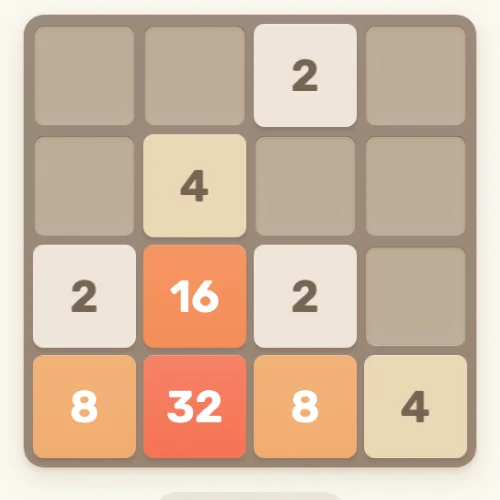
Gabriele Cirulli's 2048 gives you a four-by-four board and four directions. Sliding two matching numbers together makes a larger tile. The complication is that every move shifts the whole board, then another tile appears in the space you've been trying to protect.
It suits a Chromebook because the arrow keys do all the work. There is no timer chasing you while you decide whether that tempting merge will strand a smaller number behind your largest tile. Keeping the largest tile near a corner gives you a useful starting plan, though a crowded board can still force an ugly move.
In our desktop check, the board and score survived a reload. Use the same browser profile when you return, and remember that clearing the site's stored data can remove local progress. The current official page includes advertising and app promotion around the board.
Celeste Classic: put the keyboard to work
The original Celeste is a compact PICO-8 mountain climb by Maddy Thorson and Noel Berry. It has its own free browser build. The later commercial Celeste is a separate game.
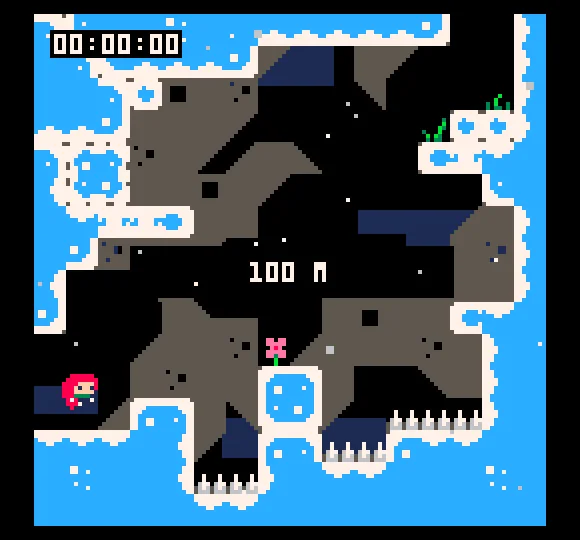
Small rooms make each jump easy to read. A ledge sits just out of reach, and a row of spikes narrows the landing. You have to turn that visible route into a sequence of jumps and dashes, with little room for a careless press. It asks considerably more of your timing than 2048.
Click inside the game, then press X and C together to start. Use the arrows to move, C to jump, and X to dash. Both hands can stay on the keyboard for the climb.
Little Alchemy 2: clicks, drags and experiments
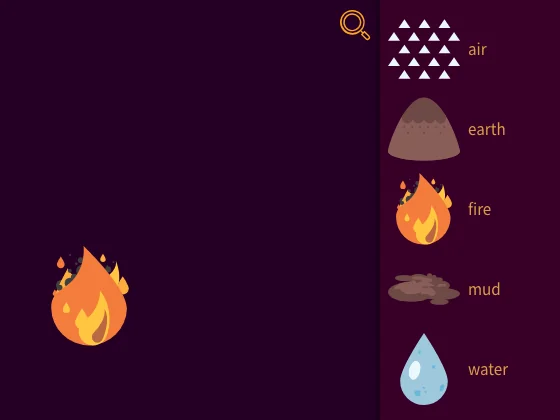
Little Alchemy 2 starts with air, earth, fire, and water. Drag two items together and see whether the game recognizes a combination. Earth and water make mud, which immediately supplies another thing to experiment with. Each discovery joins an illustrated collection.
You can take as long as you like over a combination. Its click-and-drag controls are a promising fit for a trackpad, provided you're comfortable holding the button while moving your finger. After mud appears, you have five ingredients to try against each other. A failed guess costs nothing, so there is little reason to leave an odd pairing unexplored.
Our first discovery remained after a reload. An older developer help page describes optional account-based cloud saves through Settings. We haven't checked the current login or syncing between computers. You can start without creating an account.
Bloxorz: a puzzle with stage passcodes
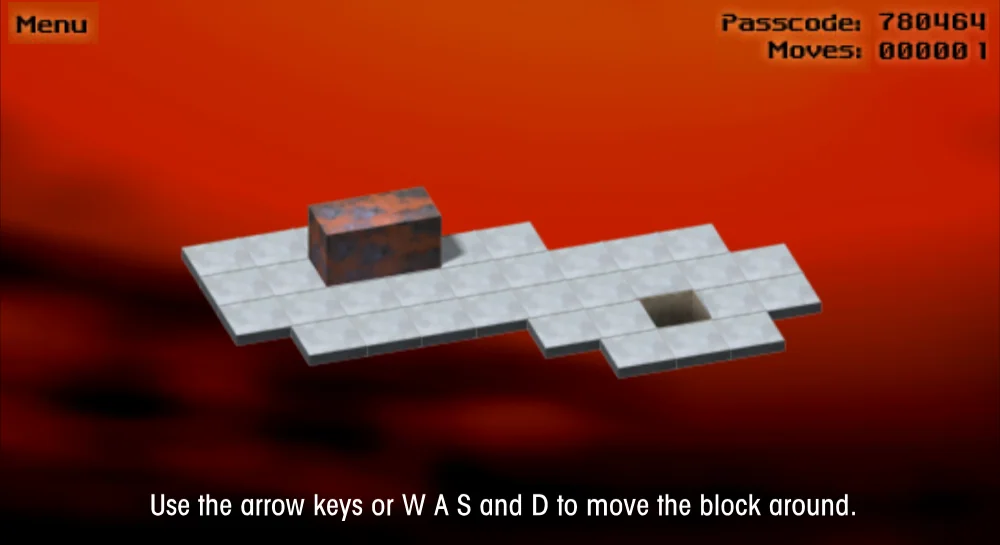
Coolmath Games' Bloxorz instructions describe a rectangular block that you roll into a square hole. The block alternates between standing upright and lying across two tiles. That changes where the next arrow-key press will leave it, and explains how an apparently easy route can end with half your block hanging over an edge.
Damien Clarke's puzzle has 33 stages. Bridges, switches, and fragile orange tiles gradually complicate the geometry. Later, Space switches between separated pieces of the block.
Write down the six-digit passcode at the top right. Open Menu, choose Quit to Menu, then Load Stage to enter it. Our check copied the first stage's code, 780464, and used it to return after moving the block. The code restarts the stage at the beginning. Advertising surrounds the game. Loading took tens of seconds in our desktop checks.
Doodle Champion Island Games: a little place to explore
Champion Island follows Lucky, a calico cat arriving for a sporting competition. Google and STUDIO 4°C built an island around seven events, with characters to meet and side quests between them. Table tennis, climbing, and skateboarding give you different reasons to visit its corners.
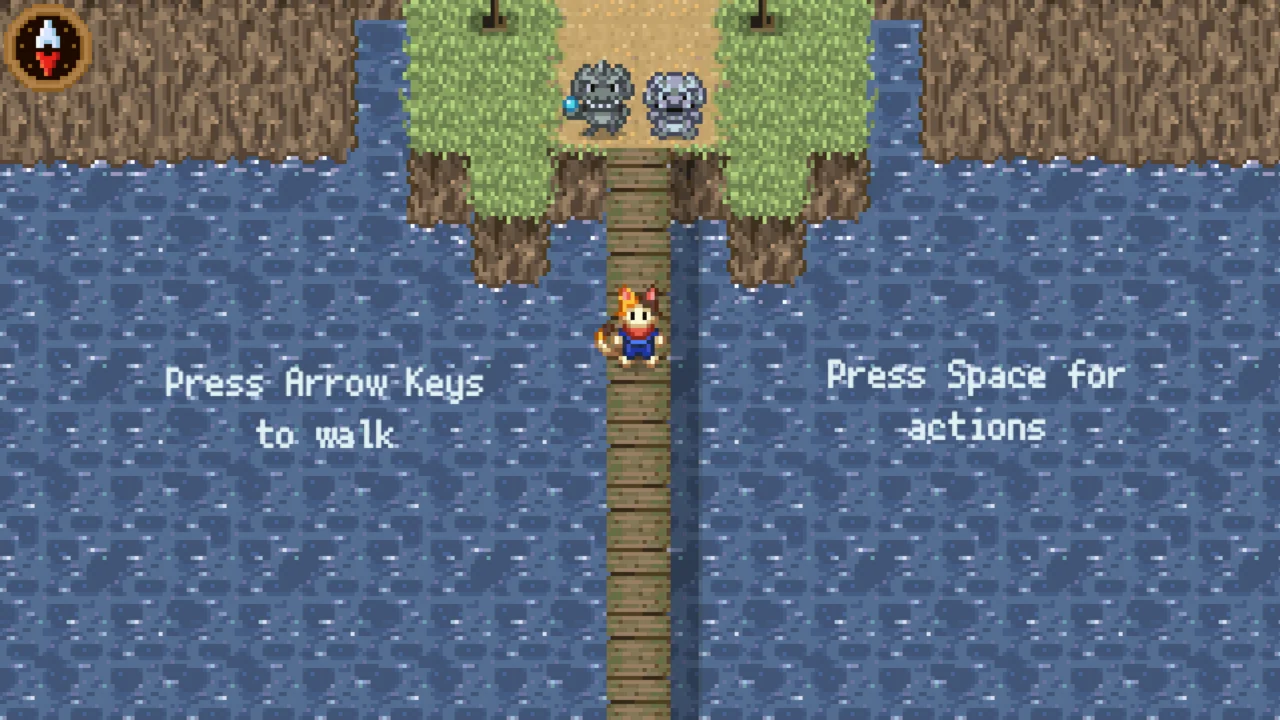
The opening pier tells you everything you need to start walking: arrow keys for movement and Space for actions. A skip button lets you move past the opening film. Our check took Lucky up the narrow pier to the two stone guardians at the island's entrance. Saving between visits remains unchecked.
Fireboy and Watergirl: share the keyboard
Oslo Albet's Fireboy and Watergirl in the Forest Temple gives two people a character each on one keyboard. Coolmath Games lists W, A, and D for Watergirl, with the arrow keys for Fireboy.
The publisher's instructions describe switches and buttons that need both characters to cooperate. Fireboy can pass through fire and Watergirl through water. Green pools are fatal to either character.
A small Chromebook keyboard can put your hands close together. Give the controls a quick try before settling in. You can also operate both characters yourself, but coordinating two people is the strongest reason to choose it. The publisher's page carries ads, including video ads built into the game. For friends on separate computers, use our multiplayer browser game guide.
Universal Paperclips: let the numbers get out of hand
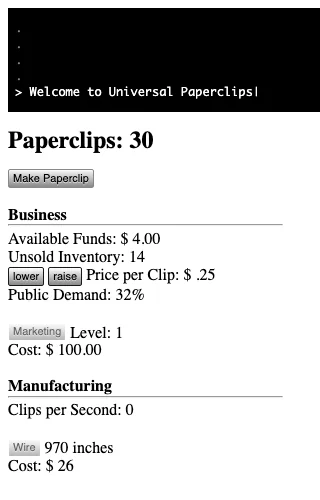
Frank Lantz's Universal Paperclips begins with a button labeled Make Paperclip. Click it, watch the clips sell, adjust the price, and keep an eye on your wire. The game lists AutoClippers among the machinery you can buy as the business grows.
The sparse page puts your attention on competing numbers. A higher price can bring more money per clip while leaving inventory waiting for buyers. In our opening check, 30 button presses left 970 inches of wire from the starting 1,000.
Give autosave time to run before closing the tab. An immediate reload lost our opening progress. A later check that waited 35 seconds restored the 30 clips we'd made, with funds and inventory from the last save. The game currently autosaves on a roughly 25-second cycle while active. That is a periodic save, so your most recent actions can still be lost. Progress is stored in that browser.
A Dark Room: read your way into an adventure
Doublespeak Games' A Dark Room begins with a cold room and a fire to light. Its text and plain buttons leave room for you to imagine the place. More choices arrive gradually, turning a tiny opening into a game about tending resources and venturing farther from home.
Reading and waiting are part of the opening rhythm. Answer the sound prompt before trying to light the fire, since it covers the controls until you make a choice. The early actions need ordinary clicks. Later travel uses the keyboard.
Use the save. link at the bottom of the page, then export, to get a copy of your save text. We exported an opening save successfully. Importing that copy on another computer remains unchecked.
Keeping your progress
Use your usual browser profile for a game you intend to revisit. A local save belongs to that site's storage in that profile. Clearing browsing data, switching profiles, or ending a private browsing session can leave you without it. Keep any stage codes or exported saves somewhere outside the game, and check a return visit before relying on it for a long playthrough.
Playing on a school Chromebook
A school or employer can restrict game sites on a managed Chromebook. We haven't checked these games on a school network. If a site is blocked, ask the administrator which game sites are permitted. Installing an extension isn't necessary for any game linked here.
For a broader starting point, read our free browser games guide.
Series of 8
This is part of Cinevva's Series of 8, with eight picks in each guide. Choose your next list: