Appearance
Skip to content
Arcade › PlayForge
PlayForge
How to play
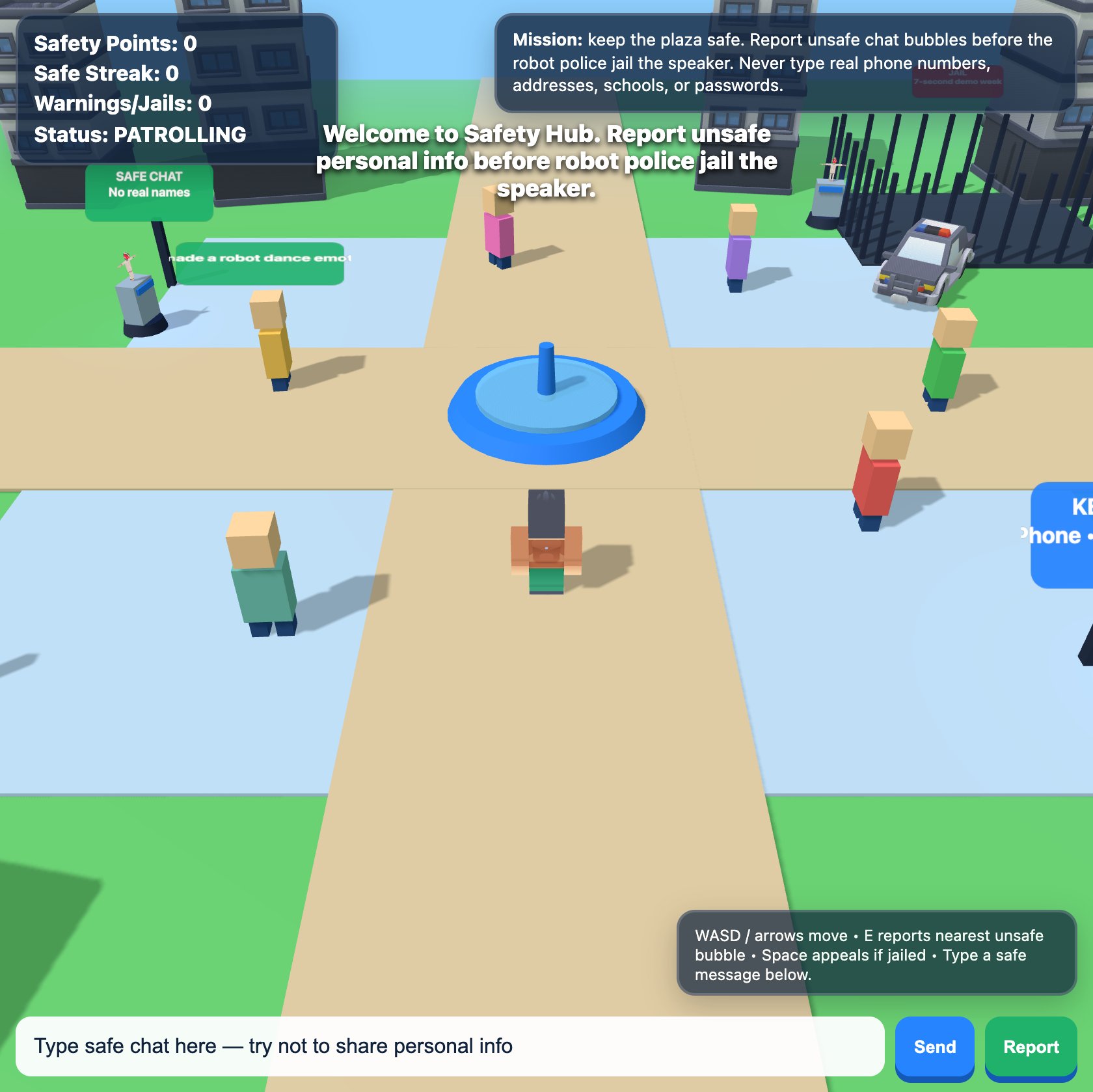
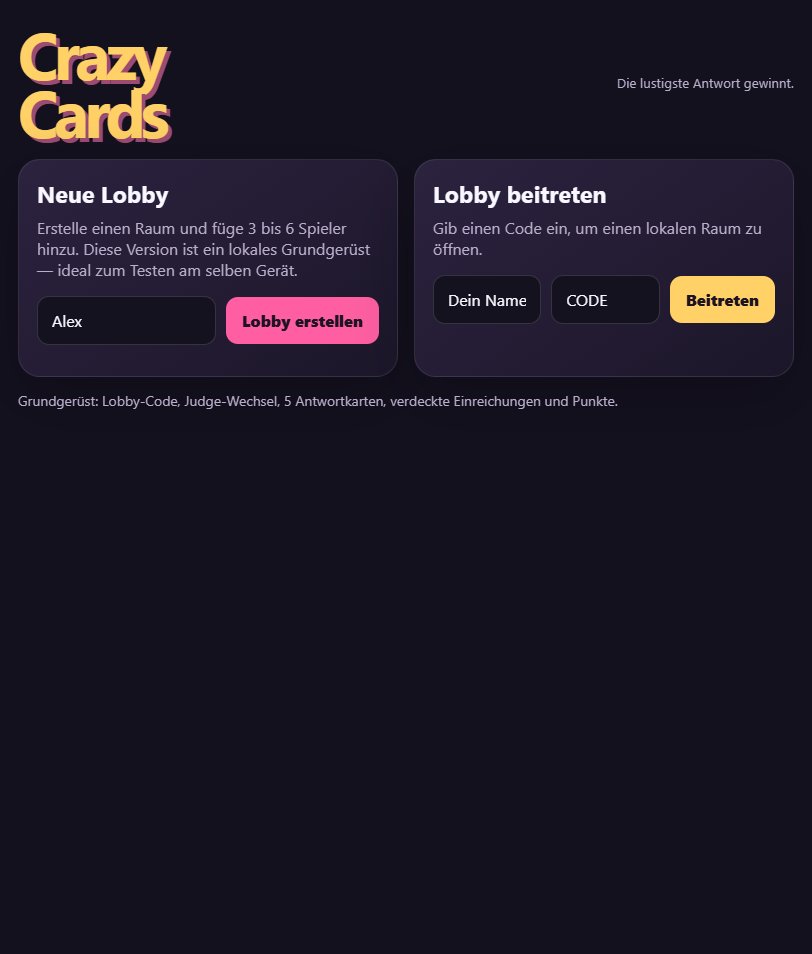
Click the game above and it runs right here in your browser. No download, no installer, no account needed. Colton Ilgenfritz STUDENT built it with Cinevva, so it works on a phone or a tablet too.
Discussion
Nobody has said anything about PlayForge yet. Play it, then tell Colton Ilgenfritz STUDENT what you would add next.
Make your own game
PlayForge was built by Colton Ilgenfritz STUDENT with the Cinevva game creator: describe the game you want in chat, watch it get built, and play it in your browser minutes later.
Remix PlayForge opens the real game in the creator and forks its actual files, chat and design doc, so you start from the code rather than from a description.
Read the build brief for PlayForge
Cinevva's analyzer read this game's design doc and its source, then wrote the brief below. "Make your own" hands it to the game creator as your opening message, so you start from a real spec rather than a one-line idea.
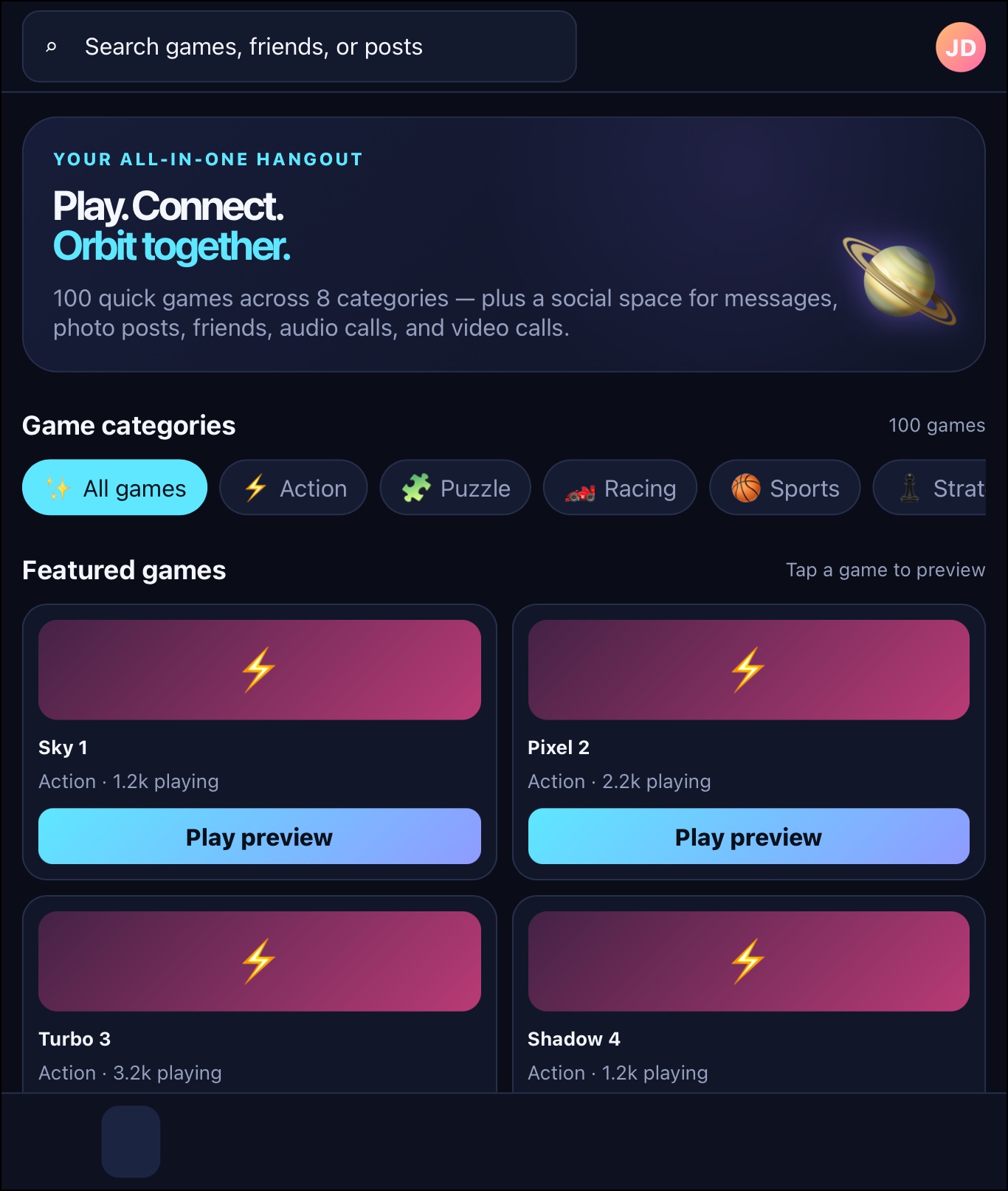
Recreate “PlayForge,” a dark, responsive browser game-creation/social hub called “Create. Remix. Play together.” Use a dark navy radial-gradient background, indigo/teal accents, rounded bordered panels, muted blue-gray text, white headings, and bright gradient purple-to-blue primary buttons. Desktop layout: a fixed left sidebar about 250px wide with the PlayForge logo (white “Play,” teal “Forge”), tagline, navigation buttons for Discover, Create, Lobbies, and Shop, plus an Alex Player profile card showing Level 7, 128 followers, and 3 friends online. On mobile, collapse this into a bottom navigation bar and hide the profile/tagline. The main area has a top bar with a wide search input (“Search games, creators, tags…”), a coin pill showing 420 coins, and an Account button. Account should show a demo toast reading “Account demo: Alex Player · 128 followers · 42 friends.”

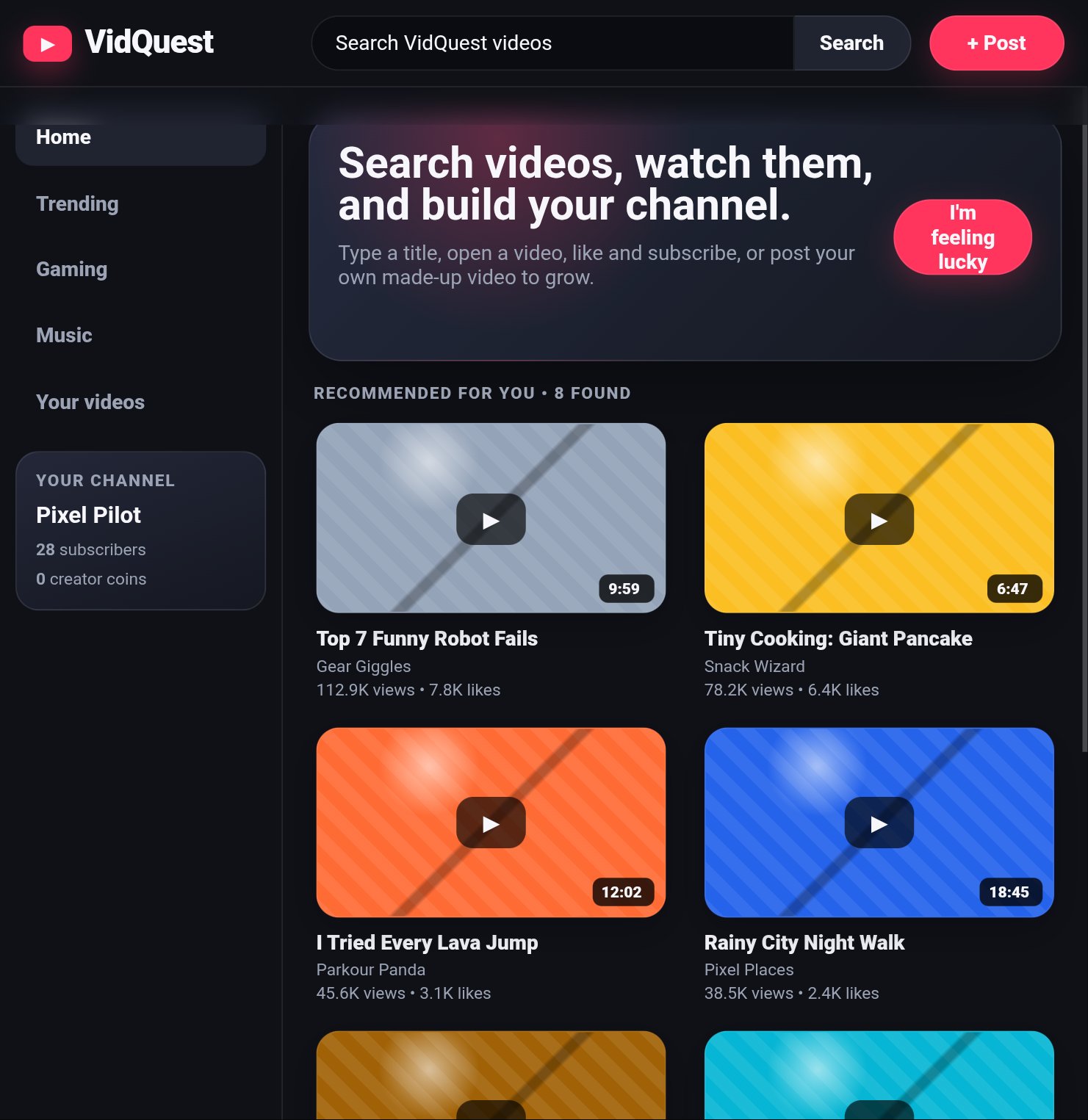
The Discover view is the default. At the top, show a large rounded hero panel with the heading “Your game universe starts here.”, explanatory copy about building card and board games, remixing community ideas, inviting friends with a room code, and challenging bots, plus a “Create a game →” button. Below, show Featured templates and Community feed card grids. Include these four built-in game cards exactly: Color Clash by PlayForge official, kind “Card game,” icon 🃏, description “Match colors, stack chaos, and be the first to empty your hand.”, 1842 likes and 96 comments, tags beginning cards; Pocket Beasts by MiraMoon, kind “Mixed card + board,” icon 🐉, description “Summon creatures, move across the map, and outsmart your rival.”, 1290 likes and 74 comments, tags beginning monsters; Orbit Raiders by Juno, kind “Board game,” icon 🚀, description “Claim planets, trade resources, and dodge the cosmic storm.”, 987 likes and 42 comments, tags beginning space; and Potion Panic by HexedCat, kind “Card game,” icon 🧪, description “Brew wild combos before the cauldron boils over.”, 762 likes and 31 comments, tags beginning magic. Give their art areas colorful gradients (teal/purple, orange/gold, blue/purple, and red/purple). Every card has Like, Remix, and Play controls. Like toggles the liked state and increments/decrements displayed likes with a toast. Remix opens the Create view with the title suffixed “Remix” and description suffixed “Make it yours.” Play immediately starts that title’s card match. Search filters cards by title, description, tags, or author and displays a “No games found. Try “cards”, “space”, or “magic”.” panel when empty.

The Create view is a functional game draft editor. Include fields for Game title (default “My New Game”), Format select with Card game, Board game, and Mixed card + board, a description textarea defaulting to “A fast, friendly game where every turn creates a surprise.”, Background select with Moonlit table, Jade arena, Sunset canyon, and Space station, and an image upload input. Show a dashed art drop/preview area; when an image is selected, display it with its filename. Include a Card builder panel labeled “Up to 4 abilities”: Card name default “Spark Fox,” type select (Creature, Action, Relic, Location), flavor text default “Small paws. Big energy.”, and up to four removable ability text inputs. Start with “When played, draw 1 card” and “If damaged, gain 1 coin.” Add an ability button that disappears at four rows. “Preview card” renders a stylized green card about 170x230 with type, a fox symbol 🦊, card name, flavor, and numbered abilities. “Auto-make card” converts ability text into simple rules: text containing draw becomes “Draw 1 card,” damage/hit becomes “Deal 2 damage,” heal becomes “Recover 2 health,” coin becomes “Gain 2 coins,” move becomes “Move 1 space,” otherwise prefix it with “Special effect:”. Replace the ability inputs with these generated rules and toast “AI rule pass complete — abilities turned into game rules.” Provide Publish game and Save draft controls. Publishing creates a community card with the entered title/description and format, author “Alex Player,” icon ✨, blue artwork, zero likes/comments, and tags “community original,” adds it to the feed, and returns to Discover with a toast. Save draft only displays a saved-locally toast.

The Lobbies view is a simulated play room. Show room code F8Q-2K7 in a large teal dashed code panel, New code and Copy code buttons, a Players/bots select from 1 to 4 bots, Start bot game and Join with code buttons, and a People here panel with stats for You, Bots, and Friends (initially 1, 1, 0). Changing bot count updates the Bots stat. New code generates a random uppercase three-character dash three-character code, Copy code copies it when supported, and Join displays a toast. Explain that codes are simulated in this browser prototype and real shared rooms need a server/database.

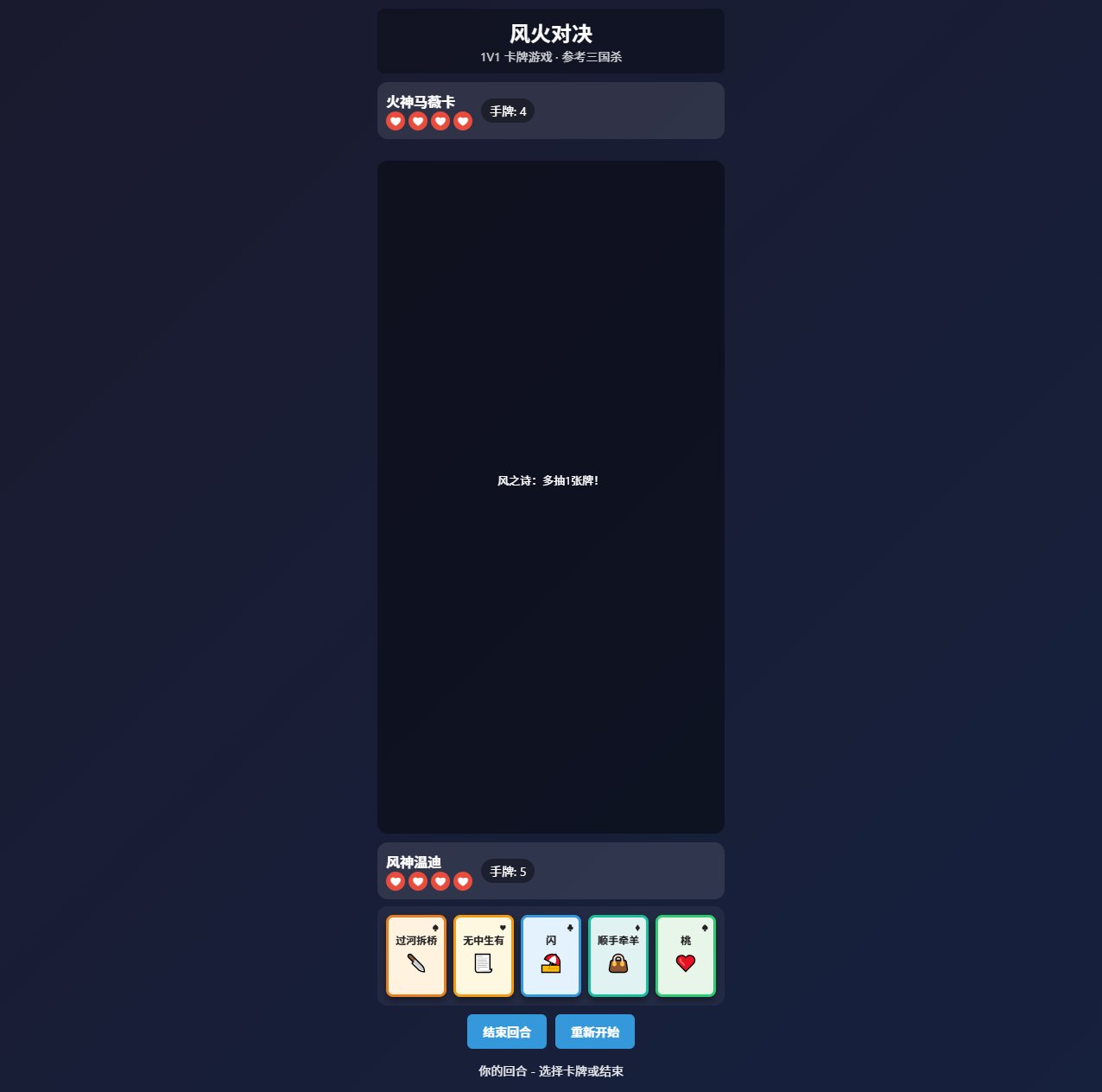
The Play view is the actual playable card mini-game. Use a green/teal radial-gradient tabletop inside a rounded panel, with a right-side Match feed log. Starting a match creates a player hand of five cards, bot hand of five hidden cards, and one center pile card. Each generated card has one of four colors (red, gold, blue, green), one of four symbols (★, ◆, ●, ▲), and a random value from 1 to 9. Display player cards as colorful, slightly rotated, hover-lifting buttons showing value, symbol, and “Play”; show bot cards face-down as blue cards with “?”/✦/“Hidden”; show the pile card with “Top card.” The header says the match title and “First to 0 cards wins.” The player can play a card only when its color OR number matches the pile; otherwise show “Match the color or number.” A valid play removes the chosen card, puts it on the pile, logs “You played [symbol] [value].”, and passes to the bot after a short delay. If the player reaches zero cards, they win. The bot plays its first matching card if available, logging “Bot played [symbol] [value].”; otherwise it draws one random card and logs “Bot drew a card.” If the bot reaches zero cards, it wins. Include Draw card and End turn buttons: Draw adds one card and logs “You drew a card.”; End turn passes to the bot. Prevent player actions while it is the bot’s turn with a “Wait for your turn” toast. On win, award 60 coins; on loss, award a 15-coin consolation reward, update the top coin counter, log the result, show a Victory or Match over toast, and clear the active match. Starting a match logs “Match started. Play a card matching the color or number.”

The Shop view is “Forge shop,” labeled “Cosmetics for your games,” with four cards: Aurora Sky 🌌 costing 120 (“A shifting sky gradient for your tables”), Pixel Grove 🌲 costing 90 (“A friendly sprite set for board games”), Royal Frames 👑 costing 160 (“Gold card frames and victory badges”), and Deep Sea 🌊 costing 110 (“Blue ocean background pack”). Use colorful gradient art blocks. Each has Buy/Equipped control and displays Owned once purchased. Buying deducts coins if sufficient, marks it owned, rerenders the shop, and toasts “Unlocked [name]”; insufficient coins toasts “Not enough coins”; clicking an owned item toasts “Equipped [name].” Keep all state in browser memory, including coins, likes, published games, room code, current match, and owned shop cosmetics. Use responsive grids and mobile layouts matching the polished dark social-game dashboard aesthetic shown in the reference screenshot.