Appearance
Skip to content
Arcade › Idea2Link & Game Builder AI
Idea2Link & Game Builder AI
How to play
Click the game above and it runs right here in your browser. No download, no installer, no account needed. It was built with Cinevva, so it works on a phone or a tablet too.
Discussion
Nobody has said anything about Idea2Link & Game Builder AI yet. Play it, then tell the creator what you would add next.
Make your own game
Idea2Link & Game Builder AI was built with the Cinevva game creator: describe the game you want in chat, watch it get built, and play it in your browser minutes later.
Remix Idea2Link & Game Builder AI opens the real game in the creator and forks its actual files, chat and design doc, so you start from the code rather than from a description.
Read the build brief for Idea2Link & Game Builder AI
Cinevva's analyzer read this game's design doc and its source, then wrote the brief below. "Make your own" hands it to the game creator as your opening message, so you start from a real spec rather than a one-line idea.
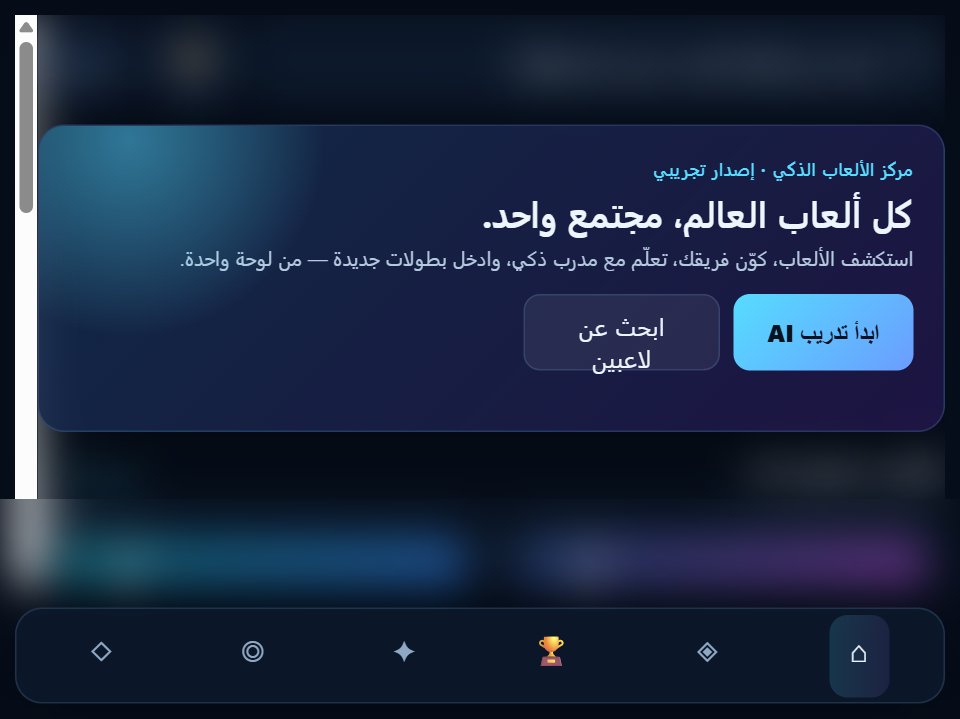
Create a polished Arabic right-to-left web app titled “Idea2Link & Game Builder AI,” functioning as an AI game/app builder dashboard rather than a conventional arcade game. Use a full-viewport dark navy interface with no page scrolling: background #0a0f1e, panels #121a2e, thin blue-gray borders, rounded 16px corners, white text, muted blue secondary text, cyan-to-purple gradient accents, and gold highlights. Use Tahoma/Arial and RTL layout.

Structure the screen as a header, three-column workspace, and footer. The 62px header has the ✨ icon inside a 36px rounded square with a cyan-to-purple gradient, the product name “Idea2Link & Game Builder AI,” and a prominent gradient button on the opposite side labeled “🚀 توليد رابط الويب.” The main workspace contains: (1) an AI chat panel, (2) a live interactive preview panel, and (3) a tools panel. On narrow screens, allow the workspace to adapt responsively while preserving the dark dashboard style.

The chat panel header says “🧠 الشات الذكي.” Show an initial AI bubble aligned to the left reading exactly: “حسناً سوف أبدأ، يسعدني مساعدتك في تحويل فكرتك أو لعبتك إلى رابط جاهز!” User messages appear on the right in a blue/purple gradient bubble; AI messages use a darker panel bubble with a thin border. At the bottom provide a text field with placeholder “اكتب فكرتك للعبة أو التطبيق...” and an “ارسال” button. Pressing Enter or clicking send adds the user text, immediately changes the preview title to the typed text (truncate over 22 characters to 20 characters plus “...”), then after about 600ms adds: “فهمت فكرتك! تم تحديث المعاينة. اضغط