Appearance
Skip to content
Arcade › Golden Zeny Quest
Golden Zeny Quest
How to play
Click the game above and it runs right here in your browser. No download, no installer, no account needed. ELECTTRA KATHLEEN KENNEDDY KPM-Guru built it with Cinevva, so it works on a phone or a tablet too.
Discussion
Nobody has said anything about Golden Zeny Quest yet. Play it, then tell ELECTTRA KATHLEEN KENNEDDY KPM-Guru what you would add next.
Make your own game
Golden Zeny Quest was built by ELECTTRA KATHLEEN KENNEDDY KPM-Guru with the Cinevva game creator: describe the game you want in chat, watch it get built, and play it in your browser minutes later.
Remix Golden Zeny Quest opens the real game in the creator and forks its actual files, chat and design doc, so you start from the code rather than from a description.
Read the build brief for Golden Zeny Quest
Cinevva's analyzer read this game's design doc and its source, then wrote the brief below. "Make your own" hands it to the game creator as your opening message, so you start from a real spec rather than a one-line idea.
Rebuild a responsive browser-based educational RPG titled “Penny’s Saving Adventure,” subtitled “The Golden Zeny Quest • English RPG.” The game is a friendly 2D map adventure for English and money skills, presented in a bright, rounded, kid-friendly style: cream/white panels, dark purple text, pink borders and shadows, mint green, sky blue, lavender, and gold accents. Use a full-height layout with a header, three-column desktop body, and mobile responsive stacking.

Header: show the purple star-branded title “🌟 Penny’s Saving Adventure” and the subtitle. On the right show pill-shaped status counters: savings “RM156 / RM300” (mint), “🪙 Zeny 0” (gold), and “Lv 1 • EXP 0.” These update during play.

Main layout:
1) Left panel, “🧙 Adventurer Class,” with selectable class cards. Classes are exactly: 🌿 Leafling Mage — “Bonus EXP from correct answers”; ⚔️ Zeny Knight — “Bonus Zeny from battles”; 🏹 Sky Archer — “Moves faster on the map”; 🐾 Pet Tamer — “Starts with a friendly pet”; 🛡️ Shield Scholar — “Takes less damage from mistakes.” Visually highlight the selected class. The class descriptions are shown, but only the Leafling Mage and Zeny Knight bonuses affect the implemented reward logic; movement and pet/shield descriptions can remain descriptive. Beneath it show a main quest card: “Help Penny save RM300 for her dream smartphone,” with a progress bar starting at RM156/RM300 and text “RM144 more needed.” Beneath that show a selectable “🗺️ Worlds” list.
2) Center panel containing the playable map. Make the map a rounded rectangle with a sky-blue upper region, pale green middle region, darker green lower region, soft clouds, faint blue mountain shapes, and a looping dashed tan path. Place six large cream map nodes with pink/purple borders, drop shadows, icons, names, and subtitles at different positions: 🏡 Sunbeam Village / Warm-up Words; 🌲 Whispering Woods / Grammar Grove; 🏰 Crystal Castle / Reading Rooms; 🌊 Azure Coast / Vocabulary Bay; 🔥 Ember Mines / Money Mountain; 👑 Golden Citadel / Lord Impulso. The current world node is highlighted yellow/orange. Place a small cute astronaut-like Penny avatar near the current world; use a friendly front-facing character sprite or similarly simple cute character with a soft shadow. Include a speech bubble at the bottom of the map initially saying “Welcome, Adventurer! Choose a world or use the movement buttons.”

The player can select a world either by clicking its map node or its world-list button. Selecting a world updates the current-world status and moves Penny to that world’s map position, then immediately opens a modal monster battle. Use these positions approximately: Village 12%,70%; Woods 30%,48%; Castle 51%,64%; Coast 68%,42%; Mines 40%,78%; Citadel 80%,64%. Also provide fixed/mobile arrow controls ▲ ◀ ▼ ▶ centered along the bottom. Holding/tapping arrows moves Penny in small increments, clamped inside the map; support WASD and arrow keys on desktop. Movement does not itself start battles; selecting a world does. Update the speech bubble during free movement to “Explore the map, then tap a world node for a monster battle!”

Below the map provide buttons: “⚔️ Answer a Quest Question,” “🏅 View Certificate,” and “✏️ Student Profile.” Add a note explaining desktop WASD/arrow controls, mobile arrows, and that exploring a world triggers an English monster battle.

3) Right panel, “📊 Adventure Log.” Show the student profile line, initially “No student registered yet,” current world, and “Monster streak: 0.” Include an “💰 RM Money Skills” card with these fixed learning facts: Weekly allowance RM6, Household chores RM3, Sold clothes RM7.50, Sold CDs RM4.00, Sold toys RM3.50, Total from sold items RM15. Show a class leaderboard with fixed entries Aina / Form 2A / 48, Daniel / Form 2B / 44, Mei Ling / Form 2A / 39, plus the player row initially “You / Your class / 0,” sorted descending by correct answers, and highlight the player row. Add a full-width gold “💾 Save Progress” button.

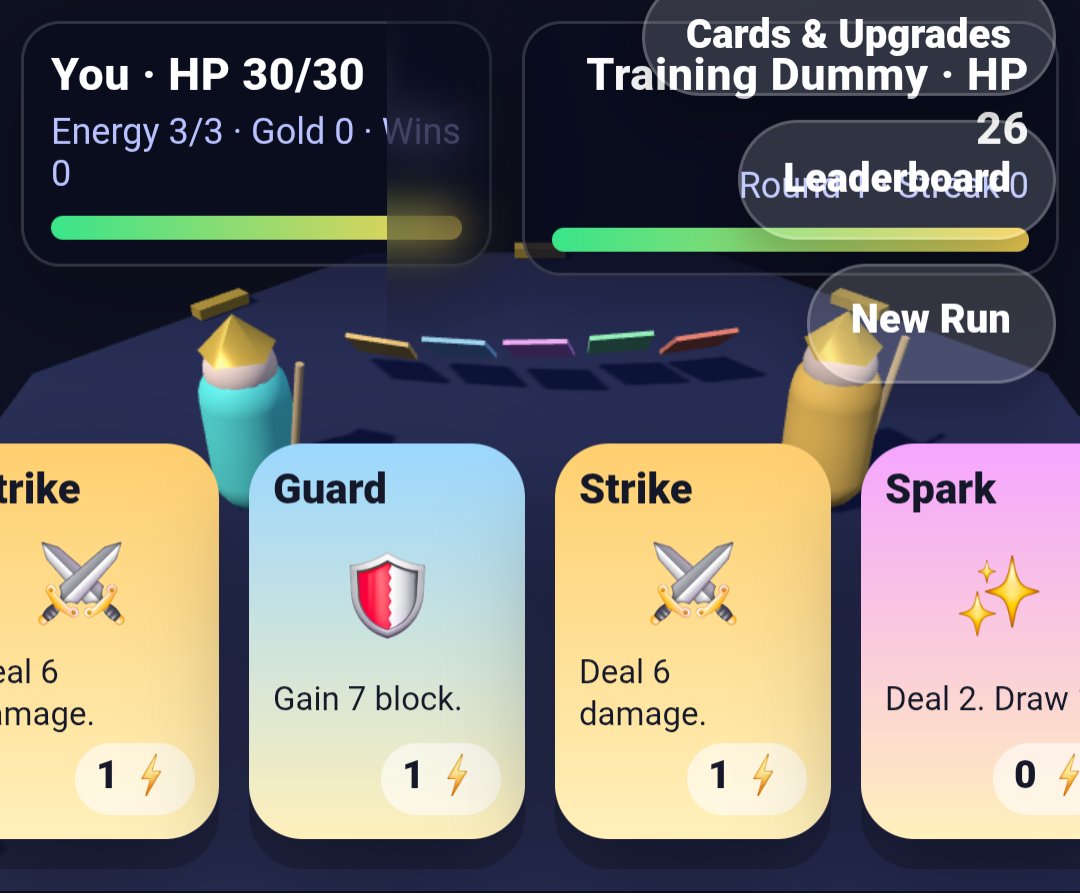
Battle interaction: open a centered cream modal overlay with a pink border and purple shadow. Heading format is the current world icon/name followed by “Battle.” Show a notice: “A cute monster blocks the path! Answer the English question to attack.” Present one multiple-choice question and four large answer buttons labeled A–D. There are 50 fixed questions, mostly English grammar, vocabulary, sentence usage, reading/money vocabulary, and arithmetic involving RM. Use these exact question/answer examples and correct answers, and include the final boss question exactly: “Final Boss: Penny saved RM156 towards a RM300 smartphone. How much more does she need?” with answers RM124, RM134, RM144, RM154; correct answer RM144. The normal question sequence uses the player’s answered count modulo 49; entering the Golden Citadel always uses the final boss question.

Include at minimum this complete question bank content: “Choose the correct plural: one child, two ____.” → children; “Which word is an adjective?” → bright; “Complete: Penny ____ her savings every week.” → checks; “What is the opposite of expensive?” → cheap; “Choose the best greeting for a teacher.” → Good morning, teacher.; “The pets ____ hungry.” → are; correctly punctuated Penny quotation → “Penny said, “Hello.””; dog caretaker → dog walker; synonym of begin → start; countable noun → coin; yesterday sentence → went; time word → tomorrow; correct question → “Where is Penny?”; save money → keep it for later; If I study, I ____ improve → will; past-tense Penny sentence → “Penny saved RM3.”; coin is ____ the bag → in; unwanted → not needed; Penny and her friend ____ English → practice; verb → earn; RM6 + RM3 → RM9; RM7.50 + RM4.00 → RM11.50; RM3 each Saturday for two Saturdays → RM6; greatest amount among RM3.50/RM3.05/RM3.15/RM3.00 → RM3.50; RM15 - RM7.50 → RM7.50; two RM5 pet-sitting jobs → RM10; RM20 spending RM6 leaves → RM14; best budget choice → Save some and plan spending; RM4 + RM3.50 + RM7.50 → RM15; RM300 means three hundred ringgit; article before old CD → an; correct spelling → adventure; dragon is ____ than goblin → stronger; careful → thinking about safety; advice sentence → Save a little each week.; conjunction “Penny worked hard ____ she wanted the phone.” → so that; place to buy things → shop; coins ____ shining → are; main idea of saving story → Planning helps reach a goal; polite request → Could you help me, please?; RM156 + RM144 → RM300; RM6 weekly for four weeks → RM24; correct use of than → “Penny is wiser than Impulso.”; best savings-plan title → My Smart Goal; clothes RM7.50 plus CDs RM4 → RM11.50; adverb → happily; Penny ____ not waste her money → does; before buying → Compare prices; future tense → Penny will reach her goal.

Correct answer behavior: show a celebratory “✨ Critical Hit!” result and the correct answer/explanation, say the monster dropped Zeny and Penny made a smart choice, then provide a Continue Adventure button. Award Zeny +10, or +15 for the Zeny Knight; award EXP +10, or +15 for the Leafling Mage; increment correct answers and streak; increase savings by RM1, except Ember Mines gives RM3; cap savings at RM300. Every 30 accumulated EXP, increase level by 1 and subtract 30 EXP. If the correct answer is in Golden Citadel, mark the certificate as earned. Wrong answers show “💫 Monster Counterattack!”, identify the correct answer, reset streak to zero, and subtract 3 EXP without going below zero; offer “Try Another,” which opens another question. Do not award savings or Zeny for wrong answers. After the final boss is answered correctly, show a quest-complete section and allow opening a certificate.

Certificate modal: create a decorative gold double-border certificate reading “GOLDEN ZENY QUEST ACADEMY,” “Digital Achievement Certificate,” the student name (or “Brave Adventurer”), and that they completed English quests, defeated Lord Impulso, and practised smart money decisions. State achievement “Penny’s RM300 Smartphone Goal Champion,” and show correct-answer score and Zeny total. A close button dismisses it. Student Profile opens a registration modal asking for student name and Form 2 class, with defaults if blank (“Penny’s Helper” and “Form 2”), updates the profile and leaderboard, and changes the welcome speech. Save Progress persists the full game state locally on the device and shows “Progress saved on this device!” on save. Restore saved state on reload.

Use rounded chunky UI, strong readable Trebuchet-like typography, subtle colored drop shadows, emoji icons, accessible high-contrast answer buttons, and responsive behavior: hide the right panel around tablet width, stack the map and left panel on narrow phones, keep the map usable at a tall mobile height, and keep bottom movement controls visible. Do not add combat animations, inventories, shops, extra levels, or mechanics not described above.