Appearance
Skip to content
Arcade › Corner Drift
Corner Drift
How to play
Click the game above and it runs right here in your browser. No download, no installer, no account needed. It was built with Cinevva, so it works on a phone or a tablet too.
Discussion
Nobody has said anything about Corner Drift yet. Play it, then tell the creator what you would add next.
Make your own game
Corner Drift was built with the Cinevva game creator: describe the game you want in chat, watch it get built, and play it in your browser minutes later.
Remix Corner Drift opens the real game in the creator and forks its actual files, chat and design doc, so you start from the code rather than from a description.
Read the build brief for Corner Drift
Cinevva's analyzer read this game's design doc and its source, then wrote the brief below. "Make your own" hands it to the game creator as your opening message, so you start from a real spec rather than a one-line idea.
Create a responsive browser game titled “Corner Drift,” a top-down arcade driving time trial on a dark, stylized closed circuit. Use a full-screen HTML canvas with a fixed overhead camera: the entire winding track is visible centered on screen, with no camera follow or perspective scaling. The background is a deep green (#1c3a2d) with a dark blue-green vertical shading layer and sparse, subtle glowing green particle dots.

Build one closed track from a polygonal/polyline center path with several sharp bends and switchbacks, including an upper looping section and a lower looping section connected through a narrow winding route. The track should feel like a dark asphalt ribbon rather than a filled polygon: draw a very dark outer outline, a medium gray road border, a darker charcoal asphalt interior, and a dashed yellow centerline. Add alternating red and off-white rectangular curb blocks along the outside edge of the road. Include a black-and-white checkered start/finish line near the upper-left starting position. Keep the route visually similar to a compact technical drift circuit with a width around 14% of the normalized screen scale.

The player drives a small red/pink top-down car that starts near the upper-left start line, pointed along the track. Draw it as a rounded red body, four dark wheels, small yellow rear/marker lights, and a pale cyan windshield with a light reflection. Add a soft black drop shadow. The car has arcade physics: WASD or arrow keys drive; Up/W accelerates forward, Down/S brakes or reverses, Left/A and Right/D steer, and Space activates a handbrake. Simulate forward velocity, sideways velocity, friction, steering that becomes stronger with speed, and reduced sideways grip while the handbrake is held so the car can slide through corners. Cap forward speed and allow limited reverse. Keep the car constrained to the track with slowing and gentle correction when it moves off the road. While moving quickly, if sideways slip is substantial, show small pale dust/smoke puffs behind the car and accumulate drift points proportional to the slip.

The goal is a three-lap race. Start the timer immediately, display current lap as “1/3,” elapsed time in minutes and hundredths, and the current integer drift score in a HUD across the top. Detect a lap when the car progresses around the closed route and crosses back near the start; reset the current drift score on each completed lap while retaining the best/total drift result for the finish summary. After lap three, stop gameplay and overlay a translucent dark panel with centered “CLEAN RUN,” the final time, “drift [best score],” and “Refresh to race again.”

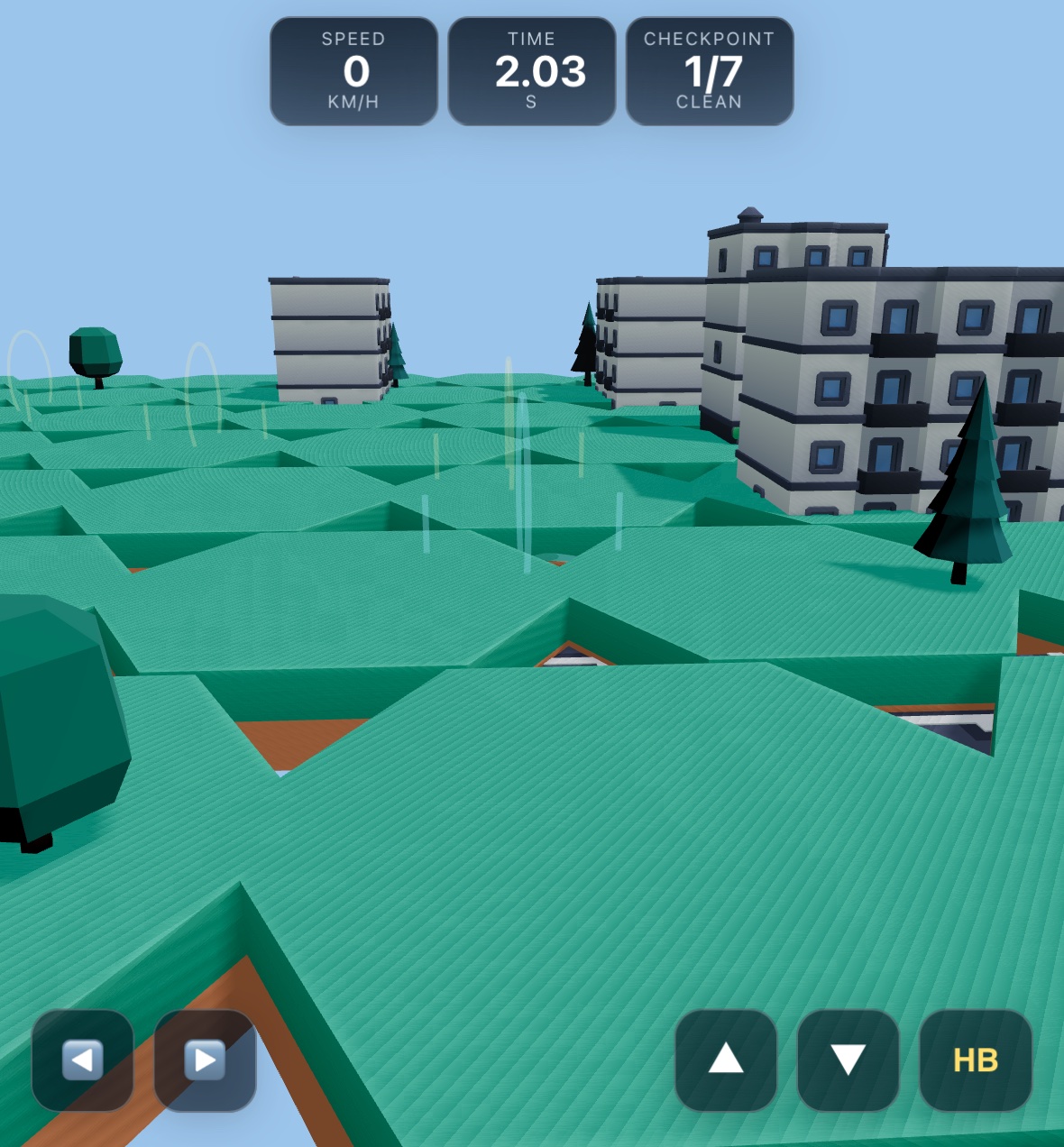
Use a clean dark translucent HUD: three rounded rectangular cards at the top center labeled LAP, TIME, and DRIFT, with muted blue-gray labels and large white values, subtle borders, shadows, and blur. At the bottom center show the instruction pill “WASD / arrows to drive · Space to handbrake.” For coarse-pointer/touch devices, show large rounded translucent control buttons along the bottom: left and right arrows on the left side, down, up, and a sparkle/handbrake button on the right side. Buttons should support held pointer input and visually react while pressed. Ensure the layout respects mobile safe areas and scales to portrait and desktop screens.