Safari 27 brings the model element to iPhone and Mac, and gives WebGPU clip planes
Safari 27 shipped on September 14 alongside iOS 27, iPadOS 27, and macOS 27, and Apple also offers it as a standalone update for macOS Sequoia and Tahoe. The WebKit team published its feature rundown three days later. By their count the release carries 83 new features and 844 fixes, up from the 58 and 525 they announced at the June beta. Three of those features matter to anyone rendering 3D in a browser. WebKit: features for Safari 27.0.
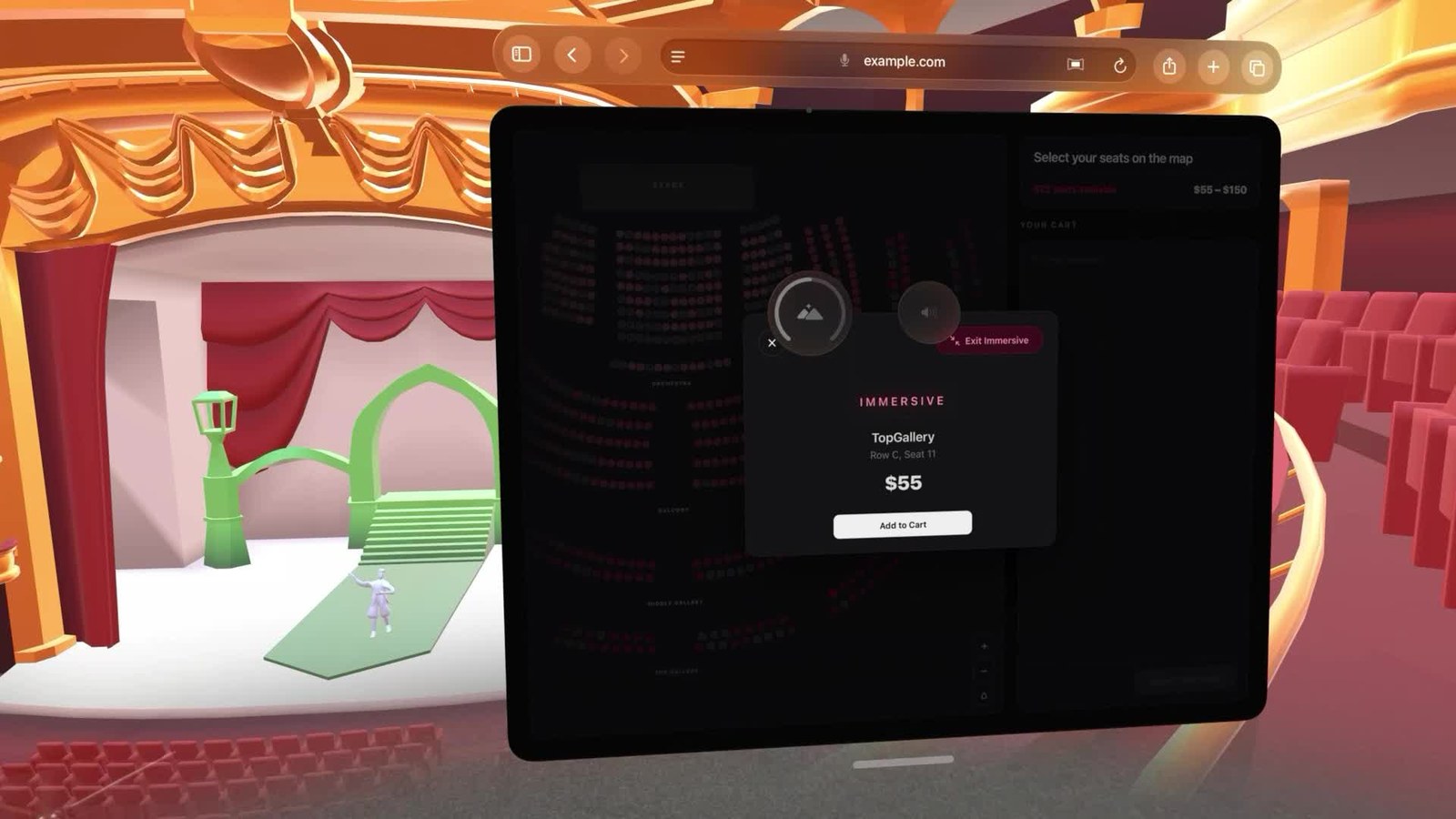
A website's own 3D environment wrapped around Safari on visionOS 27, from Apple's WWDC session. Image: Apple.
The model element leaves the headset
The HTML <model> element started life on visionOS as a way to drop a 3D file into a page the same way you'd drop in a video. Safari 27 brings it to iOS, iPadOS, and macOS. You point it at a USDZ or glTF file, or list both with <source> children the way you would for video, the browser handles loading and display, and the user can rotate the object without you writing a renderer. An environmentmap attribute takes an HDR file for lighting. On visionOS 27 the same element goes further: a site can supply an immersive environment as a model and, with one JavaScript call, wrap the whole browser window in it, which is how the theater in the image above got there. This release also adds the CSS dynamic-range-limit property on model elements, so a page can decide how much HDR headroom a model is allowed to use, and fixes two bugs in the first implementation: entityTransform not behaving and gesture interaction breaking after a model player reloads.
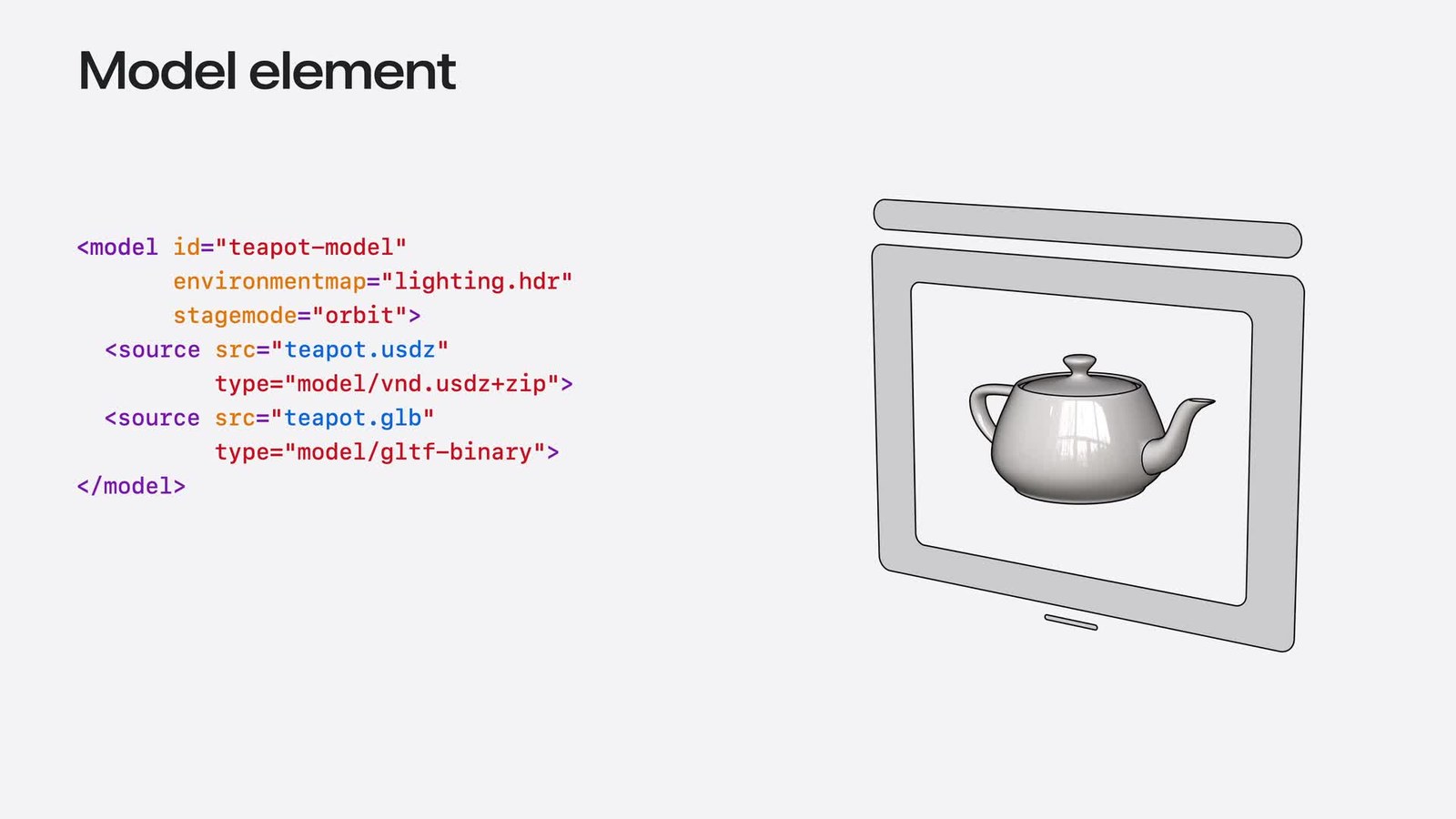
The markup: two source formats, an HDR environment map, and a teapot lit by it. Image: Apple.
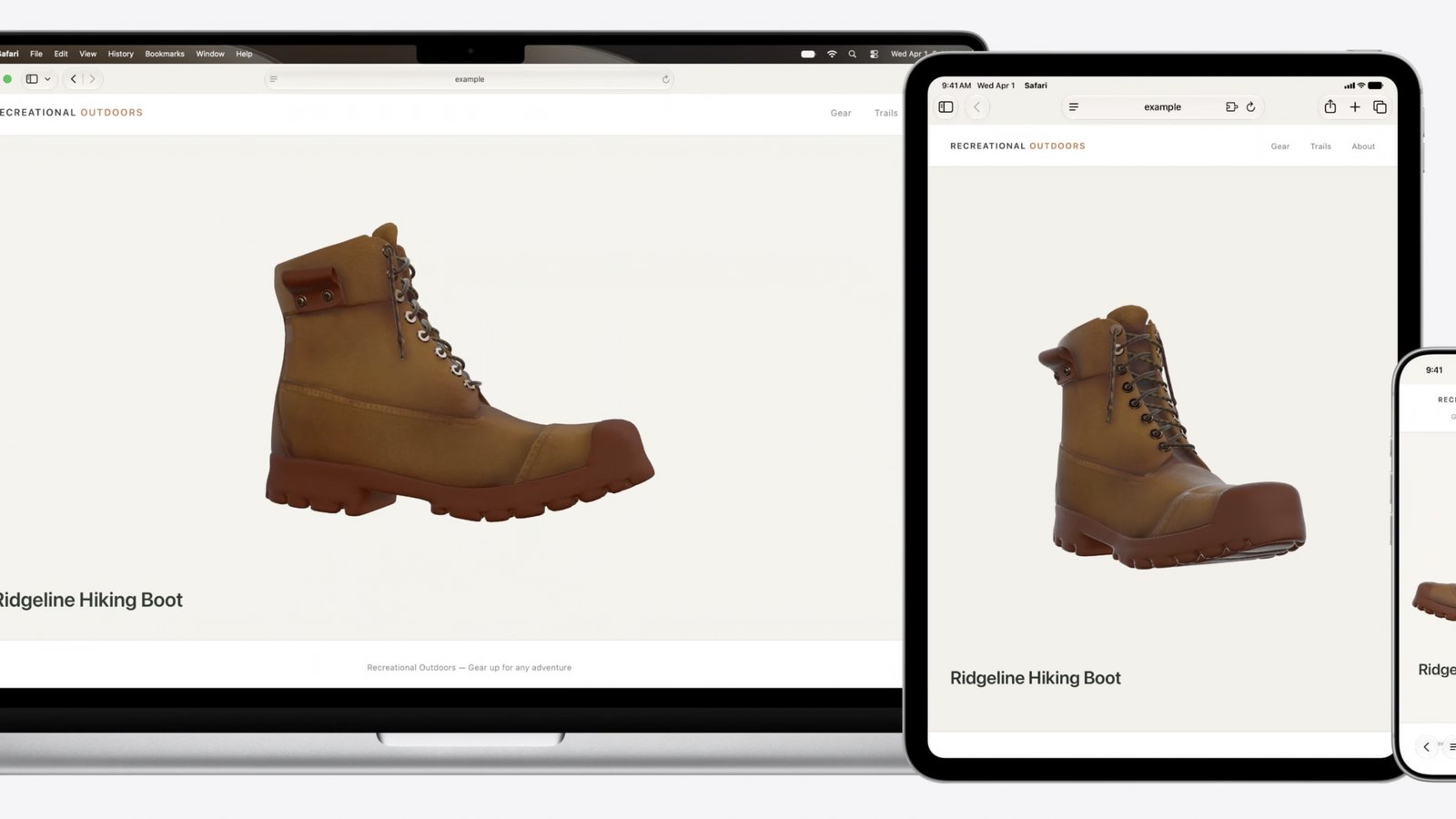
One 3D file rendering across Mac, iPad, and iPhone. Image: Apple / WebKit.
It's tempting to read this as "3D viewers are now built into the browser," and for product photos that's roughly true. For games it isn't. The model element shows a model. It doesn't run your game loop, your physics, or your shaders, and it only exists in Safari. Chrome and Firefox haven't shipped it, so a page that depends on it needs a fallback that is, in practice, the WebGL or WebGPU viewer you would have written anyway.
Clip planes in WGSL
The more useful change for engines is quieter. Safari 27 supports the clip_distances built-in in WGSL, which lets a vertex shader define its own clip planes and discard geometry before rasterization. Planar reflections, portal rendering, cutaway views, and water surfaces all lean on this, and until now a WebGPU app that needed it on Safari had to fake it in the fragment shader with a discard, which costs fill rate on exactly the passes that are already the most expensive.
Canvas, WebGL, and the other color-managed APIs also gain two predefined color spaces, srgb-linear and display-p3-linear. If you do your own tone mapping or composite HDR content into a canvas, you can now hand the browser linear-light data and let it handle the transfer function instead of encoding to sRGB yourself and losing precision on the way.
Apple's WWDC session on the release walks through the model element and the rest of the WebKit changes.
Why this lands on us
Our engine renders with WebGPU where the browser has it and WebGL where it doesn't, and Safari has been the browser we test most nervously since WebGPU arrived there last year. Clip planes were one of the gaps. Water reflections are exactly the pass that wants one, and on WebGPU the choices until now were an oblique projection matrix or a discard in the fragment shader, which spends fill rate on phones, where fill rate is the whole budget. Safari 27 closes that gap on the one platform where we can't ask people to switch browsers, because on iOS every browser is Safari underneath.
The linear color spaces help in a less visible way. HDR output was one of the headline features in Godot 4.7, and the path from a linear render target to the screen has been the awkward part on the web. Having the canvas accept linear data directly removes one conversion that engines currently do by hand.
The model element we'll use for what it's good at, which is showing a single asset on a page. Our GLB viewer and the asset library will keep their three.js renderer, because that's what works in every browser, but a native Safari path for the quick-look case is worth having. If you want to check what your own browser supports before any of this matters to you, the WebGL and WebGPU checker will tell you, and the WebGPU versus WebGL guide covers why the difference is bigger than it sounds.