Arcade › Strike Arena
Strike Arena
About Strike Arena
How to play
Play right here in your browser without an account or download. Follow the controls shown in the game, and use Play fullscreen for a larger view.
Reviews & feedback
Join Discord ↗No reviews yet. Be the first to share one.
Make your own game
Strike Arena was built by Saviour Jacob with the Cinevva game creator: describe the game you want in chat, watch it get built, and play it in your browser minutes later.
Remix Strike Arena opens the real game in the creator and forks its actual files, chat and design doc, so you start from the code rather than from a description.
Read the build brief for Strike Arena
Cinevva's analyzer read this game's design doc and its source, then wrote the brief below. "Make your own" hands it to the game creator as your opening message, so you start from a real spec rather than a one-line idea.
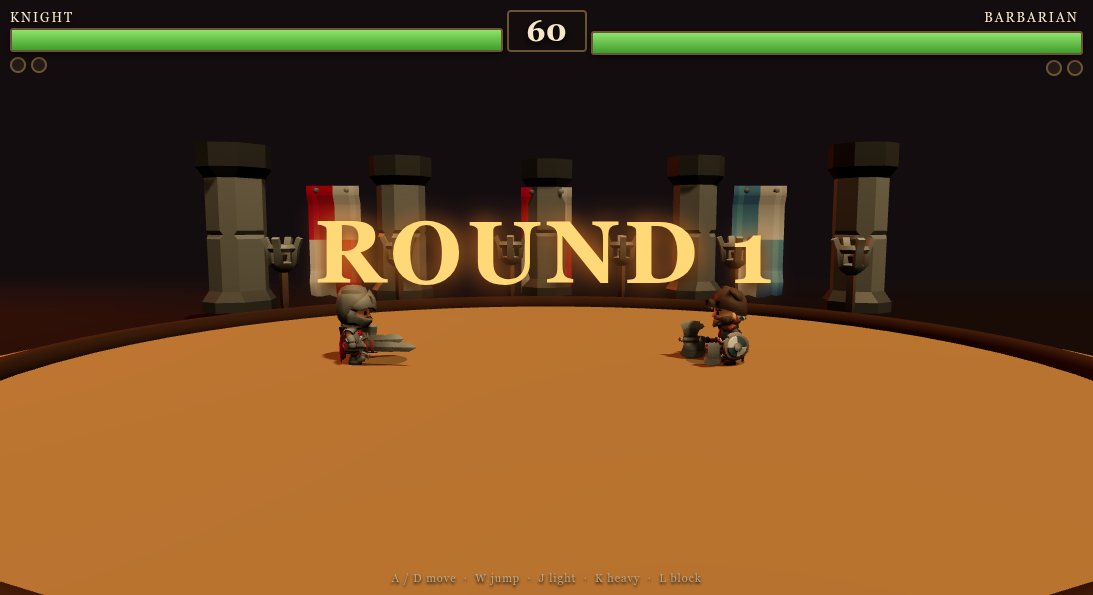
Create “Strike Arena,” a compact 3D one-on-one fighting game presented in a portrait-friendly browser layout. Show a dark, cinematic octagonal fighting ring from a fixed, slightly elevated frontal camera: a broad dark floor, raised octagon canvas with several ropes and corner posts, muted spectator tiers in the background, and cool blue overhead arena lights with warm key lighting. Use two stylized human fighters facing each other across the ring: the player on the left in teal/green and the rival on the right in muted red. Prefer animated character models with idle, punch, kick/slash, hit-reaction, and defeat animations; simple capsule-like human figures are an acceptable fallback. Keep the scene moody, with soft shadows and restrained impact flashes.

The game is a single round. At the top, display ROOKIE and RIVAL AI with numeric health values and opposing horizontal health bars (player teal/green, rival orange/red), plus centered “ROUND 01.” Both start at 100 health. The player can move laterally left and right, bounded within the ring; the rival AI automatically closes distance toward the player. Player controls: A/D or arrow keys to move, J or Space to punch, K to kick, and L to hold block. On touch screens, show bottom-right PUNCH, KICK, and BLOCK buttons; bottom-left help text summarizes the keyboard controls. Punch deals 10 damage and kick 17 when the fighters are close enough (about two units); attacks have cooldowns, with kick slower than punch. The AI occasionally attacks when nearby and may instead raise its guard. Holding block guards against incoming attacks, negating damage; a successful hit or block creates a brief colored burst/sparks and slight camera shake. Update health bars and numbers as damage is taken. When either health reaches zero, show a centered end card declaring “YOU WIN” or “KNOCKED OUT,” with a FIGHT AGAIN button that resets both fighters and health.

Initially cover the dim arena with a translucent dark overlay and centered bordered, glassy card: large uppercase “STRIKE ARENA,” a short description about facing the rival, timing strikes, guarding, and winning, and a prominent gold START FIGHT button. Hide this card when the fight begins. Use crisp white uppercase HUD typography, a near-black/navy palette, subtle translucent panels, and a warm gold primary button. Keep the layout responsive so the HUD and touch buttons remain legible on narrow portrait screens.