Appearance
Skip to content
Arcade › Hill Dash
Hill Dash
How to play
Click the game above and it runs right here in your browser. No download, no installer, no account needed. Oleg Sidorkin built it with Cinevva, so it works on a phone or a tablet too.
Discussion
Nobody has said anything about Hill Dash yet. Play it, then tell Oleg Sidorkin what you would add next.
Make your own game
Hill Dash was built by Oleg Sidorkin with the Cinevva game creator: describe the game you want in chat, watch it get built, and play it in your browser minutes later.
Remix Hill Dash opens the real game in the creator and forks its actual files, chat and design doc, so you start from the code rather than from a description.
Read the build brief for Hill Dash
Cinevva's analyzer read this game's design doc and its source, then wrote the brief below. "Make your own" hands it to the game creator as your opening message, so you start from a real spec rather than a one-line idea.
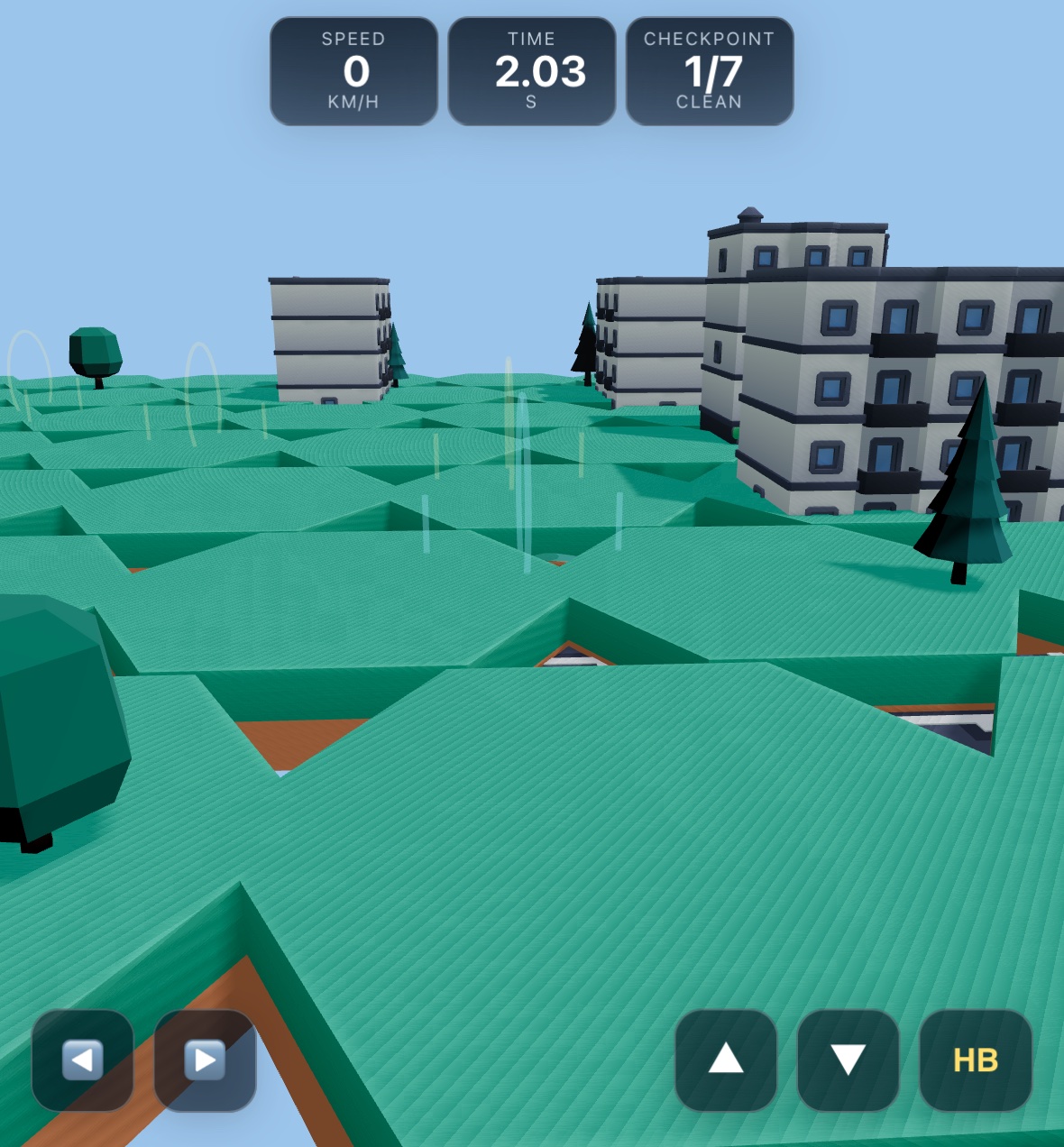
Create a playable 2.5D side-view hill-climb driving game titled “Hill Dash.” Use Three.js with an orthographic camera and a bright toy-like low-poly aesthetic. Show a small purple Kenney-style monster truck with two oversized black wheels in profile, driving from left to right across a long continuous brown dirt hill track. The world should have a clear sky-blue background with light fog, strong soft shadows, bright daylight, and a broad side-on camera view that follows the vehicle horizontally while keeping the terrain and truck near the lower portion of the screen. Keep the track constrained to a narrow 2.5D lane: the vehicle and driving surface are viewed from the side, with minimal depth perspective.

Build a 220-meter course. Generate the driving heightfield procedurally from smooth rolling sine-wave hills plus smaller bumps, distinct rises/ramps, dips, shelves, and downhill transitions at different portions of the course. Render the terrain as a continuous brown dirt volume extending downward, with repeated flat orange/tan hexagonal dirt plates along its top surface, each rotated around world Z to match the local slope. Place a start sign near the beginning: a simple green rectangular board on a brown post. Dress the sides of the course with low-poly nature props at alternating depths, including stylized trees, bushes, and rock-slope/ramp pieces. Add a finish gate asset at x=220m. Add scattered soft white puffy clouds high in the blue background.

Use a custom lightweight hill-climb rigid-body physics simulation rather than a vehicle controller. The truck has position, horizontal/vertical velocity, pitch angle, angular velocity, mass/inertia, and two wheel contact points (front and rear). Each wheel samples the terrain height and slope beneath it and uses suspension spring/damper forces, normal force, limited tire grip, rolling resistance, drive/brake force along the ground tangent, gravity, air drag, and pitch torque. The vehicle should follow slopes naturally, become airborne over crests and gaps, and rotate in the air. Tune it to feel like an arcade monster truck: acceleration forward, slower reverse, braking, capped forward/reverse speeds, suspension compression, and pitch damping on landings. While airborne, allow the player to apply left/right pitch torque to save a landing. Keep the truck visually rubber-side-down as a challenge, but do not automatically glue it to the terrain.

Controls: hold W, Up Arrow, or Right Arrow to accelerate; hold S, Down Arrow, or Left Arrow to brake or reverse. A and D tilt the truck in the air; Left/Right arrows also contribute to air tilt while simultaneously acting as brake/accelerate inputs. Provide touch controls on small screens: a brake button, gas button, A tilt-left button, and D tilt-right button, with pressed visual states. On wider screens hide the mobile buttons and show a keyboard-controls hint.

The run starts when the player presses a prominent “Start / Restart” button or a driving key. Reset the truck near x=3.2, place it on the local terrain slope, reset speed, pitch, timers, and camera, and begin timing. Win when the front of the truck crosses the finish at 220m. Lose if the truck remains upside down for more than 1.25 seconds (count this mainly while grounded or moving slowly), or if it is grounded and essentially stationary while the player is trying to drive for roughly 3.2 seconds after the opening section. Stop physics on win/loss. On success show a centered rounded white overlay reading “You finished!” with the elapsed time and persistent best time; on failure show “Try again!” with the reason such as “Flipped onto the roof” or “Stuck on the hill,” plus advice to hold A/D in the air to save the landing. Store the best completion time locally and include a restart button.

Add a fixed HUD over the scene using a friendly rounded display font. At the top left show a translucent white pill with the controls hint: accelerate, brake, and air-tilt instructions. At the top right show the timer in seconds and progress as “0m / 220m”; while upside down, replace or supplement the progress with a roof-warning countdown, and otherwise show the best time when one exists. Include a thin progress indicator using a CSS custom property if desired. Use rounded translucent white panels, dark blue text, orange/yellow restart button, soft shadows, and responsive safe-area spacing. The truck should cast a soft elliptical contact shadow that grows/fades slightly when airborne. Keep the camera smoothly interpolated toward the truck, looking along the track and adjusting its vertical target to the terrain height.