Arcade › Dragon Clash
Dragon Clash
About Dragon Clash
How to play
Play right here in your browser without an account or download. Follow the controls shown in the game, and use Play fullscreen for a larger view.
Reviews & feedback
Join Discord ↗No reviews yet. Be the first to share one.
Make your own game
Dragon Clash was built by Corey Alfaro-Ortiz (Student) with the Cinevva game creator: describe the game you want in chat, watch it get built, and play it in your browser minutes later.
Remix Dragon Clash opens the real game in the creator and forks its actual files, chat and design doc, so you start from the code rather than from a description.
Read the build brief for Dragon Clash
Cinevva's analyzer read this game's design doc and its source, then wrote the brief below. "Make your own" hands it to the game creator as your opening message, so you start from a real spec rather than a one-line idea.
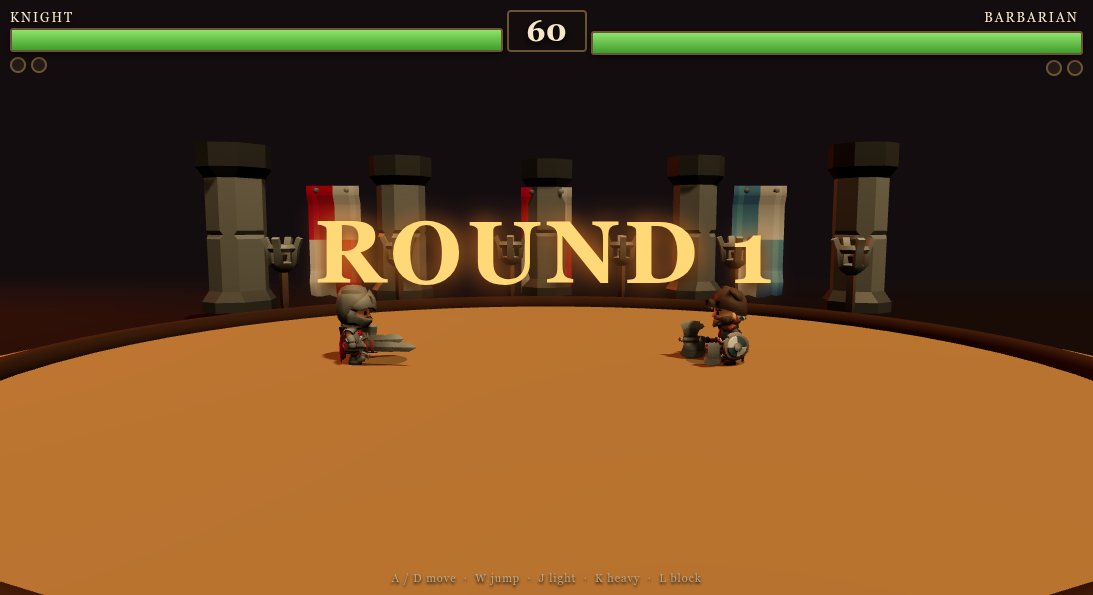
Create “Dragon Clash,” a single-player 3D arcade fighting game set in a minimalist arena. Show a fixed, slightly elevated side-on camera facing the fighters on one horizontal fighting line. Use a very dark navy background and floor, with subtle dark-blue arena structure/pillars near the far sides. Place two human-like fighters facing each other: the Guardian/player on the left, colored bright blue, and the Rival/CPU on the right, colored orange-red. Use simple stylized humanoid forms or low-detail character models, with clear contrasting team colors; keep the scene uncluttered and the fighters prominent. The player and rival start several steps apart and turn to face one another as they move.

The goal is to defeat the rival before the 90-second round timer expires while keeping the Guardian’s health above zero. Display a prominent HUD across the top: Guardian name and a green health bar on the left, a large centered countdown starting at 90, and Rival name with a red/orange health bar on the right. Under the player bar show an energy percentage; under the rival bar show a short CPU action/status label such as READY, APPROACHING, IN RANGE, ATTACKING, BLOCKED, HIT, or KI BLAST. Health begins full for both fighters. If the timer reaches zero, award the win to the fighter with more remaining health; show a clear victory or round-over screen with a fight-again button. Also provide an initial title/menu overlay with the Dragon Clash title, a short instruction to defeat the rival and charge energy, and a Start Fight button.

Implement straightforward fighting mechanics. Let the player move left and right along the arena using A/D or left/right arrows; provide matching on-screen directional buttons for touch. The CPU rival automatically approaches the player and attacks when close, with brief cooldowns between attacks. A player punch is triggered by J or a PUNCH/SOCAR button; it has a short cooldown and deals damage only at close range. A successful punch also builds energy and scores points; if out of range it causes a small forward step and a little energy gain instead. Hold K or a GUARD/DEF button to block: while guarding, incoming CPU attacks do no health damage and build some energy. Hold C or CHARGE to continuously build energy. When energy is full, L or the KI special button unleashes a special attack, consuming the full energy meter; it damages and briefly stuns the rival if within a wider range, otherwise it misses. Give hits brief visible impact flashes, and brief hit/stun reactions, but keep effects restrained and readable. End the match immediately when either fighter’s health is depleted.

Keep controls usable on both keyboard and touch: bottom-left left/right arrow buttons, and bottom-right guard, punch, charge, and special buttons. Include a compact centered instruction hint that lists movement, attack, guard, charge, and special controls. Use a polished but sparse arcade presentation with rounded translucent buttons, white bold text, colored health bars, cool blue/navy lighting and background, and strong blue-versus-orange fighter contrast. Do not add extra fighters, stages, weapons, story systems, or mechanics beyond this one-on-one timed bout.