Appearance
Skip to content
Arcade › AR Iron Man
AR Iron Man
How to play
Click the game above and it runs right here in your browser. No download, no installer, no account needed. minecraft internet built it with Cinevva, so it works on a phone or a tablet too.
Discussion
Nobody has said anything about AR Iron Man yet. Play it, then tell minecraft internet what you would add next.
Make your own game
AR Iron Man was built by minecraft internet with the Cinevva game creator: describe the game you want in chat, watch it get built, and play it in your browser minutes later.
Remix AR Iron Man opens the real game in the creator and forks its actual files, chat and design doc, so you start from the code rather than from a description.
Read the build brief for AR Iron Man
Cinevva's analyzer read this game's design doc and its source, then wrote the brief below. "Make your own" hands it to the game creator as your opening message, so you start from a real spec rather than a one-line idea.
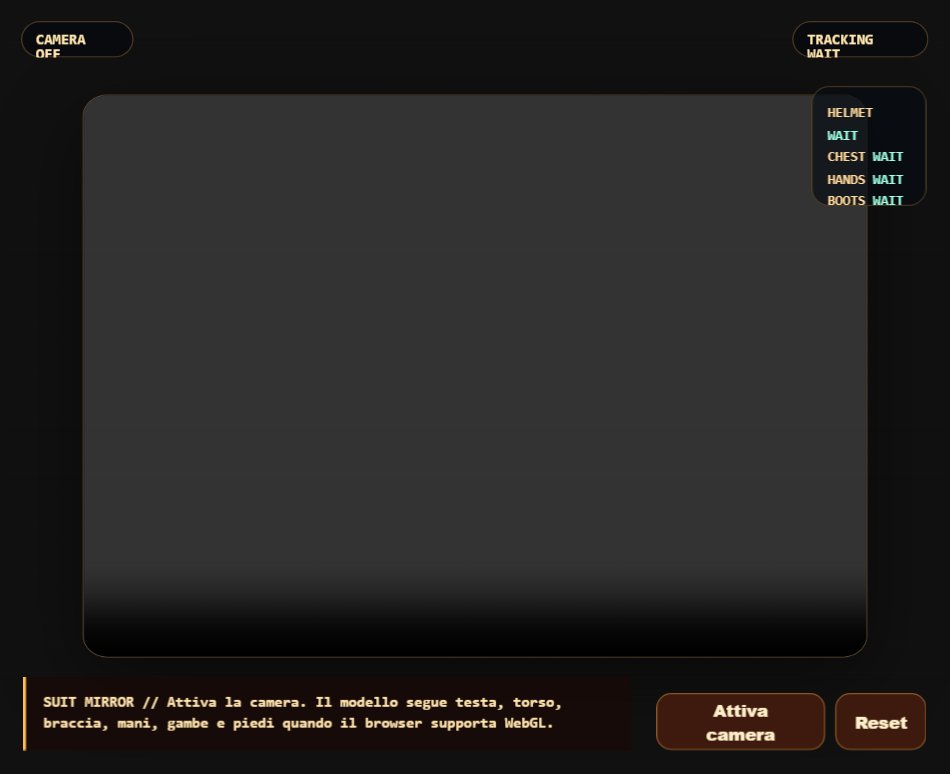
Create a browser-based AR Iron Man-style body-tracking experience titled “AR Iron Man,” rendered with Three.js over a mirrored webcam feed. The webcam should fill the viewport with object-fit: cover and be horizontally flipped; place a transparent WebGL canvas above it. Request the user-facing camera at roughly 1280x720. If camera access or pose tracking is unavailable, keep the experience active with a looping synthetic 33-landmark test pose rather than showing a loading screen.

Use a fixed perspective camera with about 60-degree field of view at (0, 0, 5.1), looking toward the center, and resize responsively. The visual world should look like a dark videogame arena composited over reality: a large dark navy floor around y=-2.9, a glowing blue/cyan square grid, eight evenly spaced tall dark blue-gray rectangular wall/building pillars along the distant rear horizon, and two chunky gray-blue crates in the foreground, one left and one right. Use hemisphere and directional lighting with cool blue fill and warm highlights. Keep the background black/dark whenever the camera is not visible.

Track the person with MediaPipe Pose (model complexity 1, smoothed landmarks, detection/tracking confidence around 0.5). Build a complete stylized Iron Man armor avatar from many low-poly/primitive meshes, aligned in real time to the pose: a red-and-gold helmet, red chest armor and separate torso/corpetto, two layered shoulder pads, red gauntlets, full segmented thighs and shins, red-and-gold feet with downward-facing thrusters. Use pose landmarks for nose/eyes/ears, shoulders, elbows, wrists, hips, knees, ankles, and feet. Convert normalized landmark coordinates into the Three.js scene using body width for scale, smooth positions and quaternions to avoid jitter. Position the helmet at the nose and orient it from eye/ear vectors and nose direction so head tilt, roll, pitch, and turning visibly affect it. Orient the torso between shoulders and hips, shoulders toward elbows, gauntlets along forearms, thighs between hips and knees, shins between knees and ankles, and feet from ankle/foot direction. Keep the armor attached to the tracked body rather than making a separately controlled character.

Model the helmet from a red rounded shell, dark-red lower rim/neck, gold face plate, dark-gold visor trim and a small blue glowing eye/visor strip, with red side cheek pieces and a gold crest. Model the chest/torso with red and dark-red layered box armor, gold trim bars, a circular gold arc reactor and a small blue glowing center. Add matching gold-edged red shoulder armor, compact red gauntlets with gold circular repulsor details and blue centers, segmented red/dark-red legs with gold bands, and small red/gold feet containing blue downward thruster glows. Materials should be shiny Phong-like materials in red (#c41e1e), gold (#e8b923), dark gold, dark red, and bright blue/cyan emissive accents. Start in “Iron mode,” with all primary red/gold/blue armor materials at about 50% opacity and transparent; pressing the T key toggles the armor between translucent 50% and opaque 100%.

Add diegetic holographic interfaces attached to the armor. On the left gauntlet, show a small dark-blue holographic rectangular display with cyan wireframe border, animated horizontal scan lines, and several red danger dots/indicator marks; animate one scan line moving vertically. On the helmet, add a small cyan HUD panel/visor detail, and add an immersive inner-helmet overlay attached to the helmet: a semi-transparent dark blue visor plane, subtle dark vignette edge strips, two concentric cyan/green targeting reticle rings, thin cyan HUD lines near the top and bottom, a green power/energy bar at lower left, and a small cyan status dot. Add a small chest HUD with green side bars and red indicator dots, plus a right-gauntlet dark display with three lime energy bars.

Create two thin bright cyan emissive repulsor beams between each gauntlet and the helmet. These should continuously connect the current left/right gauntlet positions to the helmet with cylinders oriented along the connection; hide them only if the points are nearly coincident. Support voice commands through browser SpeechRecognition when available, with continuous recognition and Italian language preference while accepting Italian and English keywords. Commands containing “spara,” “fire,” “shoot,” or “repulsor” should briefly fire both repulsor beams strongly for about 280 ms and briefly enlarge both gauntlets. Commands containing “propulsori,” “volare,” “fly,” “boost,” or “decolla” should activate flight mode, increase flight speed by 0.6 up to 3.5, and briefly squash/enlarge the feet to emphasize thruster boost. Commands containing “più,” “piu,” “plus,” “aumenta,” “power,” or “velocità” should increase flight speed by 0.8 up to 4.5 and extend the HUD power bar. Commands containing “ferma,” “stop,” or “atterra” should turn flight mode off.

While flight mode is active, move every armor component upward each frame by approximately 0.035 times flight speed, creating the sensation that the tracked armored body is taking off. At speeds over 2, add a slight forward lean to the helmet and torso. Gradually slow flight speed occasionally and stop flight mode when it falls below about 0.6, resetting speed to 1.0. Keep the experience immersive and presentation-focused: there is no score, enemy system, health/lives counter, inventory, level progression, or separate menu visible in the supplied implementation. The intended goal is to see a translucent, pose-following Iron Man suit and activate repulsors/flight using voice, with T as the only keyboard toggle.