Image to 3D Object Capture
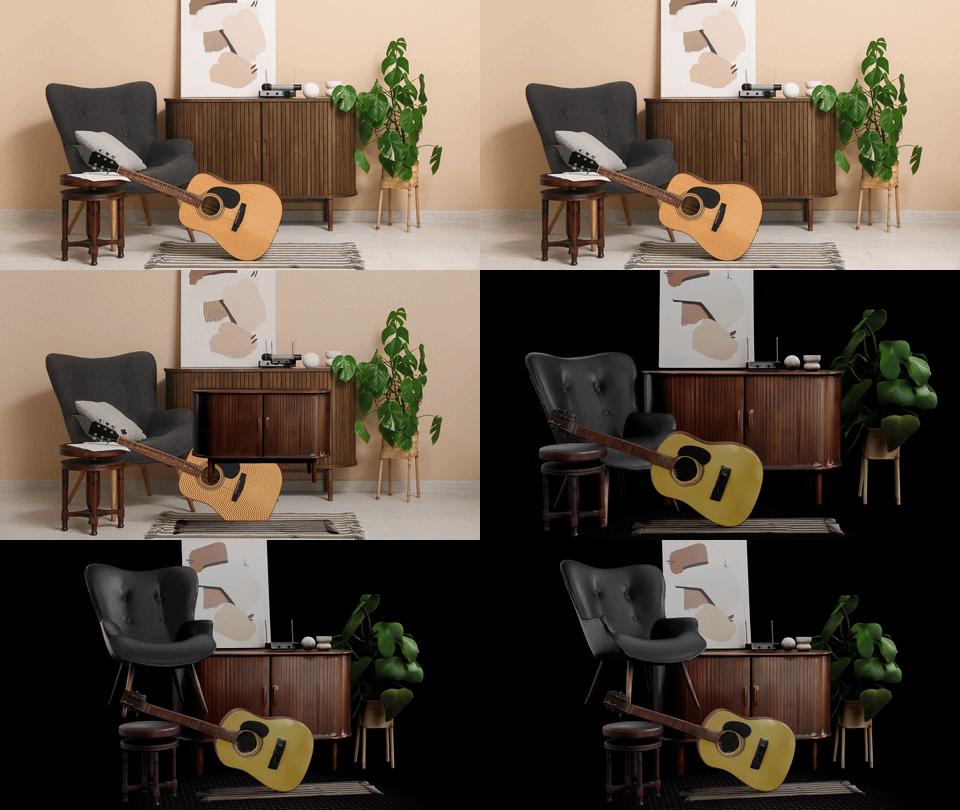
Turn a single photo into a 3D Gaussian splat you can spin around and view from any angle. Upload an image, and the tool reconstructs the main object as a splat that renders right in your browser. Nothing to install.
Sign in to Extract 3D Objects
Convert any object in an image into a viewable 3D model.
Features
- Single image in — Start from one photo, no multi-angle capture rig needed
- Gaussian splat out — A photoreal
.plysplat you can view from any angle - Runs in the browser — Reconstruction happens server-side, the result renders locally
Tips for Best Results
- Use images with a clear, prominent object
- Good lighting helps produce better results
- Objects with distinct edges work best
What is a 3D Gaussian splat?
A Gaussian splat is a point-based way to represent a 3D scene. Instead of a polygon mesh, it stores thousands of tiny colored, semi-transparent blobs (Gaussians) that together look photoreal from any angle. It's great for viewing and reference, and it renders fast in the browser.
What file does it export?
It exports a .ply Gaussian splat. You can view it from any angle in a Gaussian-splat viewer. It's a splat capture rather than a polygon mesh, so it isn't meant to be edited in Blender or dropped straight into a game engine.
I want an editable 3D mesh instead. What should I use?
Use the 3D Model Generator. It turns a photo or a text prompt into a textured polygon mesh with PBR materials, exported as GLB or OBJ for Blender, Unity, Godot, and web games. That's the right tool when you need a model you can edit, rig, and ship in a game.
Is it free?
Yes. The capture runs in your browser and is free to try. Sign in to save and download the splats you generate.