Volumetric clouds and weather effects in modern games
By Oleg Sidorkin, CTO and Co-Founder of Cinevva
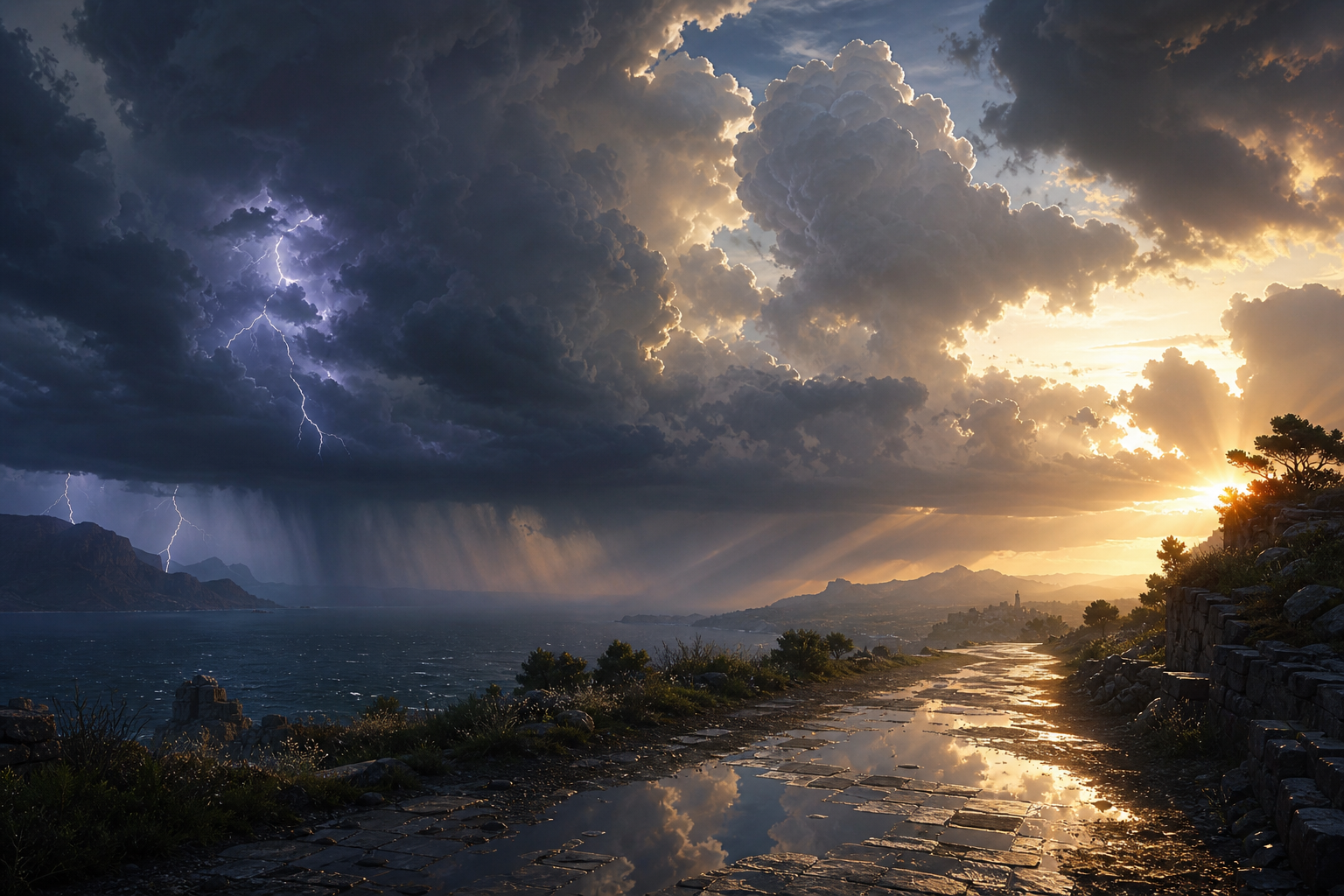
A few weeks ago I wrote about the rendering techniques modern AAA games actually ship. One area I left thin was sky and weather, because it deserves its own list. Clouds, fog, rain, and snow are the systems that turn a terrain demo into a place. They also share more code than they look like they do. Volumetric clouds, ground fog, and god rays are all the same ray-march. Wet roads, snow accumulation, and footprint trails are all the same displacement plus PBR trick. Wind is one direction vector that everything in the scene reads from.
Here's a short, opinionated tour of how the bigger studios build this stuff in 2026, with the papers and engine talks behind each piece.
1. Physically based sky and atmosphere
Atmospheric scattering is the foundation. The sky color, the horizon haze, the way distant mountains turn blue, the orange of sunset, all come from light scattering through the air. Modern engines compute this from physics: Rayleigh scattering for the blue, Mie scattering for the haze around the sun, ozone absorption for the deep violet at the zenith.
The original 2008 Bruneton method baked everything into 4D lookup tables, which limited dynamic time-of-day and added LUT artifacts at low sun angles. Sébastien Hillaire's 2020 update, which is what UE5's Sky Atmosphere component ships, replaces the high-dimensional LUT with a few 2D textures and a multiple-scattering approximation that updates per frame. It runs from a phone to a high-end PC.

Deep dives:
- Hillaire, A Scalable and Production Ready Sky and Atmosphere Rendering Technique (EGSR 2020, the modern standard, used in UE5).
- Bruneton and Neyret, Precomputed Atmospheric Scattering (EGSR 2008, the original LUT approach).
- Bruneton, Precomputed Atmospheric Scattering: a New Implementation (open-source reference, ozone and multi-planet support).
- Epic Games, Sky Atmosphere Component (UE5 docs).
2. Volumetric clouds with Perlin-Worley noise
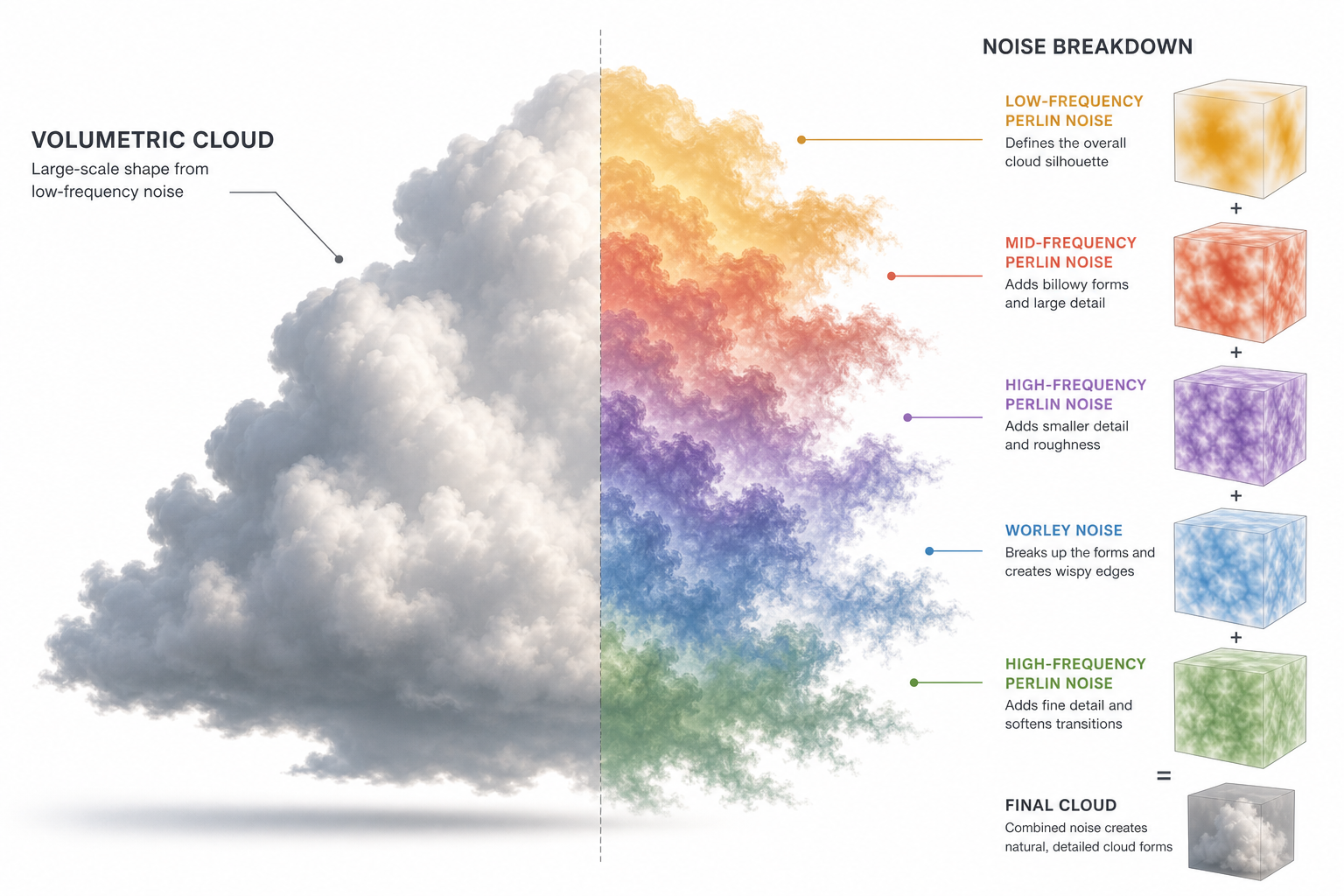
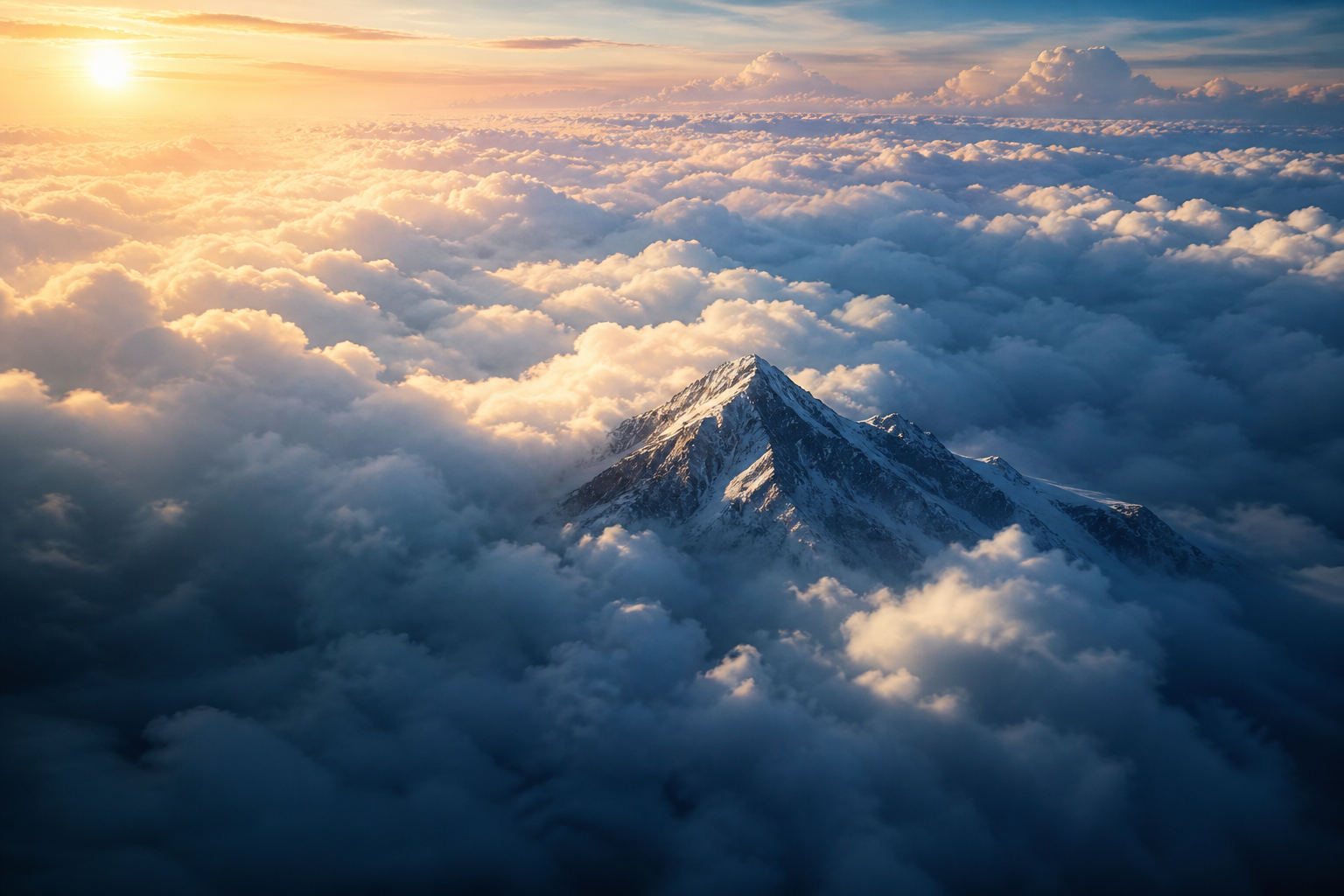
The bedrock cloud technique in modern games started in Andrew Schneider's 2015 Horizon Zero Dawn talk. Clouds are not meshes. They are a 3D density function defined by layered noise: a low-frequency Perlin-Worley mix gives the overall cloud shape, and a higher-frequency Worley noise erodes the silhouette into wispy edges. A weather map (a 2D texture sampled by world XZ) controls coverage, cloud type, and precipitation per region. A height-based gradient blends between cumulus, stratus, and cirrus profiles by altitude.
The renderer marches a ray from the camera through the cloud volume, accumulating density and scattering. The "Nubis" iteration in 2017 added regional-scale authoring and animation, and the original PS4 implementation ran in about 2 ms for the entire sky. Most studios that ship volumetric clouds today still trace their lineage to this paper.
Deep dives:
- Schneider, The Real-Time Volumetric Cloudscapes of Horizon Zero Dawn (SIGGRAPH 2015, the canonical reference).
- Schneider, Nubis: Authoring Real-Time Volumetric Cloudscapes with the Decima Engine (SIGGRAPH 2017, the regional-scale follow-up).
- Hillaire, Physically Based Sky, Atmosphere and Cloud Rendering in Frostbite (SIGGRAPH 2016, the Frostbite version).
- Häggström, Real-time rendering of volumetric clouds (a clean, approachable thesis with full shader code).
3. Voxel clouds and Nubis³
The 2023 evolution of Nubis abandoned the 2.5D shape representation entirely in favor of true 3D voxels. Each voxel stores cloud density directly, which lets artists carve and animate cloud shapes the way they sculpt terrain. The cost of moving to a denser representation is paid back by ray-march acceleration with compressed signed distance fields and clever up-rezzing of sparse voxel data.
The result is the kind of cloudscape you can fly through without seeing the underlying tricks fall apart. It's overkill for most studios, but it's the direction the high end is moving.

Deep dives:
- Schneider, Nubis³: Methods (and madness) to model and render immersive real-time voxel-based clouds (SIGGRAPH 2023, the voxel-cloud talk).
- Schneider, Nubis, Evolved (SIGGRAPH 2022, the bridge between 2.5D and full 3D).
- Schneider, Real-time Volumetrics and VFX (Andrew's personal site, with course notes and breakdowns).
4. Layered cloud rendering and 2D backdrops
Not every studio can afford full-volume clouds, and not every camera angle needs them. A lot of games combine techniques: high-altitude cirrus rendered as a scrolling 2D layer, mid-altitude cumulus as volumetric rays, and low-altitude stratus as a thin participating-media slab. The horizon often gets a pre-baked sky cubemap that the volumetric pass blends into beyond a fade distance.
This layering is what keeps the cloud budget honest. A single cloud type at full quality can eat 4-6 ms; layering different qualities for different cloud altitudes can hold the same look at half the cost.

Deep dives:
- Vos, The Real-Time Volumetric Cloudscapes of Horizon Zero Dawn (GDC 2016 video, the layering breakdown is in the second half).
- Bauer, Creating the Atmospheric World of Red Dead Redemption 2 (SIGGRAPH 2019, RDR2's combined sky/clouds/volumetrics pipeline).
- Hillaire, Volumetric clouds and mega particles in REDengine 4 (GDC 2025, Cyberpunk 2077's cloud pipeline).
5. Volumetric fog with froxel grids
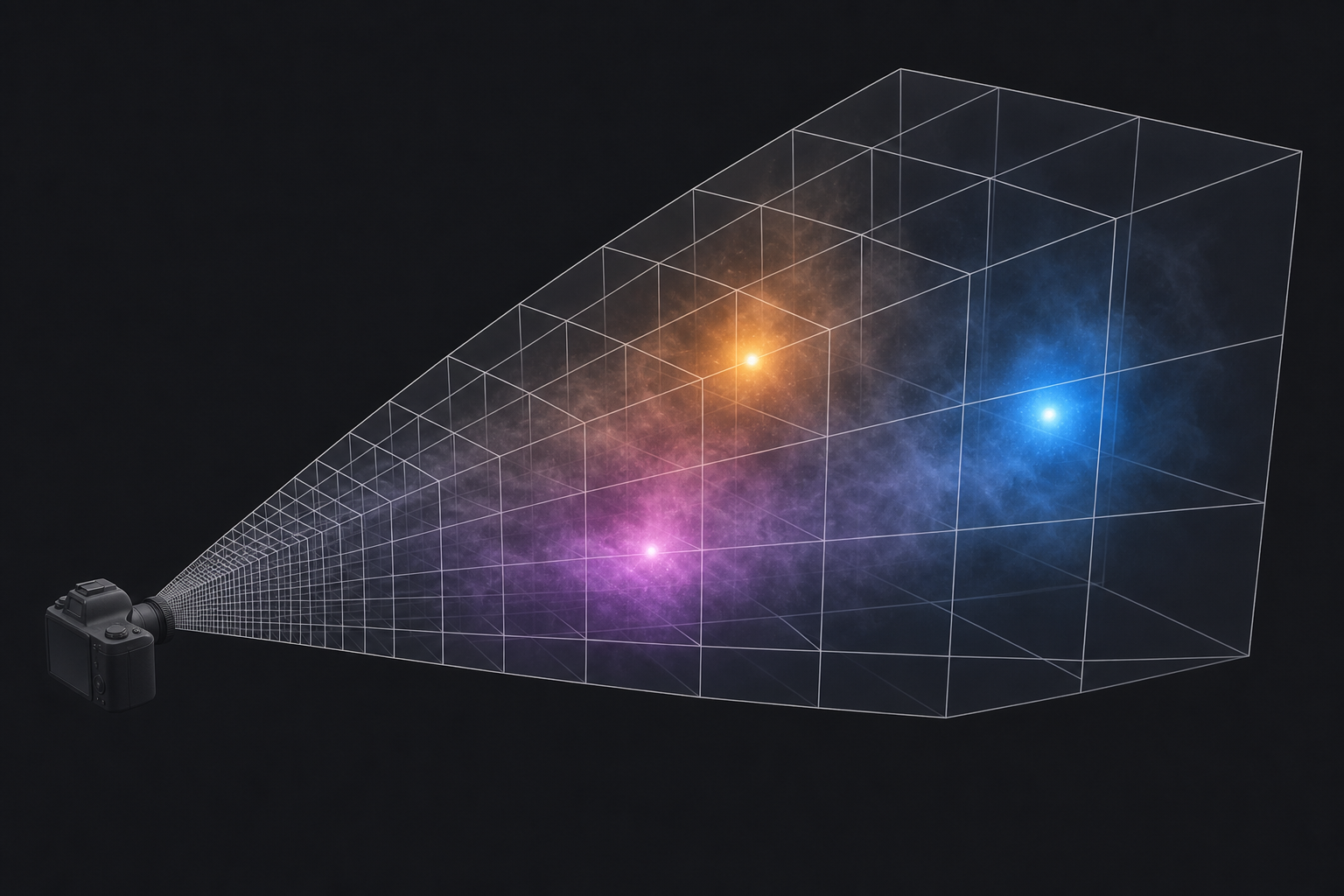
Fog is a 3D field, not a 2D screen effect. The standard modern approach is the froxel grid: a 3D texture aligned to the camera's view frustum, with each cell ("froxel" = frustum + voxel) storing density and lit color. A compute shader injects scattering from every light source into the grid, accumulates extinction along the view ray, and applies the result as a fullscreen pass.
This is what gives you light shafts through windows, colored fog around point lights, and visible volumes around explosions. It's also the underlying machinery for "atmospheric perspective" that fades distant objects into the air. The technique was introduced by Bart Wronski for Assassin's Creed 4 and standardized by Sébastien Hillaire in Frostbite.
Deep dives:
- Wronski, Volumetric Fog: Unified Compute Shader Based Solution to Atmospheric Scattering (SIGGRAPH 2014, the original froxel-grid paper).
- Hillaire, Physically Based and Unified Volumetric Rendering in Frostbite (SIGGRAPH 2015, the production-grade implementation).
- Kovalovs, Volumetric Effects of The Last of Us Part Two (SIGGRAPH 2020, with notes on temporal jitter and depth-correct compositing).
- Wright et al., Lumen: Real-Time Global Illumination in Unreal Engine 5 (SIGGRAPH 2022, includes Lumen's interaction with volumetric fog).
6. God rays and crepuscular shafts
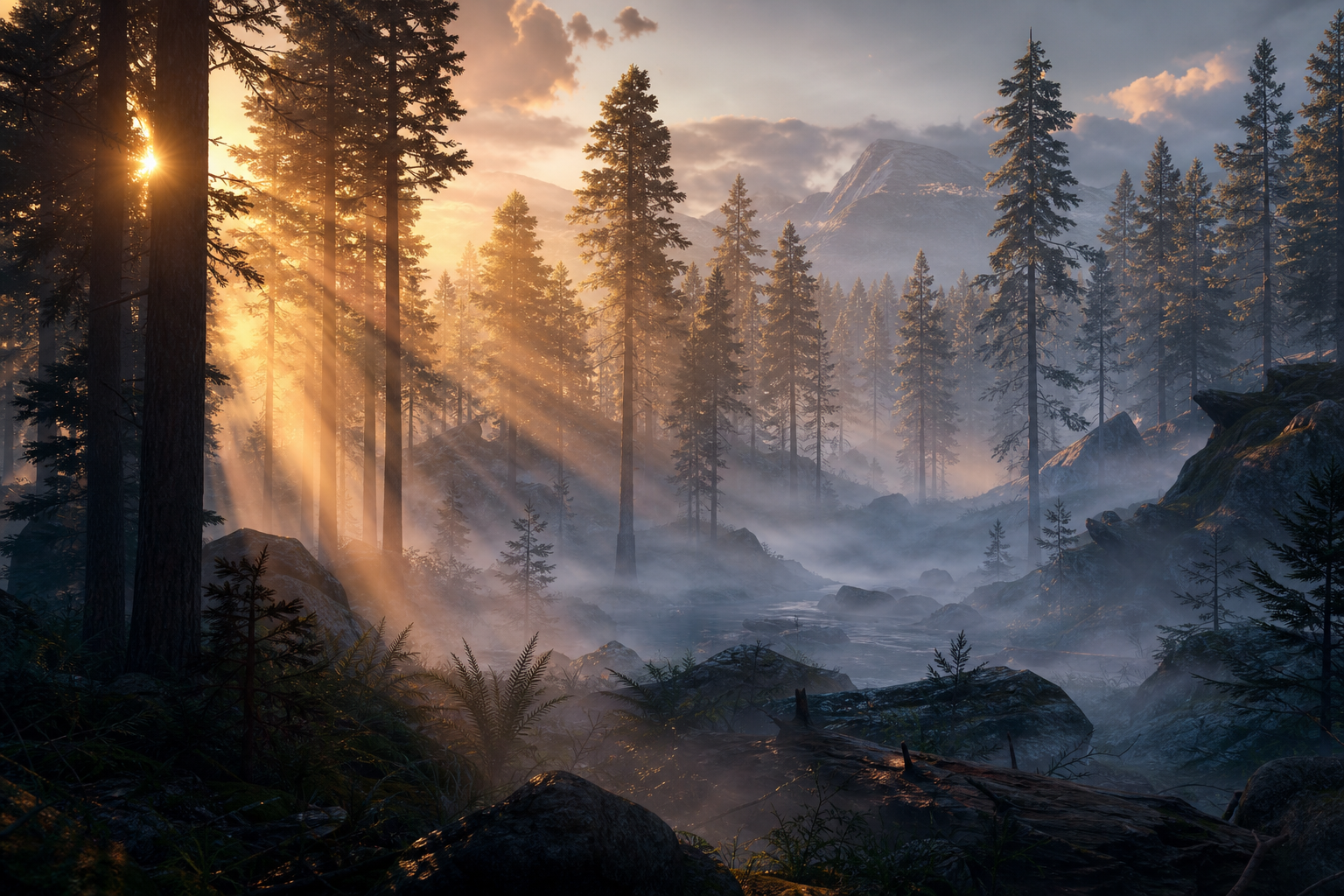
Visible rays of sunlight in misty air are not a separate effect. They fall out of the same fog system, as long as the fog density and the shadow map are both available to the same compute shader. When the shader injects light into a froxel, it samples the shadow map at that froxel's world position. Cells in shadow stay dark, cells in light pick up the sun color. March the camera ray through the result and the bright cells form continuous shafts.
Cheaper screen-space variants exist (radial blur from the sun position into the depth buffer) and are still the right pick on mobile or low-end hardware. They miss off-screen sun positions but cost almost nothing.
Deep dives:
- Mitchell, Volumetric Light Scattering as a Post-Process (GPU Gems 3, the screen-space radial-blur approach).
- Engelhardt and Dachsbacher, Epipolar Sampling for Shadows and Crepuscular Rays in Participating Media (I3D 2010, the more accurate GPU technique).
- Vos, Volumetric Light Effects in Killzone: Shadow Fall (SIGGRAPH 2014, the production version with shadow integration).
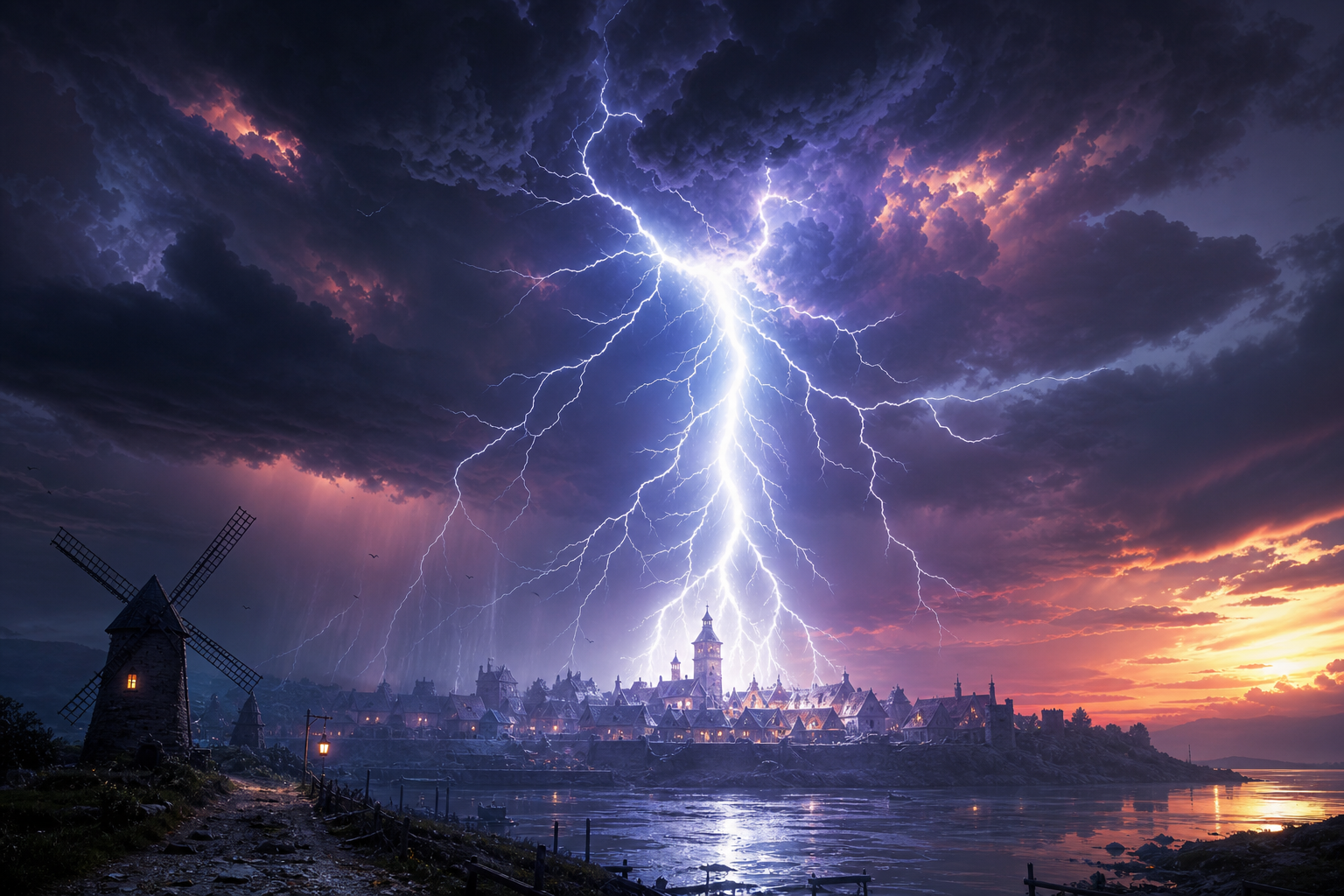
7. Lightning and stochastic weather events
Lightning is a one-frame effect with two parts: the bolt mesh, and the scene-wide tonemap and lighting response. The bolt itself is usually a procedural billboard mesh built from a recursive line-segment subdivision algorithm, jittered for chaos and tapered toward the ground. Some engines render it as a screen-space additive flash, others as a fully lit emissive geometry that casts light on the world via a one-frame point-light injection.
The interesting part is everything else: cloud bottoms light from below, the ground brightens for two frames, the auto-exposure metering takes a few frames to recover, and a delayed thunder cue plays based on distance. Done well, this turns a 16 ms flash into a five-second sequence that sells weather as something happening in the world, not just over it.
Deep dives:
- Reed and Wyvill, Visual Simulation of Lightning (SIGGRAPH 1994, the recursive bolt algorithm everybody still uses).
- Kim and Lin, Fast Animation of Lightning Using an Adaptive Mesh (IEEE TVCG 2007, more physically grounded).
- Bauer, Creating the Atmospheric World of Red Dead Redemption 2 (SIGGRAPH 2019, RDR2's storm pipeline including lightning timing).
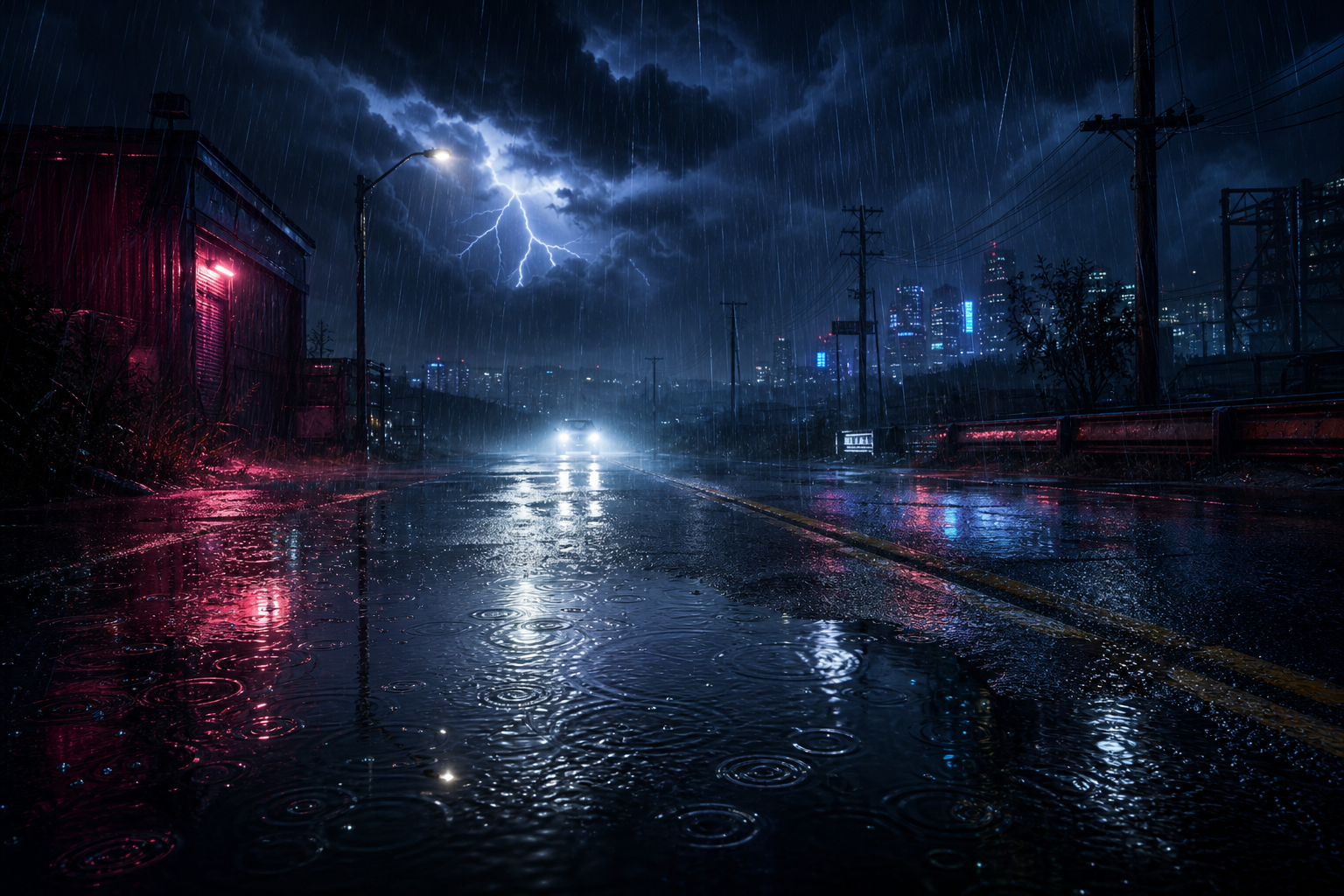
8. Rain particles, rain meshes, and screen-space drops
Falling rain in modern games is rarely just particles. The cheap and convincing solution is a small set of scrolling textures stretched across vertical or screen-aligned quads, lit by the same sun and sky probes as everything else. Closer to the camera, individual streak particles add detail. On the camera lens itself, droplet textures, sliding trails, and impact ripples sell the "you are inside the storm" feel.
Wind affects the rain direction. The same wind vector pushes the cloud weather map, bends grass, and tilts the rain quads. One scene-wide vector, dozens of consumers.
Deep dives:
- Tatarchuk, Artist-Directable Real-Time Rain Rendering in City Environments (EGSR 2006, the canonical layered-rain reference).
- Garg and Nayar, Photorealistic Rendering of Rain Streaks (SIGGRAPH 2006, the physics of light through raindrops).
- Wojciechowski, Rain in Cyberpunk 2077 (GDC 2021, a modern production walkthrough).
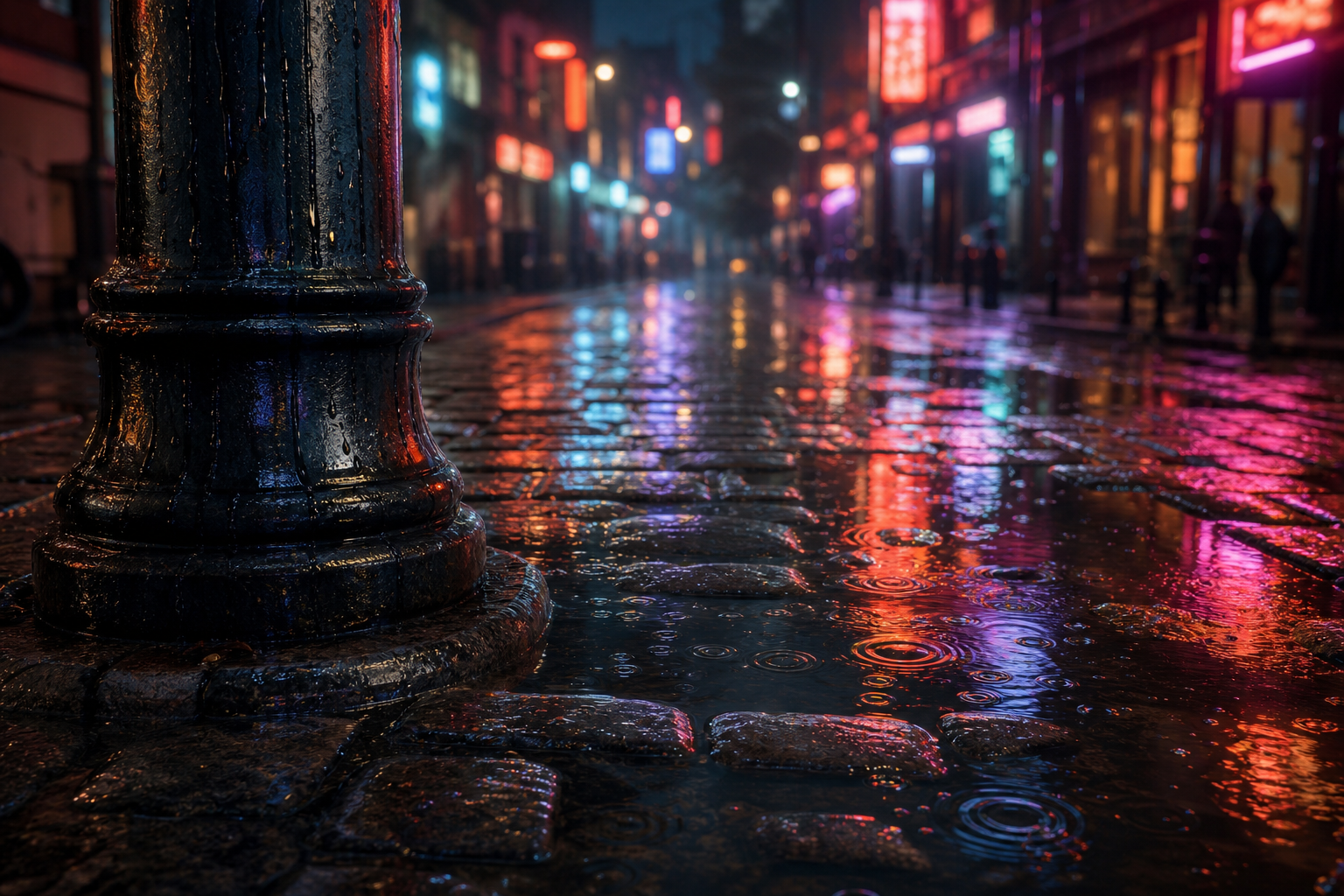
9. Wet surfaces, puddles, and ripples
Rain that doesn't change the ground looks fake immediately. Wet surfaces respond by darkening their albedo (water absorbs incoming light), flattening their normals (the water film smooths microsurface), and dropping their roughness (water is a near-perfect mirror at glancing angles). The shader change is small, the visual change is huge.
Puddles are mask-driven: a height-based or vertex-painted mask defines low spots that fill with water as a "wetness" parameter rises. Ripples are flipbook normal-map textures triggered by raindrop impacts. The really nice implementations build the wetness state up over time, so a long rainstorm slowly soaks the world and a brief shower only darkens the high spots.
Deep dives:
- Lagarde and de Rousiers, Moving Frostbite to Physically Based Rendering 3.0, section 5.5 (SIGGRAPH 2014, the canonical wet-surface PBR adjustments).
- Lagarde, Adopting a Physically Based Shading Model (the original blog series with the wet-PBR math).
- Cyanilux, Rain Effects Breakdown (an approachable Shader Graph walkthrough of puddles, ripples, and droplets).
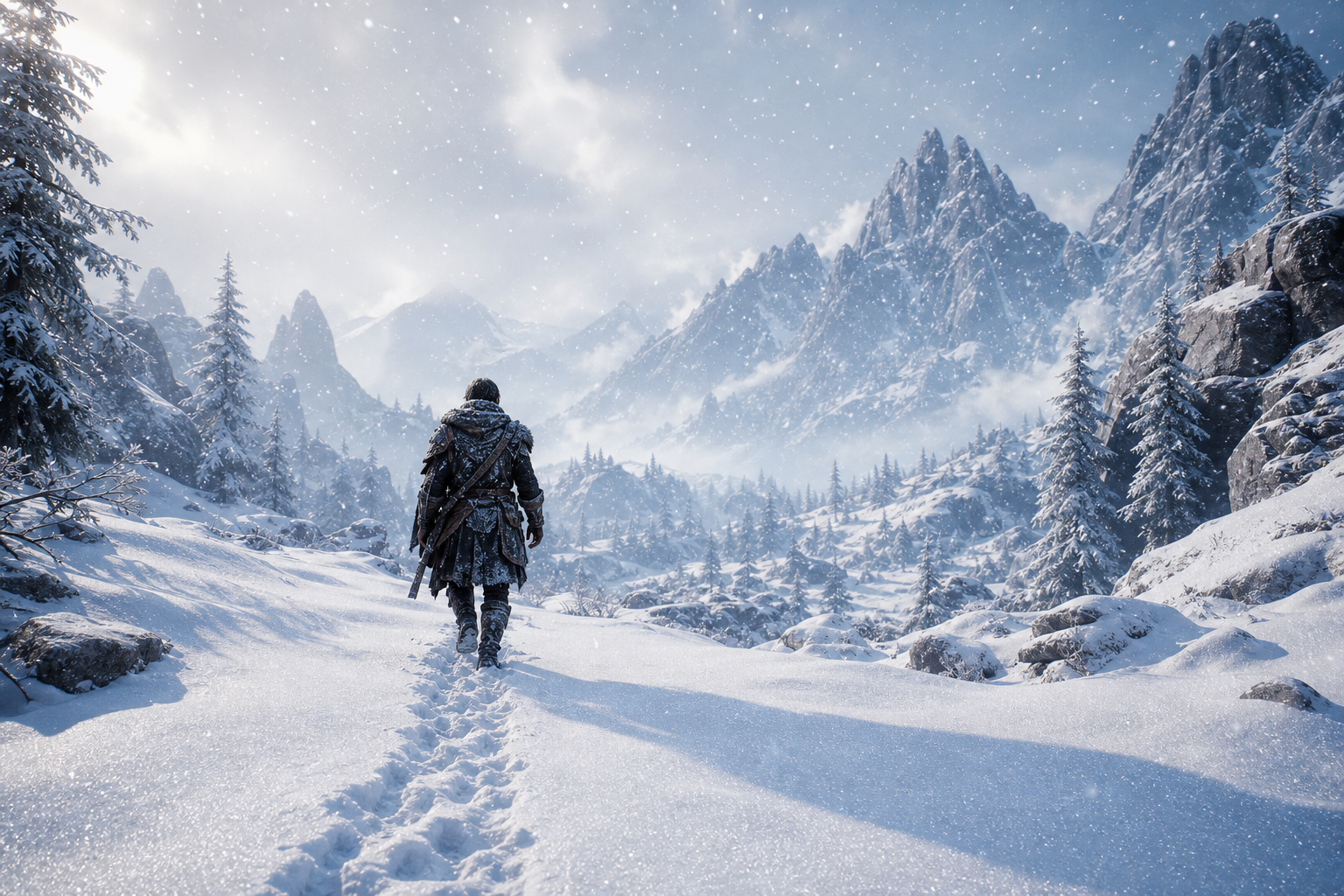
10. Snow accumulation and deformation
Snow is the symmetrical problem to rain: the world has to remember it, not just receive it. The standard approach uses a top-down "snow accumulation" texture that builds up over time wherever the sky is visible (computed against a top-down depth or shadow map). The terrain shader samples this mask and blends in the snow material in shaded regions and snow-deep displacement in exposed areas.
Footprints and tire tracks are rendered into a sliding deformation map centered on the player. As the camera moves, old footprints scroll out and the texture wraps around. The terrain or snow shader samples this deformation map and pushes vertices down where it has been written. Battlefield 5's snow does this with hardware tessellation; cheaper approaches use a high-density terrain mesh with vertex displacement only.
Deep dives:
- Barré-Brisebois, Hands-on with Battlefield 5: how the small things matter (the production write-up of Frostbite snow).
- St-Amour, Real-time snow deformation (a thesis with full GPU implementation details).
- Andersson, Terrain Rendering in Frostbite Using Procedural Shader Splatting (the splat-system foundation that snow accumulation rides on top of).
11. Wind as a global system
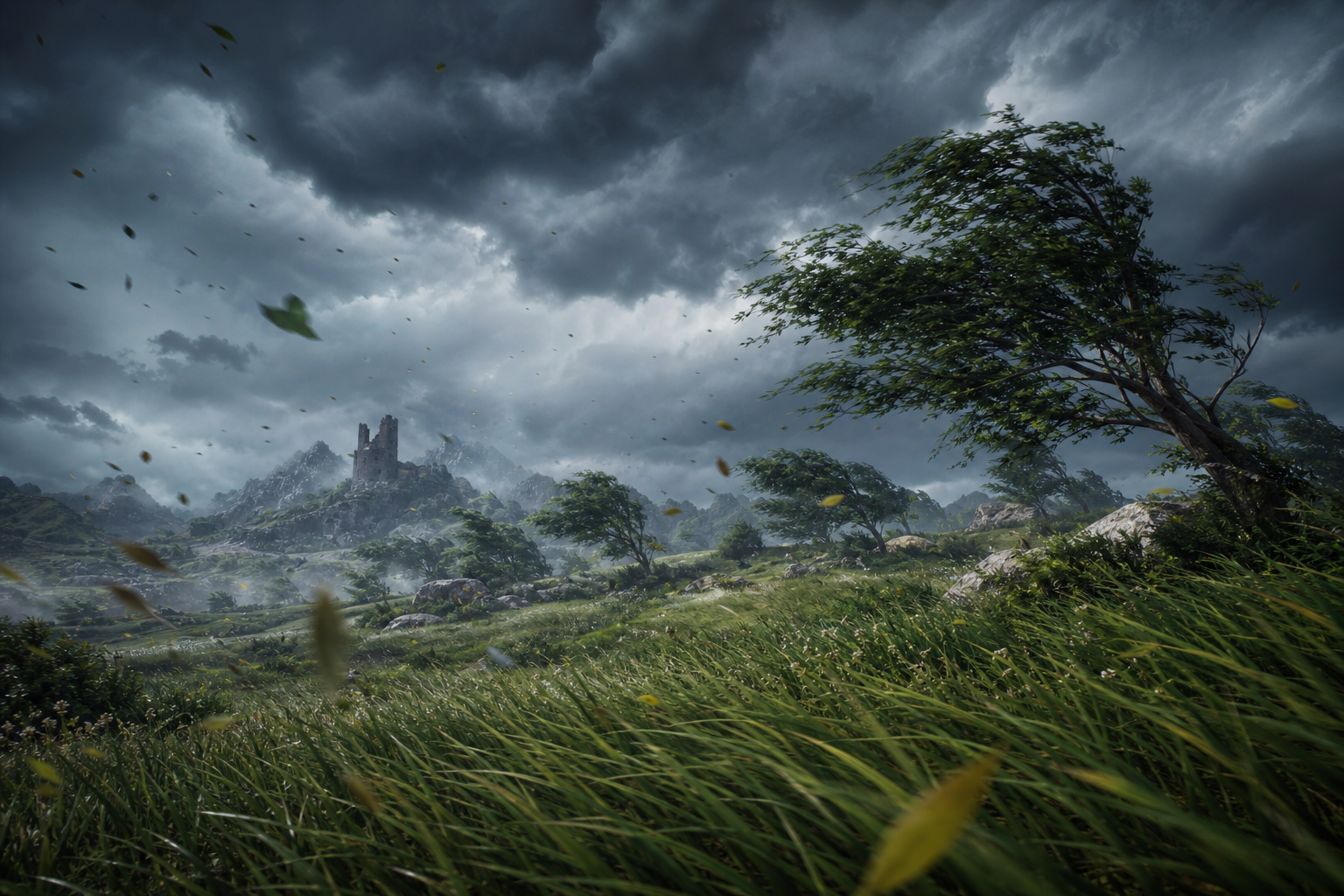
Wind is not a particle effect. In production engines it's a single global vector (sometimes a low-resolution 3D field) that every dynamic system reads from in its vertex shader. Grass blades bend, tree branches sway, cloth flaps, leaves drift, rain tilts, smoke advects, cloud weather maps scroll. One uniform updated per frame, dozens of consumers.
The richer version is a "wind grid" that stores direction and strength sampled by world position, allowing for storms with localized gusts, sheltered valleys, and wakes behind buildings. Foliage also typically gets a per-vertex offset baked at authoring time so identical trees don't sway in lockstep. The result is a world that breathes at the same rate.
Deep dives:
- McAuley, Rendering the World of Far Cry 4 (GDC 2015, includes Far Cry 4's wind grid for vegetation).
- Habel and Wimmer, Realistic Real-Time Rendering of Landscapes Using Billboard Clouds (older, but the wind-on-vegetation math is unchanged).
- Frostbite, The Vegetation of Horizon Zero Dawn (SIGGRAPH 2017, with the wind-system architecture).
12. Sandstorms, blizzards, and dense weather
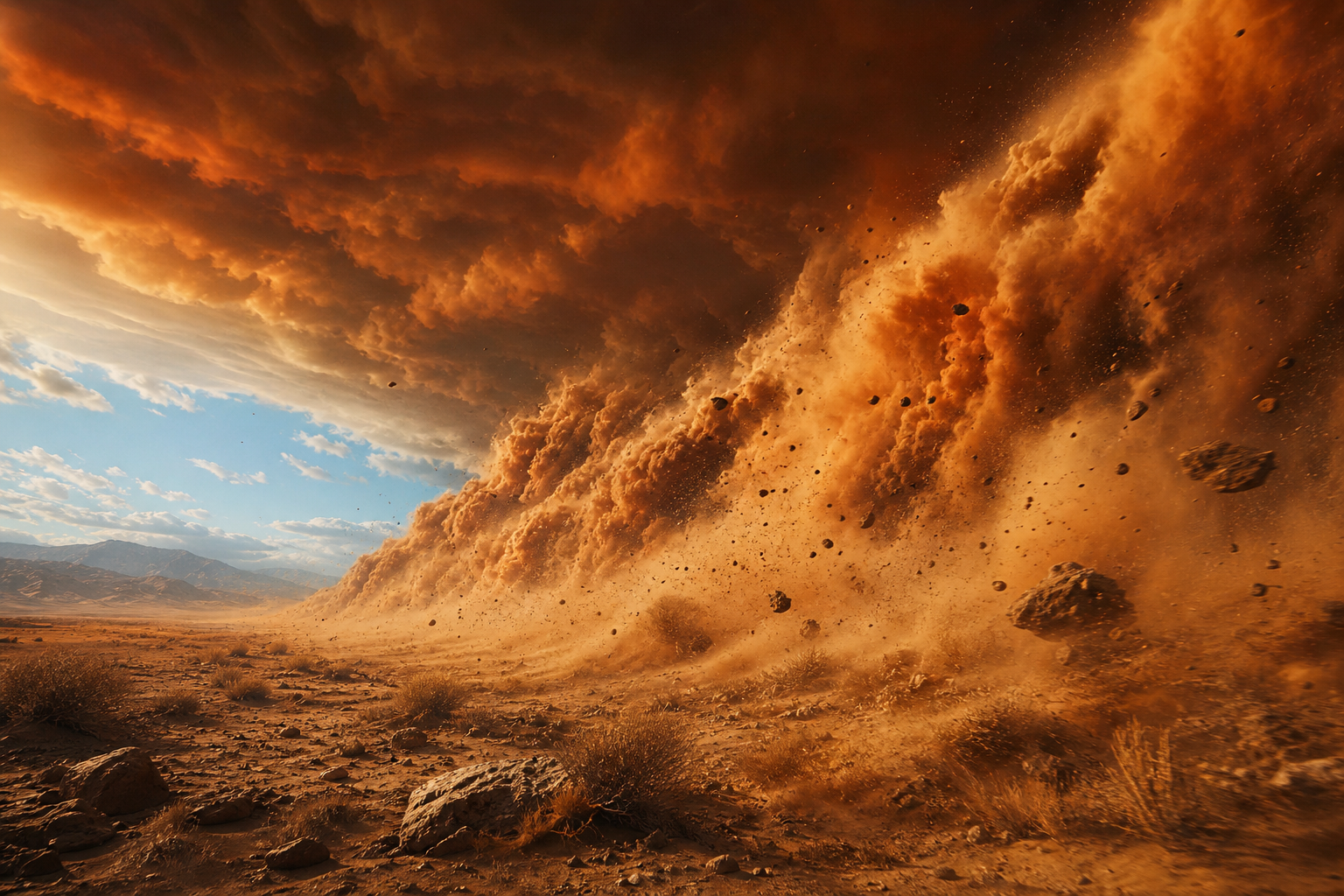
Severe weather is its own rendering category. A sandstorm is a thick, opaque, ground-aligned fog with a strong directional bias and aggressive distance fog. A blizzard adds a near-camera particle blast and reduced visibility. Volcanic ash and smoke are the same architecture with different colors.
The thing that sells these is not the particles, it's the coupling: the sun darkens, the sky tints, the post-process color grading shifts, ambient audio swaps, footstep sounds change, the player's voice gets muffled if they have one. The renderer is the messenger; the immersion comes from every system in the game responding at the same time.
Deep dives:
- Burley, The Real-Time Sky and Atmosphere of Uncharted: The Lost Legacy (GDC 2018, with notes on dense-weather composition).
- Khalifa, Atmospheric Weather Effects in Forza Horizon 5 (GDC 2022, modern open-world weather).
- Karis, The Technology Behind the Unreal Engine 5 "Lumen in the Land of Nanite" Demo (SIGGRAPH 2021, the cave dust scene's volumetric stack).
13. Time of day and dynamic skies
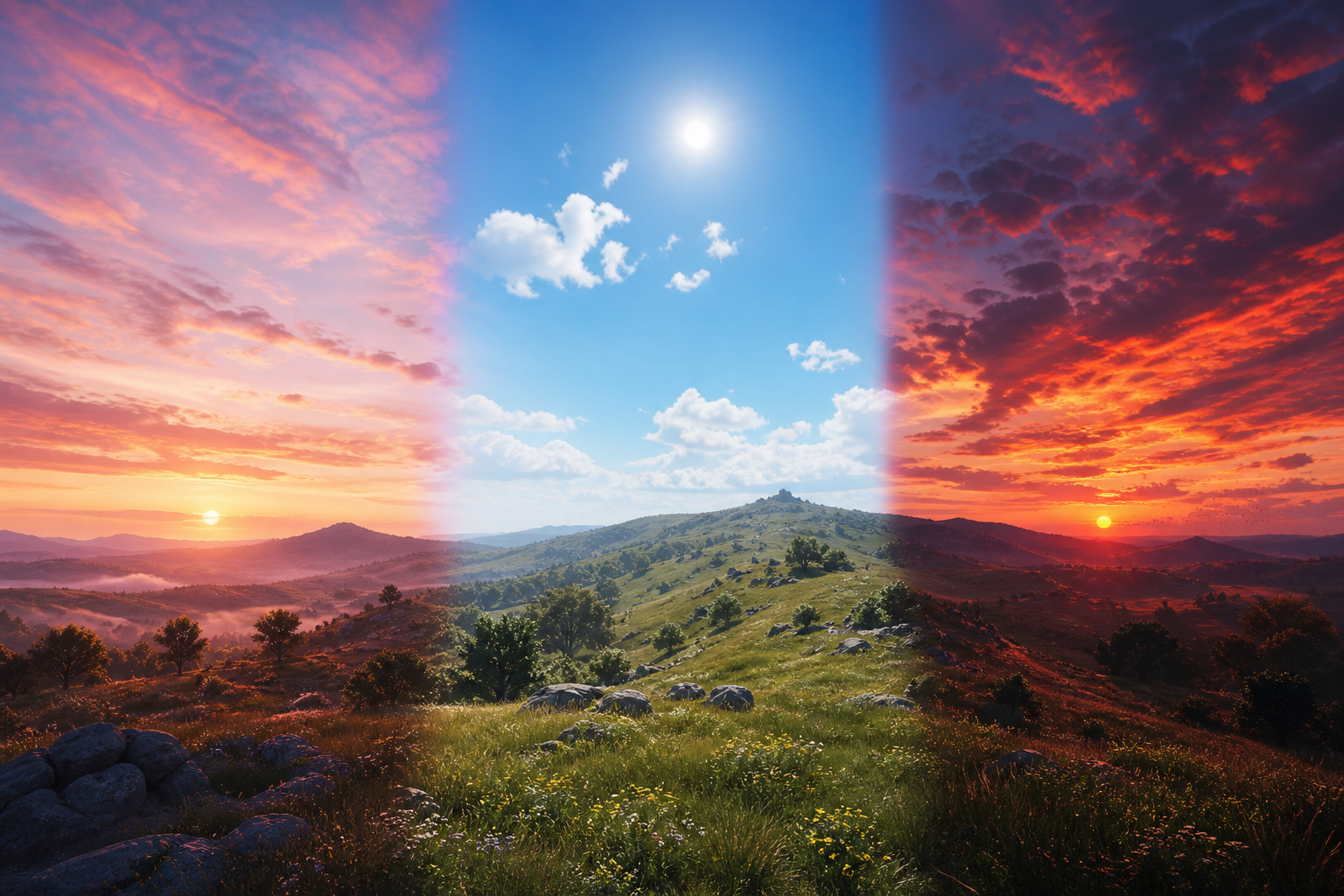
Real-time time of day is the multiplier that makes every other system in this list worth shipping. The sun direction and color update over a 24-minute or 24-hour cycle. The atmosphere LUT updates with the sun angle. The cloud lighting recomputes per frame. The shadow cascades repoint. The reflection probes refresh. The ambient color shifts. The post-process exposure adapts.
Doing this without visible artifacts is mostly a story of texture caching and temporal stability. Fast techniques precompute the sky at fixed sun angles and interpolate; slower ones recompute every frame. The Hillaire 2020 atmosphere model is fast enough to recompute, which is why UE5 ships it. The cloud weather map scrolls with wind, so coverage shifts naturally without anyone authoring keyframes.
Deep dives:
- Hillaire, A Scalable and Production Ready Sky and Atmosphere Rendering Technique (EGSR 2020, with the dynamic time-of-day discussion).
- Pesce, Real-Time Sky Rendering: Techniques and Tradeoffs (Ray Tracing Gems II chapter, modern survey).
- Bauer, Creating the Atmospheric World of Red Dead Redemption 2 (SIGGRAPH 2019, with the 24-hour pipeline).
14. The weather state machine
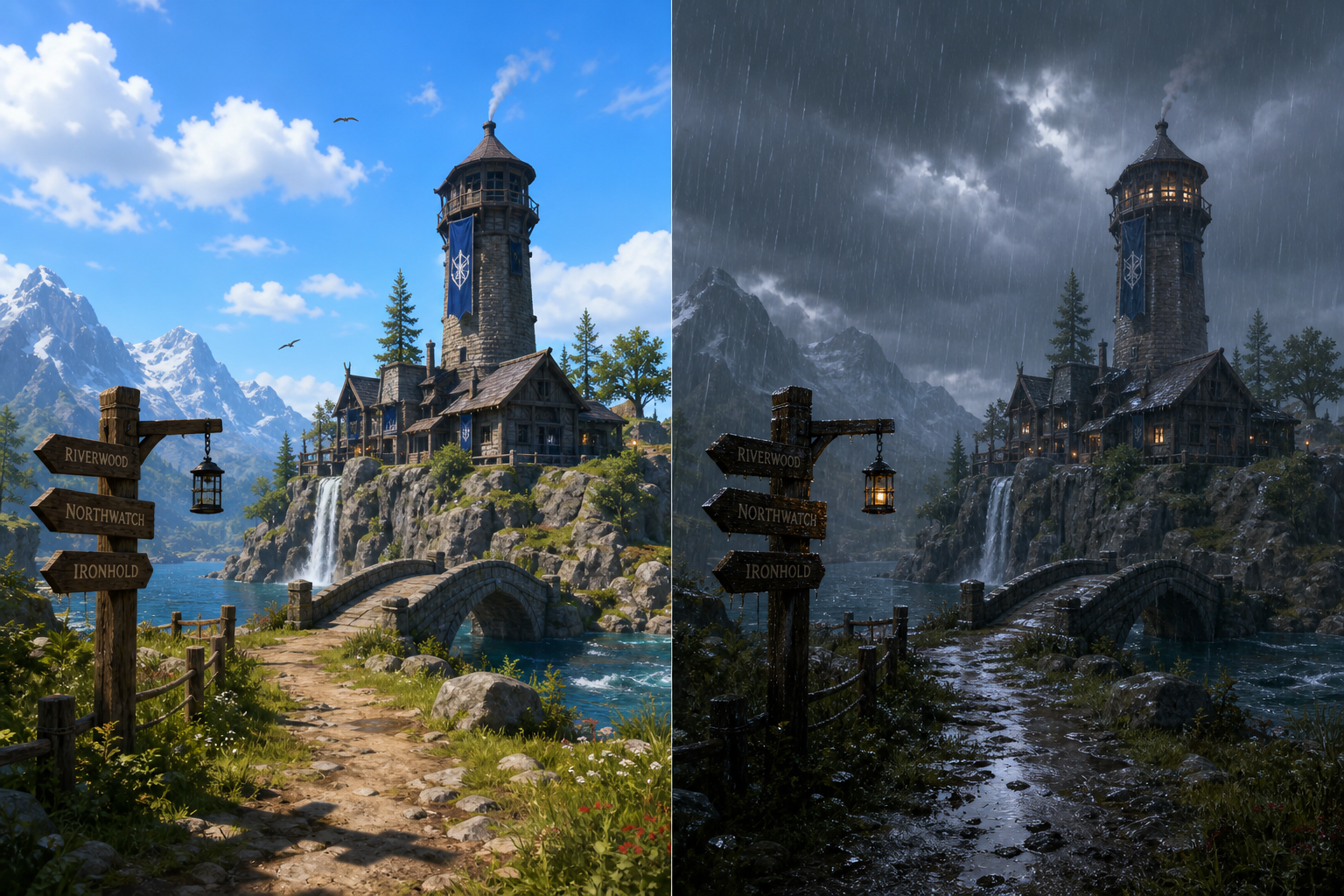
Underneath all of this is a tiny state machine. Most games ship somewhere between 4 and 12 weather states (clear, partly cloudy, overcast, light rain, heavy rain, thunderstorm, fog, snow, blizzard, sandstorm), each defined by a set of parameters: cloud coverage and type, wind speed and direction, precipitation type and intensity, ambient color tints, audio profile, post-process grade.
Transitions are linear interpolations between parameter sets over 30 to 120 seconds. The transition isn't a special case, it's just two states being lerped, with each rendering subsystem reading the current parameter values that frame. Weather can be scripted (cutscene needs a storm), seeded (deterministic per region per in-game day so that two players in the same world see the same weather), or fully authored on a region grid. The cleanest pipelines treat all three as different schedulers writing into the same parameter buffer.
Deep dives:
- Bauer, Creating the Atmospheric World of Red Dead Redemption 2 (SIGGRAPH 2019, with the weather-state pipeline).
- Khalifa, Atmospheric Weather Effects in Forza Horizon 5 (GDC 2022, with the parameter-blend approach).
- Schneider, The Real-Time Volumetric Cloudscapes of Horizon Zero Dawn (SIGGRAPH 2015, with weather-map-driven cloud evolution).
15. The cinematic moments
The whole stack exists for a few signature moments. Standing on a ridge as a storm front rolls in. Watching a sun shaft burn through a clearing in the canopy. Walking out of a cave into snow. Flying through a cumulus cloud and seeing the light on the inside.
These are the moments players take screenshots of. They're also the moments where every system above has to be working at the same time: cloud volumetrics, atmospheric scattering, fog with shadow integration, wet PBR, wind on the foliage, time-of-day color grading, and a transition between weather states all composing into one frame. Get any one of them wrong and the magic snaps.
What this means for the browser
Most of these techniques map cleanly onto WebGPU. We've shipped basic atmospheric fog, equirectangular skybox blending, and screen-space distance haze in the open-world browser engine. The harder pieces (full volumetric clouds, froxel grid fog, wet PBR with dynamic puddles, snow deformation maps) are the obvious next step now that the terrain pipeline is stable. Spike 24's per-fragment fog color sampling from the skybox is one piece of this puzzle. A compute-shader cloud raymarcher feeding into the same atmosphere LUT is the next.
The good news is that the browser hardware floor is now high enough. WebGPU compute, 3D textures, indirect dispatch, and timestamp queries all exist. The Hillaire 2020 atmosphere has been ported to WebGL multiple times. Schneider's Nubis has open-source reference implementations in GLSL that translate to WGSL with mechanical edits. There is no longer a rendering reason that a browser game can't have the same sky as a console one. There are just engineering reasons, and engineering reasons are the kind we like.
Further reading across the whole stack
If you want one source that pulls all of this together, the SIGGRAPH "Advances in Real-Time Rendering in Games" archive (advances.realtimerendering.com) has the canonical weather and atmosphere talks going back to 2014. For production tear-downs of how specific games render their sky and weather, Adrian Courrèges' GPU profiling articles include detailed frame-by-frame breakdowns of GTA V, Horizon Zero Dawn, and Doom Eternal. For the sky and atmosphere math specifically, scratchapixel.com's volume rendering chapter is the gentlest introduction, and Hillaire's open-source implementation repository is the production-quality reference.