From sketch to video and playable 3D
By Oleg Sidorkin, CTO of Cinevva
Taking a character from a flat sketch to a playable 3D game used to require a concept artist, a 3D modeler, a rigger, an animator, and someone to wire it all together in an engine. We wanted to see how much of that pipeline Cinevva's creative tools could handle on their own. Here's what we found.
The character is Kali the Kitty from Cubcoats, a children's brand that sold over a million stuffed-animal hoodies through Nordstrom, Amazon, and Disney Store. Cubcoats has eight original characters with defined personalities, a fictional island world, and 14 patents. They're relaunching in 2026 as a licensing-first platform, and we wanted to show what that IP looks like when it moves beyond physical products: a vertical video short and a rigged 3D character you can walk around in a browser. Everything below is real output from that exploration.
Drag the 3D viewers to orbit. Scroll the film strip to see how the vertical short moves from first frame to last.
From flat book art to a character you can spin around
Cubcoats already had beautiful 2D illustrations. Mimi Chao's art direction gave every character a warm, rounded, hand-drawn look that works perfectly on hoodies and in storybooks. But flat art doesn't feed a 3D pipeline. We needed a high-fidelity character that could hold up as a reference for video generation, mesh creation, and rigging, all from the same face.
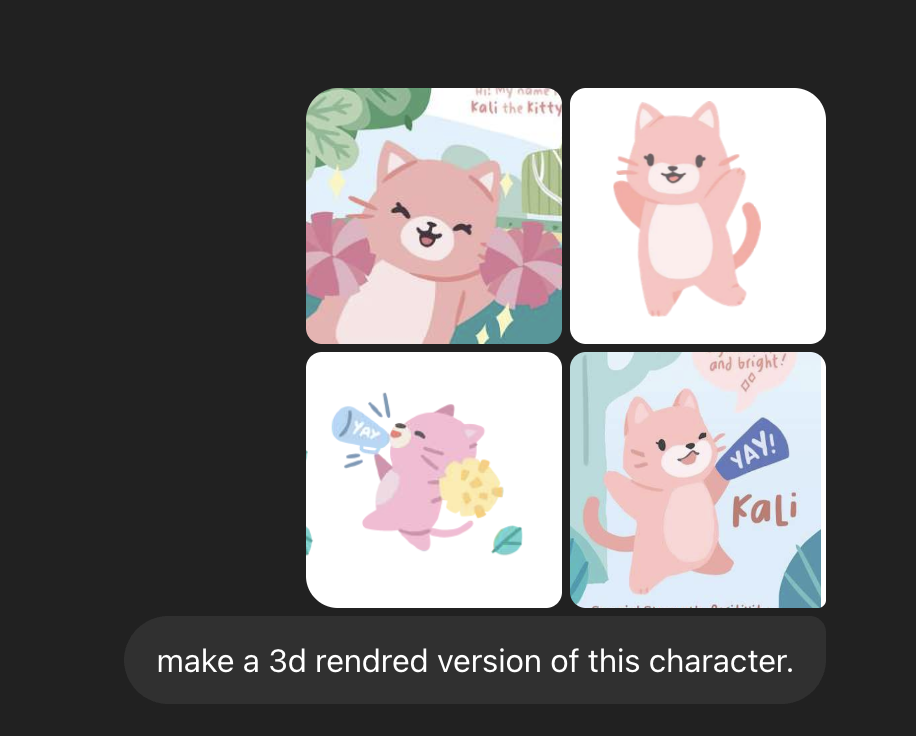
We started by feeding the original book illustrations into our Image Generator and asking it to produce a 3D rendered version of the same character.
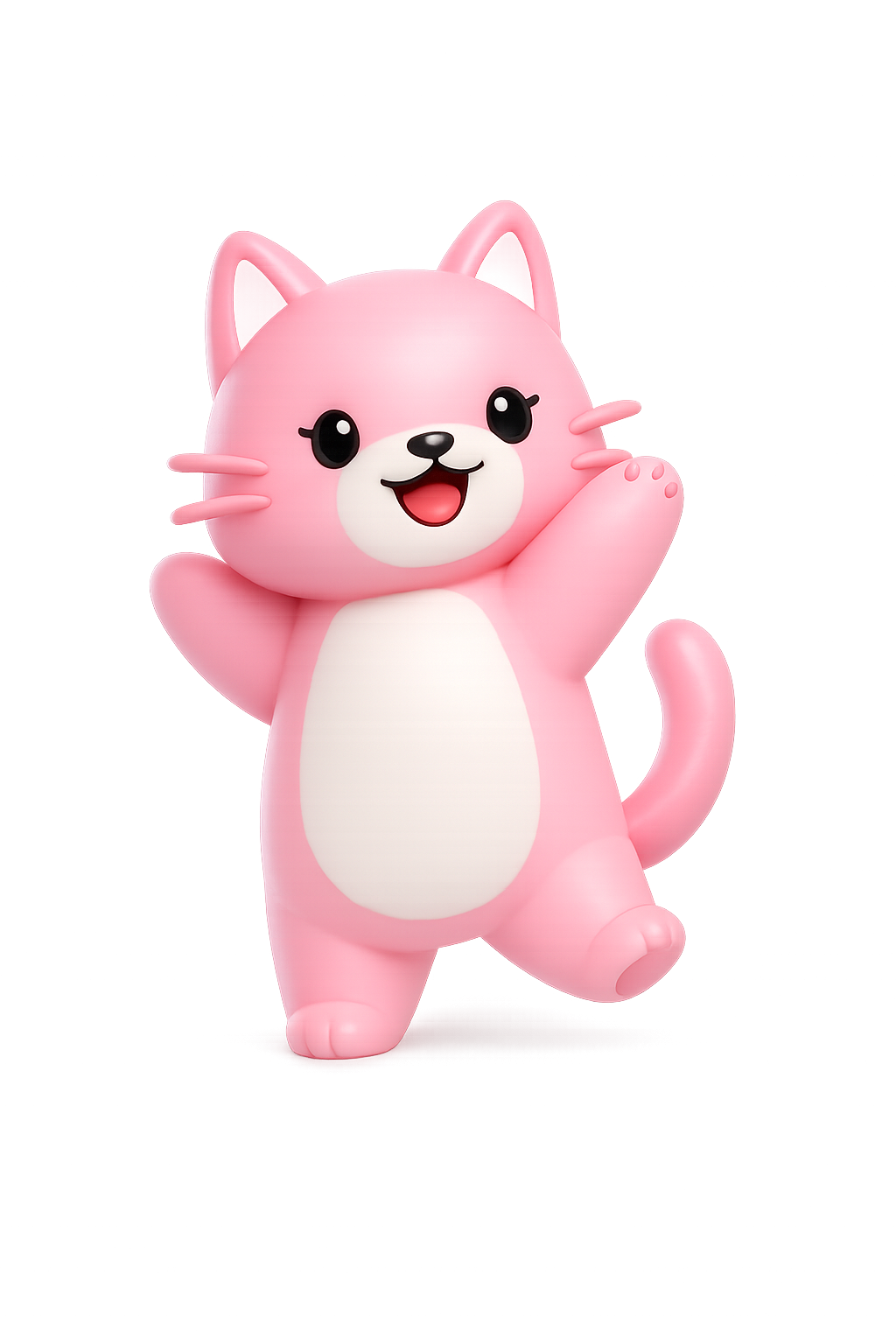
The proportions held, the personality came through, and the soft 3D cartoon look gave every downstream tool something consistent to agree on. From there we iterated on the exact pose and framing until we had a locked hero reference.
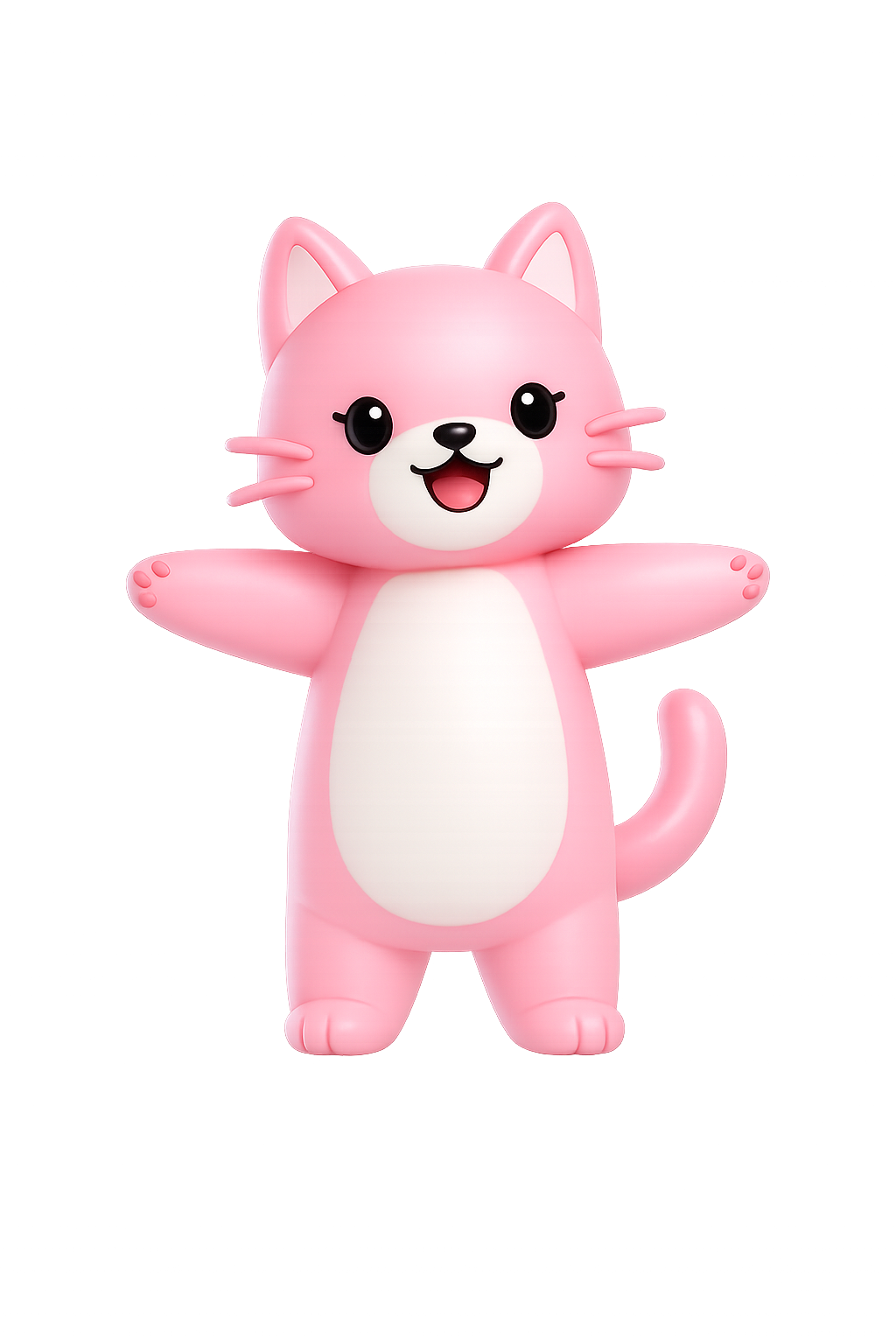
The T-pose matters because rigging expects arms away from the torso. Skip it and the auto-rigger fuses the arms to the body and gives up. We generated the T-pose from the same locked character look so the silhouette and proportions stayed consistent across every step.
Write the story before you generate anything
Before touching video tools, we wrote a beat sheet in plain language. Kali's personality trait in the Cubcoats universe is "Positive." She's the one who makes everyone feel included, stays upbeat when things get hard. So we built a ten-second arc around that:
Kali walks into a dark misty forest at night holding a tiny glowing lantern. She gets scared, sits down alone, almost gives up. Then she discovers a magical golden tree lighting up behind her. Wonder, joy, golden particles raining down. Fear to hope in one breath.
That's the whole plot. It doesn't need to be complex. It needs to fit one emotional turn into one continuous shot so the start frame and end frame can actually connect.
Two frames that bookend the whole thing
We generated two key stills from that plot using our Image Generator. Portrait aspect to match the vertical short. The prompts describe the exact same character in two different moments.
Start frame prompt:
3D animated Pixar-style render of Kali, a small pink kitty character with large round dark eyes, pink pointed ears, a light pink belly, and a cheerful round face. She is standing at the edge of a dark misty forest at night, holding a tiny glowing lantern in both paws. Her ears are slightly flattened and her expression is nervous but determined. Cinematic lighting with cool blue moonlight from above and warm orange glow from the lantern. Dense fog between dark tree trunks in the background. Camera angle: medium shot, slightly low looking up at her. No text, no watermark.
End frame prompt:
3D animated Pixar-style render of Kali, a small pink kitty character with large round dark eyes, pink pointed ears, and a light pink belly. She is standing in front of a massive magical tree covered in glowing golden flowers, arms outstretched wide, beaming with a huge joyful smile. Golden petals float in the air around her. The tree radiates warm golden light that illuminates the entire forest clearing. Starry night sky visible above. Camera angle: wide shot from slightly below, epic reveal composition. No text, no watermark.
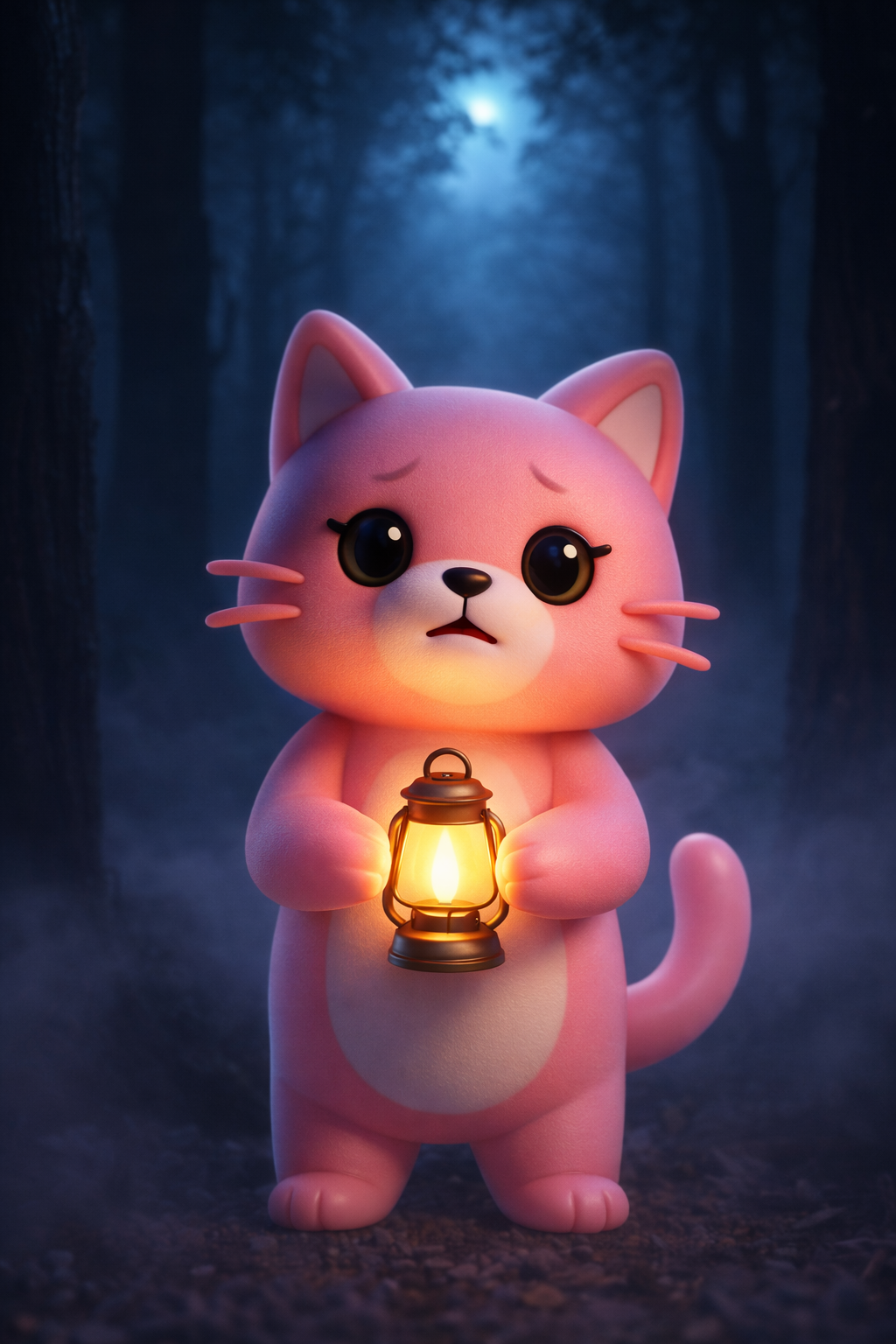
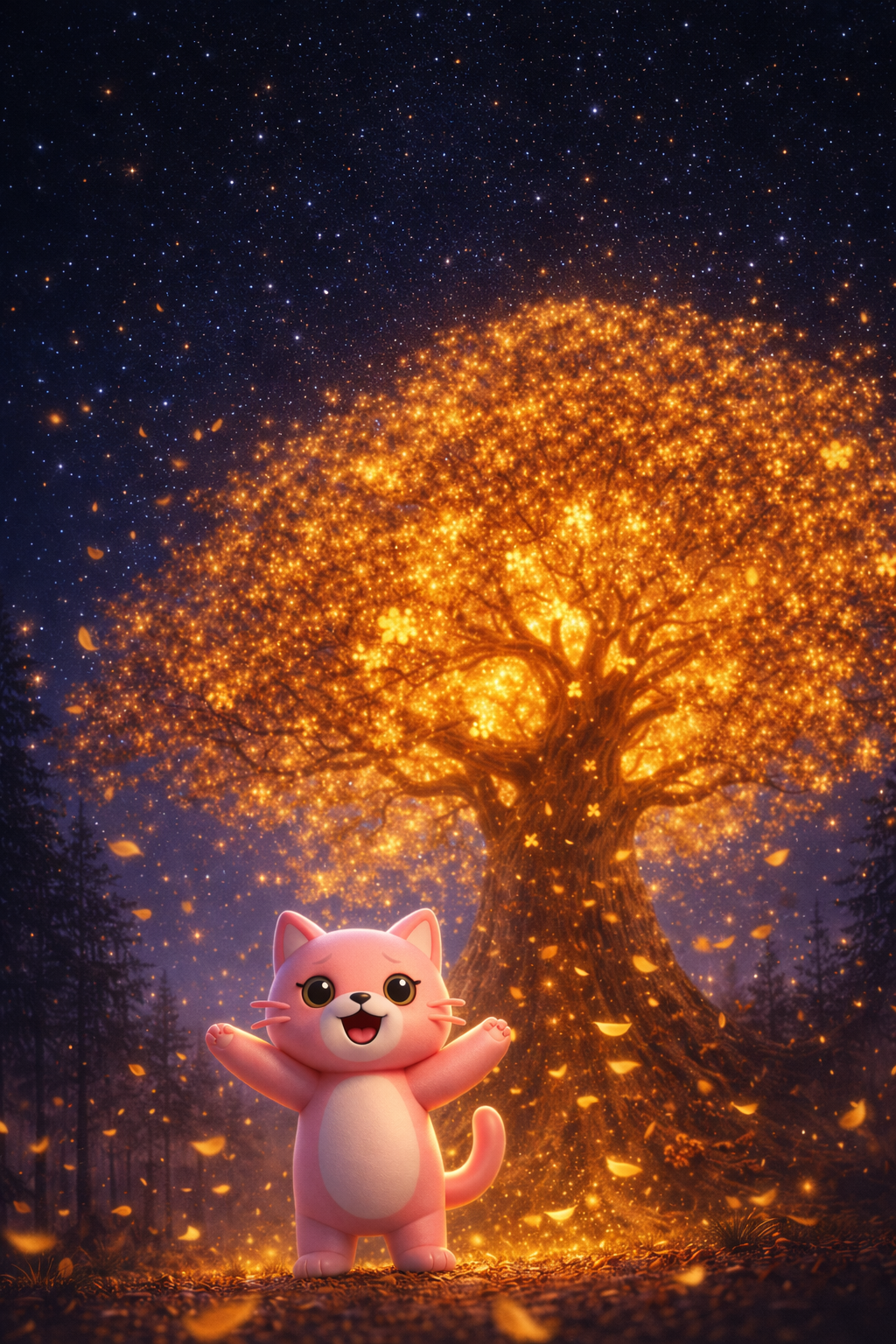
Seedance interpolates between these two bookends. The character description stays identical across both prompts so the model knows it's the same person. Only the scene, emotion, and camera change.
The video came out better than expected
We loaded both frames into Cinevva's Video Generator, picked Seedance 1.5 Pro, set 9:16 aspect and 15 seconds, typed the plot into the motion prompt, and hit Generate.
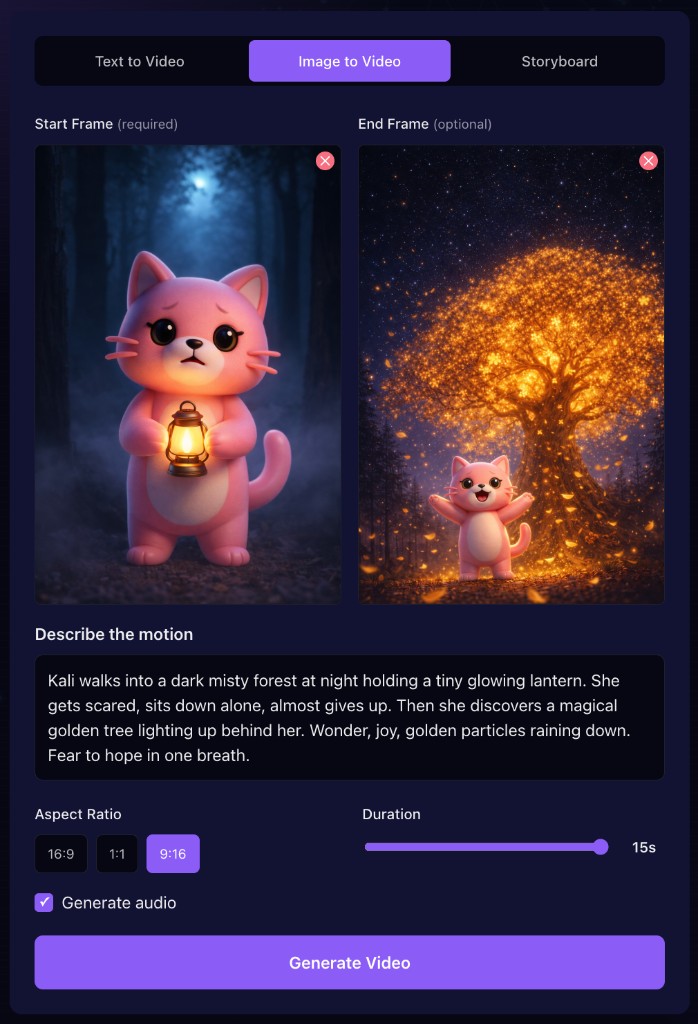
The clip interpolates between the two bookends. Native audio was generated in the same pass. Here are frames sampled along the timeline.
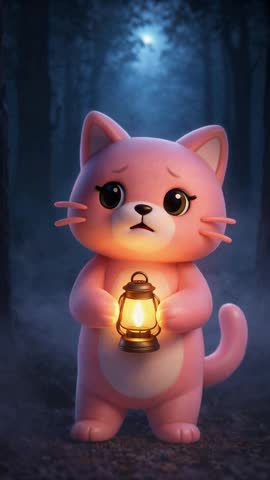
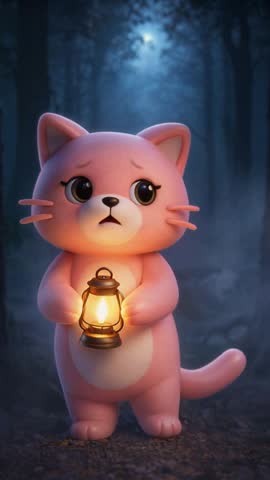
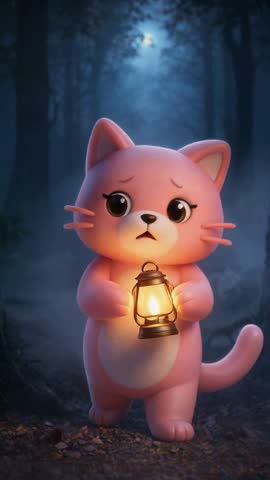
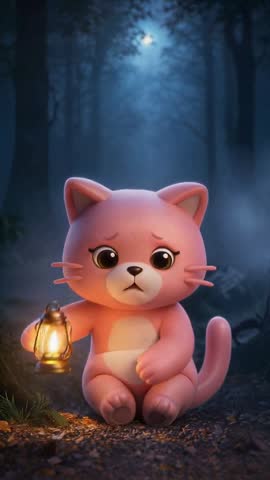
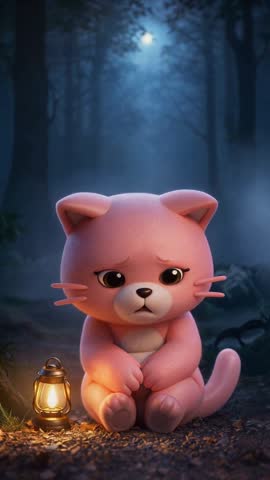
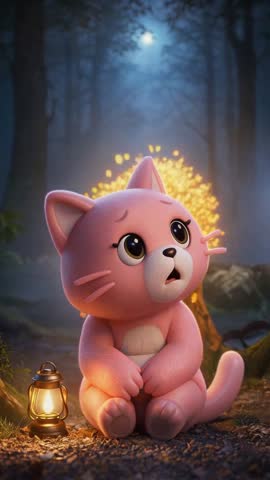
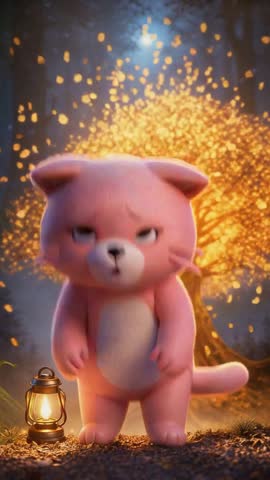
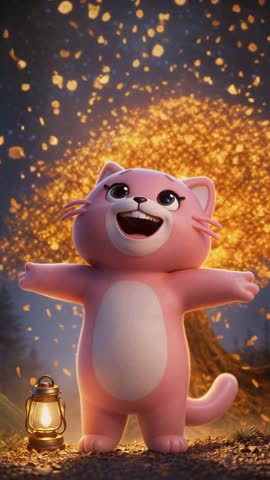
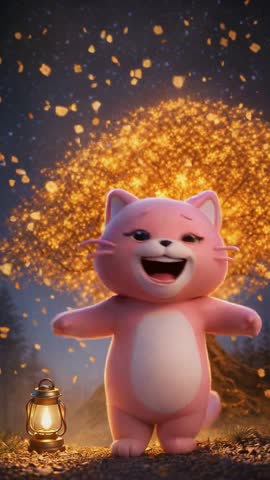
Left to right: progression through the generated vertical short.
Start plus end frame was the right mode when we cared about hitting an exact closing pose. For longer emotional arcs, single reference plus prompt worked well with the Video Generator's Kling 3.0 Pro storyboard mode. Different settings for different jobs.
Same character, now in 3D
Here's where it gets interesting. The T-pose still from the same family as the video references went to our 3D Model Generator for image-to-3D generation. You're not matching the game mesh to the video pixel for pixel. You're matching player memory. The character in the game should feel like the same personality as in the reel. And because we locked one visual identity at the start, it did.
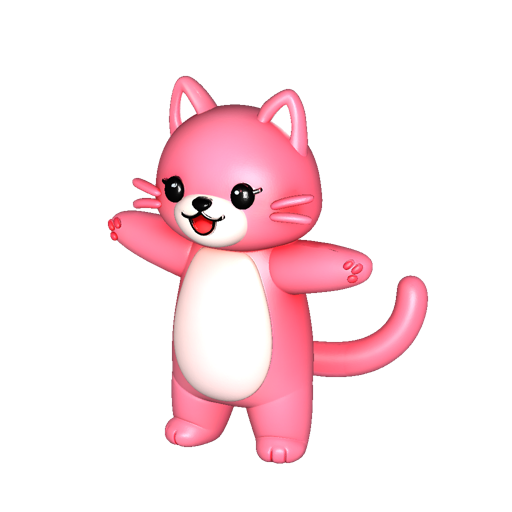
The 3D Model Generator outputs a textured GLB. Not game-ready, but recognizably Kali. The silhouette matched. The materials were close. Good enough to move forward.
Drag these around
Raw output from the 3D Model Generator. No rig, just a textured mesh. Next to it, the same character after auto-rigging with a baked walk animation.
Rigging and animation
The 3D Model Generator gives you a mesh. To make that mesh move, it needs a skeleton and animations. Our platform handles rigging automatically: upload the GLB, get back a rigged model with a full animation library. Walk cycles, idle breathing, jumps, everything a game character needs.
The default walk animation looked almost right, but not quite. Kali's arms sat too close to her body and her head tilted at a slightly wrong angle. Both made sense for a generic humanoid but felt off on a round cartoon kitty. So we added runtime bone corrections in the game code: a shoulder offset that pushes the arms outward and a head rotation fix that straightens the tilt. Small tweaks, big difference. Without them she looked stiff and robotic. With them she looked like Kali again.
Playing the character in a browser
We dropped the rigged model into the Cinevva Engine. Third-person camera, WASD movement, collectibles scattered around, orbit camera when idle. Getting the animation blending right took iteration: crossfading between idle and walk, normalizing height, fixing the forward axis, tweaking bone offsets. Third-person camera behind the character closes the loop from sketch to something you can walk around.
Try it yourself. WASD to move.
What I'd tell someone doing this tomorrow
Lock one character look before you touch any generation tool. Every minute you spend getting that reference right saves an hour of chasing consistency later.
Write a tiny plot first. Then generate your start and end frames with the Image Generator. Keep reference images within API size limits. Use the T-pose from the same design system when you feed the 3D Model Generator.
Feed both frames to the Video Generator and let it interpolate. For the game mesh, rig the model through the platform and tweak bone offsets at runtime if the default animations don't quite fit your character's proportions.
Two years ago, this pipeline didn't exist. You'd need a team and a budget. Now you need a sketch and Cinevva's creative tools. I think that's a meaningful change in who gets to bring a character to life.
Cinevva tools used: Image Generator, Video Generator, 3D Model Generator, auto-rigging, and Cinevva Engine. Reflects early 2026.